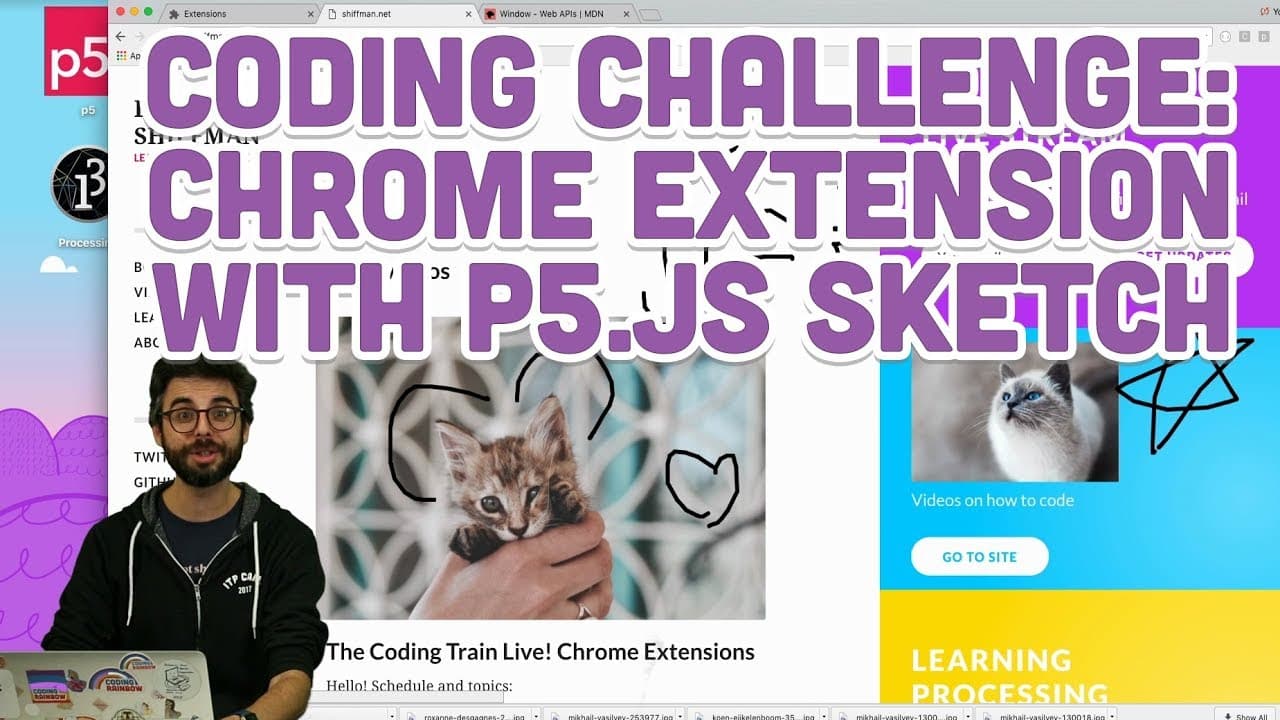
Coding Challenge #83: Chrome Extension with p5.js Sketch
TL;DR
Developing a Chrome extension with p5.js to draw over any webpage, discussing challenges, solutions, and insights.
Transcript
chrome extension coating challenge number two I'm also going in this coating challenge I just made one that replaces images with kittens if you didn't watch that already you can also check out the Chrome extension tutorial playlist for a lot of background information but in this video I'm going to attempt to make a Chrome extension for any web page... Read More
Key Insights
- 📳 Instance mode in p5.js can be beneficial for namespacing functions in a Chrome extension.
- 🪈 Loading order of p5.js and other libraries can affect script execution in Chrome extensions.
- ❓ CSS properties like "pointer-events: none" can prevent conflicts with webpage elements in drawing overlays.
- ❓ Performance optimization, such as initiating drawing only when necessary, can enhance the extension's efficiency.
- 🥺 Experimenting with alternative approaches, like using SVG instead of a canvas, can lead to more efficient drawing solutions.
- 👤 Incorporating user suggestions and feedback, such as starting with "no loop" for rendering on demand, can improve the extension's performance.
- 🤗 Exploring the versatility of loading various libraries in Chrome extensions opens up possibilities for different functionalities beyond drawing overlays.
Install to Summarize YouTube Videos and Get Transcripts
Explore YouTube Video Summarizer or Get YouTube Transcript Extractor
Questions & Answers
Q: How can you create a Chrome extension for drawing over web pages using p5.js?
By setting up a manifest JSON file, loading p5.js libraries, and scripting with instance mode, you can create a Chrome extension to draw over any webpage.
Q: What challenges did the creator face while developing the p5.js Chrome extension?
Challenges included canvas sizing and placement issues, interactivity conflicts with webpage elements, and optimizing performance by selectively rendering.
Q: How did the creator address the issue of interfering with webpage elements while drawing?
By using CSS properties like "pointer-events: none" on the canvas element, the creator prevented the drawing overlay from intercepting mouse events on underlying webpage elements.
Q: What insights were gained regarding the use of p5.js in Chrome extensions?
Understanding instance mode, library loading order, and CSS manipulation are key insights for developing p5.js-based Chrome extensions effectively.
Summary & Key Takeaways
-
This tutorial focuses on creating a Chrome extension using p5.js to draw over any webpage.
-
Demonstrates the process of setting up the extension, including manifest JSON configuration and scripting.
-
Explores challenges such as canvas placement, interactivity issues, and optimizing performance.
Read in Other Languages (beta)
Share This Summary 📚
Summarize YouTube Videos and Get Video Transcripts with 1-Click
Try YouTube Summary with ChatGPT & Claude or YouTube Transcript Generator
Explore More Summaries from The Coding Train 📚






Summarize YouTube Videos and Get Video Transcripts with 1-Click
Try YouTube Summary with ChatGPT & Claude or YouTube Transcript Generator