9.3: More about Transformations - p5.js Tutorial
TL;DR
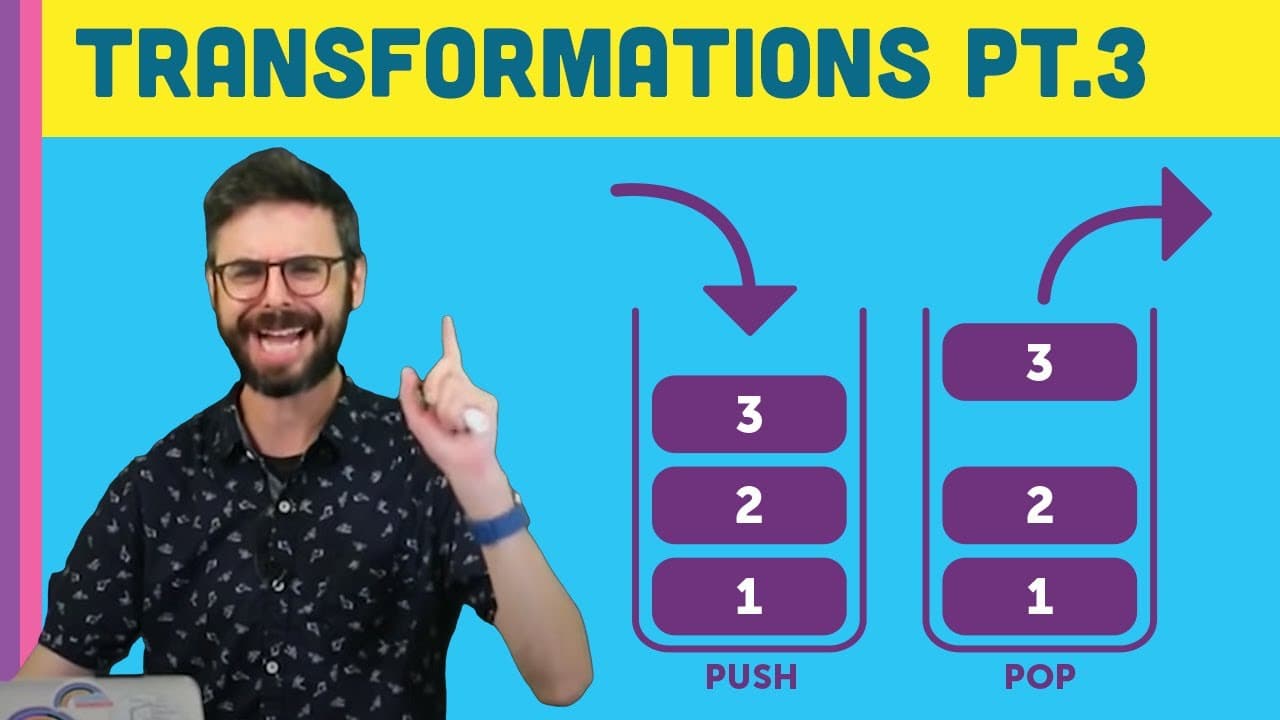
Using push() and pop() in p5.js saves and restores style information beyond just transformation data.
Transcript
All right, so I'm going to make one more video here about transformations just to cover a few bases that I didn't get to. And some of this is unnecessary information. You could probably skip this one. But if you want to dive a little bit deeper into this, there's a few things about this. The first thing I want to say that's actually quite crucial a... Read More
Key Insights
- 🫷 push() and pop() in p5.js handle both transformation and style information.
- 🪈 Understanding the stack concept helps in managing the order of transformations in p5.js.
- 🥹 The matrix in p5.js holds critical data for transformations like rotation, scaling, and translation.
- 👻 A deep dive into applyMatrix() and resetMatrix() allows for advanced manipulation of visual elements.
- ❓ The WebGL renderer in p5.js offers 3D rendering capabilities for more complex transformations.
- ❓ Learning about transformations is crucial for creating dynamic and visually appealing graphics.
- 🫷 The push() and pop() functions in p5.js follow a stack-based approach for transformation management.
Install to Summarize YouTube Videos and Get Transcripts
Explore YouTube Video Summarizer or Get YouTube Transcript Extractor
Questions & Answers
Q: What additional information do push() and pop() save and restore in p5.js transformations?
push() and pop() in p5.js not only handle transformation data but also save and restore style information like stroke weight, stroke, and fill attributes, offering a comprehensive solution for managing visual elements.
Q: How does the stack data structure relate to push() and pop() in p5.js transformations?
The stack data structure in push() and pop() functions ensures that the items saved are restored in reverse order, mimicking the last-in-first-out concept where the last transformation saved is the first to be restored.
Q: What role does the matrix play in p5.js transformations?
The matrix in p5.js transformations stores essential information like orientation, scaling, and translation in a structured format, allowing for precise manipulation of visual elements within the canvas.
Q: How do applyMatrix() and resetMatrix() functions contribute to transformation management in p5.js?
applyMatrix() in p5.js lets you apply custom transformation matrices, while resetMatrix() resets the transformation state to default, offering fine control over visual elements' orientation and scaling.
Summary & Key Takeaways
-
push() and pop() functions in p5.js not only save and restore transformation information but also style information like stroke and fill.
-
Understanding the stack data structure behind push() and pop() helps in managing transformations in p5.js.
-
The matrix in transformations stores orientation, scaling, and translation data that can be manipulated using applyMatrix() and resetMatrix().
Read in Other Languages (beta)
Share This Summary 📚
Summarize YouTube Videos and Get Video Transcripts with 1-Click
Try YouTube Summary with ChatGPT & Claude or YouTube Transcript Generator
Explore More Summaries from The Coding Train 📚






Summarize YouTube Videos and Get Video Transcripts with 1-Click
Try YouTube Summary with ChatGPT & Claude or YouTube Transcript Generator