09 - Mapping
TL;DR
Learn to map environments using SLAM algorithms in ROS.
Transcript
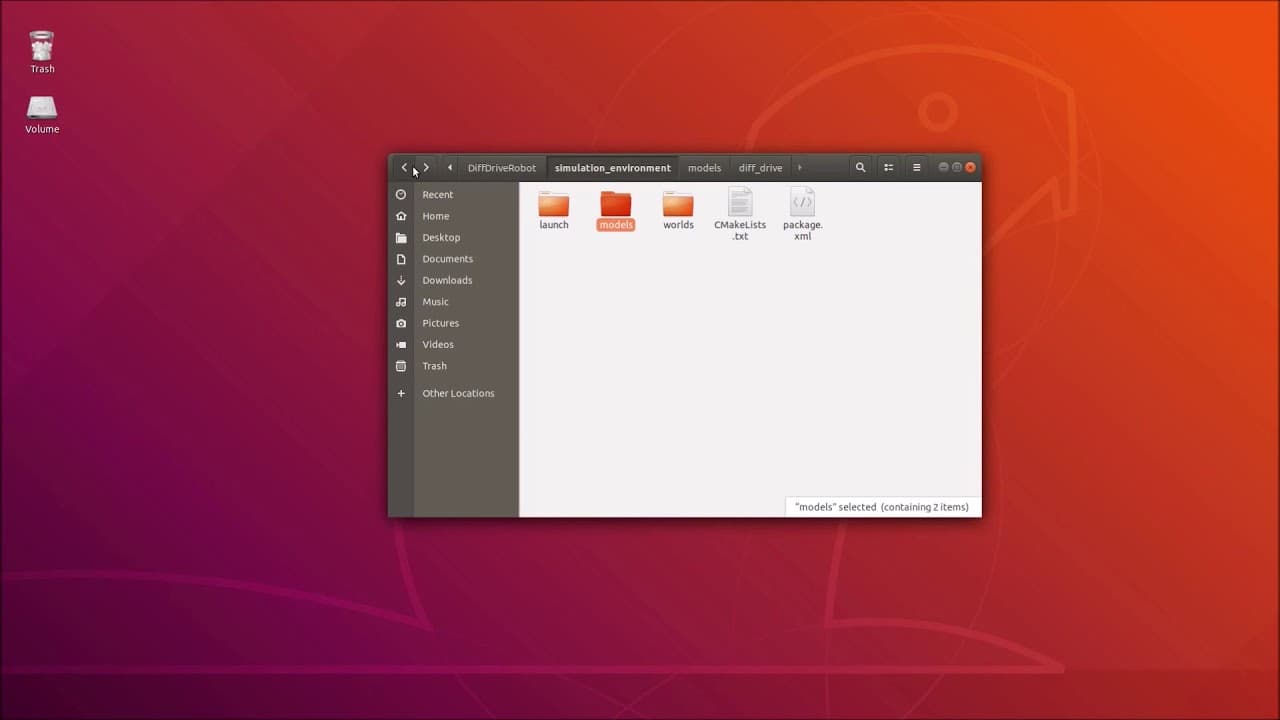
hi folks welcome back in this session I will show you how to map the environment so in the last session we designed an apartment environment and today we are using slam algorithms namely chi mapping for generating an occupant secret map of this apartment environment so therefore we have to first add some some sensor to our differential robot to rec... Read More
Key Insights
- SLAM algorithms, specifically GMapping, are used to generate occupancy grid maps in ROS environments, crucial for autonomous navigation.
- The session focuses on integrating a LiDAR sensor, specifically the Hokuyo LiDAR, into a differential drive robot for mapping purposes.
- The process involves setting up the sensor in the simulation environment, defining its parameters such as range, resolution, and noise characteristics.
- The mapping process requires the installation of necessary ROS packages like GMapping and teleop_twist_keyboard for controlling the robot.
- The generated map displays walls and free spaces, allowing the user to navigate the robot and update the map dynamically.
- The session details steps to save the generated map using the ROS map server, producing files in PGM and YAML formats.
- The mapping setup includes defining frames and topics, ensuring correct communication between the robot and mapping nodes.
- Future sessions will cover loading saved maps and navigating using additional ROS nodes like move_base and planners.
Install to Summarize YouTube Videos and Get Transcripts
Explore YouTube Video Summarizer or Get YouTube Transcript Extractor
Questions & Answers
Q: How is the LiDAR sensor integrated into the robot?
The LiDAR sensor, specifically the Hokuyo LiDAR, is integrated into the differential drive robot by adding it to the simulation environment. The process involves defining a laser link, setting collision and visual geometries, and configuring inertial properties. A fixed joint connects the LiDAR to the robot's base link, ensuring accurate mapping and navigation capabilities.
Q: What parameters are defined for the LiDAR sensor?
The LiDAR sensor's parameters include the update rate, number of samples, resolution, minimum and maximum angles, and range. These settings determine the sensor's scanning capabilities, allowing it to detect walls and obstacles accurately. Additionally, Gaussian noise is configured to simulate real-world sensor imperfections, enhancing the realism of the simulation.
Q: How is the mapping process initiated in ROS?
The mapping process is initiated by launching a mapping launch file that starts the apartment environment and the GMapping node. The launch file specifies the necessary frames and topics, ensuring proper communication between the robot and mapping nodes. The user can then visualize the map and control the robot using teleop_twist_keyboard to explore the environment.
Q: How can the generated map be visualized?
The generated map can be visualized by subscribing to the map topic published by the GMapping node. The map displays walls in black, free spaces in white, and unknown areas in gray. As the robot navigates the environment, the map updates dynamically, filling in previously unknown areas and providing a comprehensive view of the surroundings.
Q: What steps are involved in saving the map?
To save the map, the user must install the ROS map server package and use the map_saver node. The command includes a filename, which results in the map being saved as a PGM image and a YAML metadata file. These files are stored in the user's home directory, ready for future use in navigation tasks.
Q: What are the future steps after mapping?
Future steps involve loading the saved map and using it for navigation tasks. This process requires additional ROS nodes like move_base, which handles path planning and obstacle avoidance. The global and local planners will be configured to navigate the robot efficiently within the mapped environment, leveraging the generated map for accurate pathfinding.
Q: Why is Gaussian noise added to the LiDAR sensor?
Gaussian noise is added to the LiDAR sensor to simulate real-world sensor inaccuracies. This noise mimics the inherent imperfections found in physical sensors, providing a more realistic simulation environment. By accounting for noise, the mapping process becomes more robust and better equipped to handle variations in sensor readings during navigation tasks.
Q: What is the significance of defining frames and topics in ROS?
Defining frames and topics in ROS is crucial for ensuring proper communication between different nodes and components. Frames establish a reference for sensor data and robot movement, while topics facilitate the exchange of messages between nodes. Proper configuration of these elements ensures accurate mapping, navigation, and interaction with the environment, enabling seamless operation of the robotic system.
Summary & Key Takeaways
-
This session covers the integration of SLAM algorithms in ROS to map environments using a differential drive robot equipped with a Hokuyo LiDAR sensor. The process includes sensor setup, parameter definition, and map generation using GMapping.
-
Key steps include installing necessary ROS packages, configuring the LiDAR sensor, and defining communication topics and frames. The session demonstrates how to visualize and interact with the generated map in real-time.
-
The session concludes with instructions on saving the map using the ROS map server, producing files necessary for future navigation tasks. Upcoming sessions will explore loading maps and navigating using ROS navigation stacks.
Read in Other Languages (beta)
Share This Summary 📚
Summarize YouTube Videos and Get Video Transcripts with 1-Click
Try YouTube Summary with ChatGPT & Claude or YouTube Transcript Generator
Explore More Summaries from Nils Rottmann 📚
Summarize YouTube Videos and Get Video Transcripts with 1-Click
Try YouTube Summary with ChatGPT & Claude or YouTube Transcript Generator