How to Implement Role-Based Authorization in T3 Apps
TL;DR
To implement role-based authorization in a T3 application for an online classroom, start by allowing users to select their role during sign-up, which is stored in the database. The UI dynamically adjusts based on these roles, ensuring that only authorized users can perform actions like creating or editing assignments, with backend checks to maintain security.
Transcript
this video I'm going to talk a little bit about how I do role-based authorization inside my T3 application so I've been working on this online classroom app let me load it up real quick where basically it's an application for teachers and students to be able to join classrooms and learn lessons together teachers can teach lessons and upload assignm... Read More
Key Insights
- 👤 Role-based authorization enhances security and user experience in applications by customizing features based on user types.
- 👻 UI elements and functionalities are conditionally rendered based on user roles, allowing for a tailored application experience.
- 🤘 During user sign-up, roles are established and stored in the database, establishing a foundation for permissions management.
- 👤 Middleware can enforce global checks on API requests to ensure that only authenticated users can access certain endpoints.
- 🧑💻 Fine-grained access control ensures users are authorized for specific resources, not just logged in.
- 🎨 Dynamic role management requires careful UI design to prevent unauthorized content from loading temporarily.
- 🈸 Fetching context-sensitive data within authorization functions can optimize database interactions, enhancing application performance.
Install to Summarize YouTube Videos and Get Transcripts
Explore YouTube Video Summarizer or Get YouTube Transcript Extractor
Questions & Answers
Q: How do users select their role during sign-up?
During the sign-up process, users are directed to a welcome page where they must select whether they are a teacher or a student. This choice updates their role in the database, which is necessary for customizing subsequent access and functionalities within the application.
Q: How does the application manage role-based content visibility?
The application manages content visibility by checking the user's role through session data. Depending on whether a user is logged in as a teacher or a student, the UI displays specific features relevant to that role, such as different tables for assignments and altered navigational options.
Q: What is the significance of class creation in role authorization?
Role authorization is critical in class creation to ensure that only teachers can create classrooms. The application verifies that the user making the request is authenticated and has the necessary role, or else the operation is denied.
Q: Why is fine-grained access control important in this application?
Fine-grained access control allows for more precise authorization, ensuring that only the original creator of a classroom or assignment can modify it. This approach enhances security and prevents unauthorized changes by enforcing ownership checks based on user identification.
Q: What strategies does the application use to prevent unauthorized endpoint access?
The application employs a middleware approach, running checks before any API endpoints to confirm that a user is logged in. If a user is unauthorized or lacks the proper role, an error is triggered, effectively blocking access to sensitive operations.
Q: How does the application handle dynamic loading of user roles?
Dynamic loading of user roles is managed through the front-end checks in components. The application ensures that it initially provides limited content until user roles are fully loaded, decreasing the risk of unauthorized data being displayed briefly during the transition.
Q: How does the application optimize data requests based on user roles?
By incorporating role and context checks directly into the business logic, the application can reduce redundant database requests. This is achieved by fetching necessary data, such as assignments and classrooms, within the same function that checks user permissions, streamlining performance.
Q: What recommendations does the presenter give for implementing role-based authorization?
The presenter advises consistency in implementing authorization strategies. It’s suggested to utilize reusable helper functions or middlewares for role checks, ensuring straightforward coding practices that can be refactored later if needed.
Summary & Key Takeaways
-
The video outlines the process of setting up role-based authorization in a T3 application designed for an online classroom, enabling distinct functionalities for teachers and students.
-
It discusses the initialization of user roles during sign-up, directing users to select either "teacher" or "student" on the welcome page, which stores this role in the database.
-
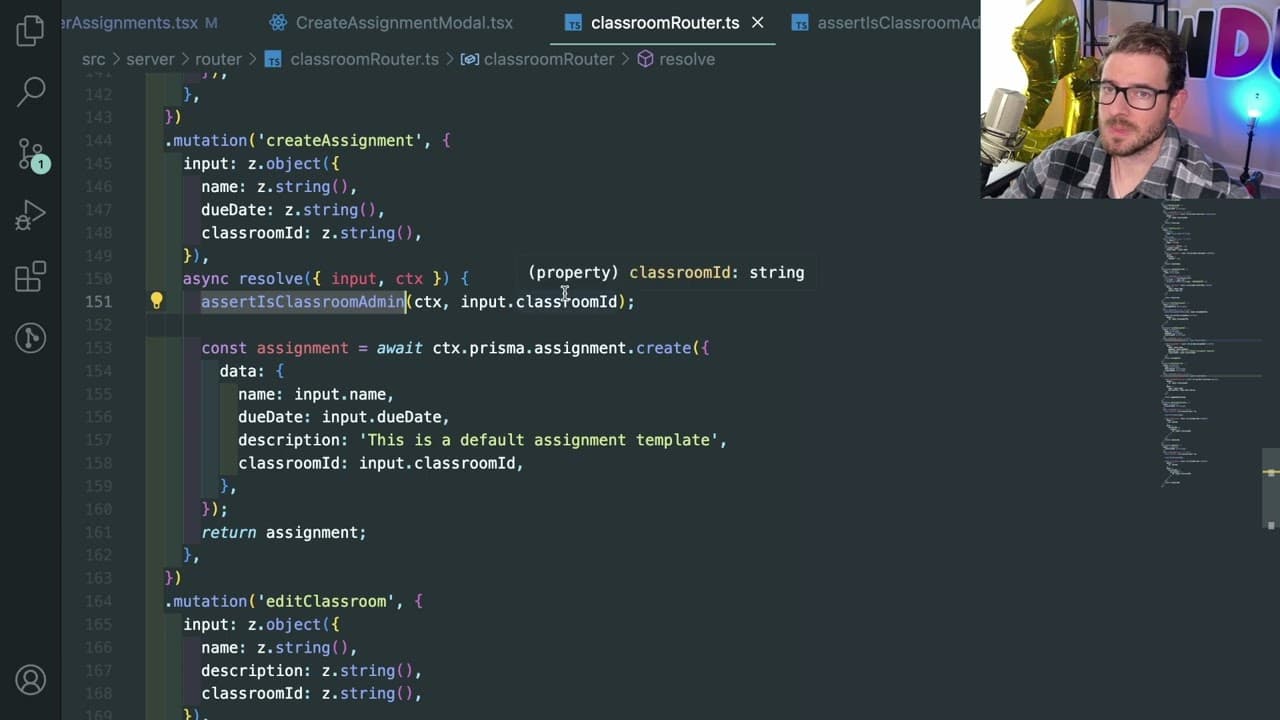
The presenter shows how the application's UI dynamically adjusts content based on user roles, managing permissions for actions like creating or editing assignments securely through backend checks.
Read in Other Languages (beta)
Share This Summary 📚
Summarize YouTube Videos and Get Video Transcripts with 1-Click
Try YouTube Summary with ChatGPT & Claude or YouTube Transcript Generator
Explore More Summaries from Web Dev Cody 📚





Summarize YouTube Videos and Get Video Transcripts with 1-Click
Try YouTube Summary with ChatGPT & Claude or YouTube Transcript Generator