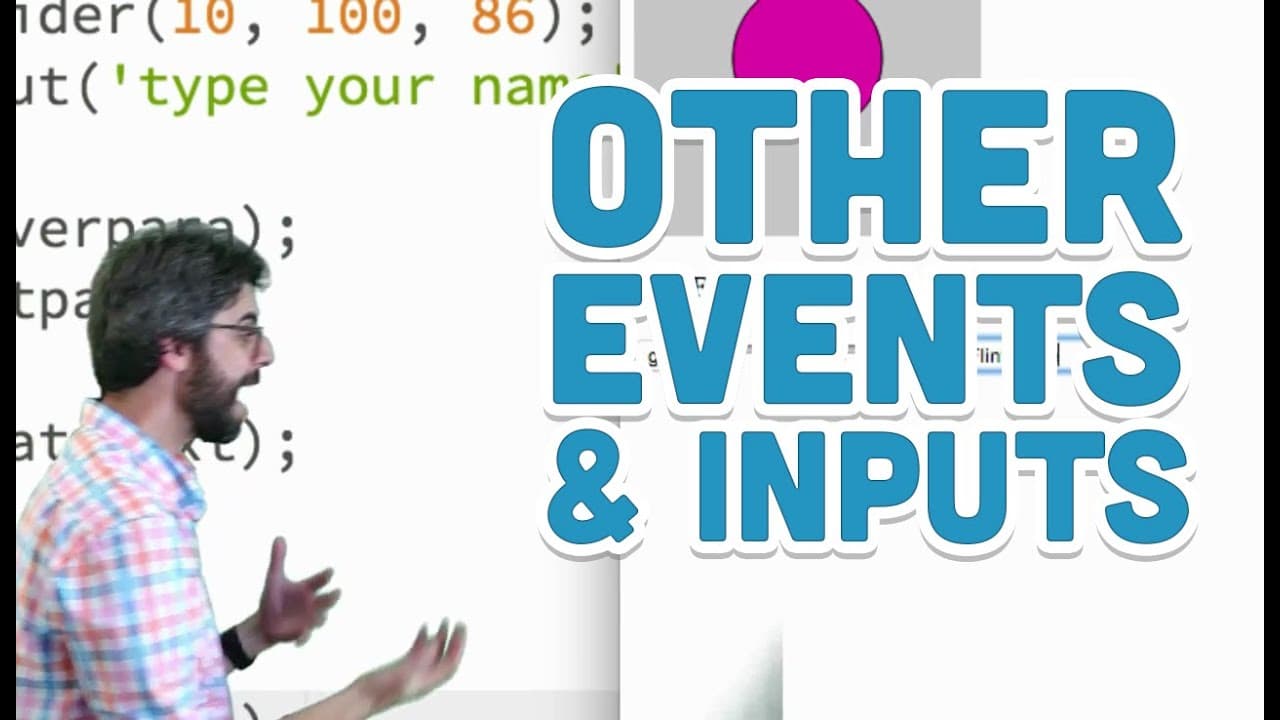
8.6: Other Events and Inputs - p5.js Tutorial
TL;DR
Demonstrates handling various browser events in p5.js using JavaScript callbacks.
Transcript
okay I'm in another video now this one I'm fresh like to losing steam but I'm gonna make this video somehow take a break and if you're watching these in sequence I'm finally gonna get to this discussion that I've been procrastinating installing because I'm afraid of it but I want to talk about CSS cascading style sheets the style function in p5 wha... Read More
Key Insights
- 🐭 p5.js enables developers to handle various browser events like mouse press, mouse over, and input changes.
- 👻 Understanding event handling in p5.js allows for interactive elements in web applications without relying on complex JavaScript frameworks.
- 👤 Attach event functions to DOM elements such as buttons, paragraphs, sliders for interactive user experiences in p5.js.
- 👤 The different types of events in p5.js, like 'changed' and 'input,' provide flexibility for tracking user interactions.
- 💨 p5.js serves as a stepping stone to learning JavaScript event handling, paving the way for exploring more advanced frameworks like jQuery.
- 💝 Troubleshooting errors in event handling, like undefined functions, can be addressed by upgrading to the latest p5.js library version.
Install to Summarize YouTube Videos and Get Transcripts
Explore YouTube Video Summarizer or Get YouTube Transcript Extractor
Questions & Answers
Q: What are some common browser events that p5.js can handle?
p5.js can handle events like mouse press, mouse over, mouse out, changed input, etc., allowing for interactive elements in web applications.
Q: How can event functions be attached to DOM elements in p5.js?
In p5.js, event functions can be attached to DOM elements like buttons, paragraphs, sliders by specifying the event type and callback function.
Q: What is the difference between the 'changed' and 'input' events in p5.js?
The 'changed' event triggers when a user finishes an action like slider movement, while the 'input' event triggers anytime the value of a DOM element changes.
Q: Why is p5.js used as an entry point to JavaScript event handling?
p5.js provides a simplified interface to handle browser events in JavaScript, making it easier for beginners to understand event programming concepts.
Summary & Key Takeaways
-
The video discusses handling browser events like mouse press, mouse over, mouse out, changed input in p5.js using JavaScript callbacks.
-
Demonstrates attaching event functions to DOM elements like buttons, paragraphs, sliders, and text fields in p5.js.
-
Explains the differences between 'changed' and 'input' events for tracking DOM element value changes in p5.js.
Read in Other Languages (beta)
Share This Summary 📚
Summarize YouTube Videos and Get Video Transcripts with 1-Click
Try YouTube Summary with ChatGPT & Claude or YouTube Transcript Generator
Explore More Summaries from The Coding Train 📚






Summarize YouTube Videos and Get Video Transcripts with 1-Click
Try YouTube Summary with ChatGPT & Claude or YouTube Transcript Generator