This Simple Notes Management System Changed My Life!
TL;DR
Manage notes effectively in Notion by creating views based on projects, areas, and resources for easy access.
Transcript
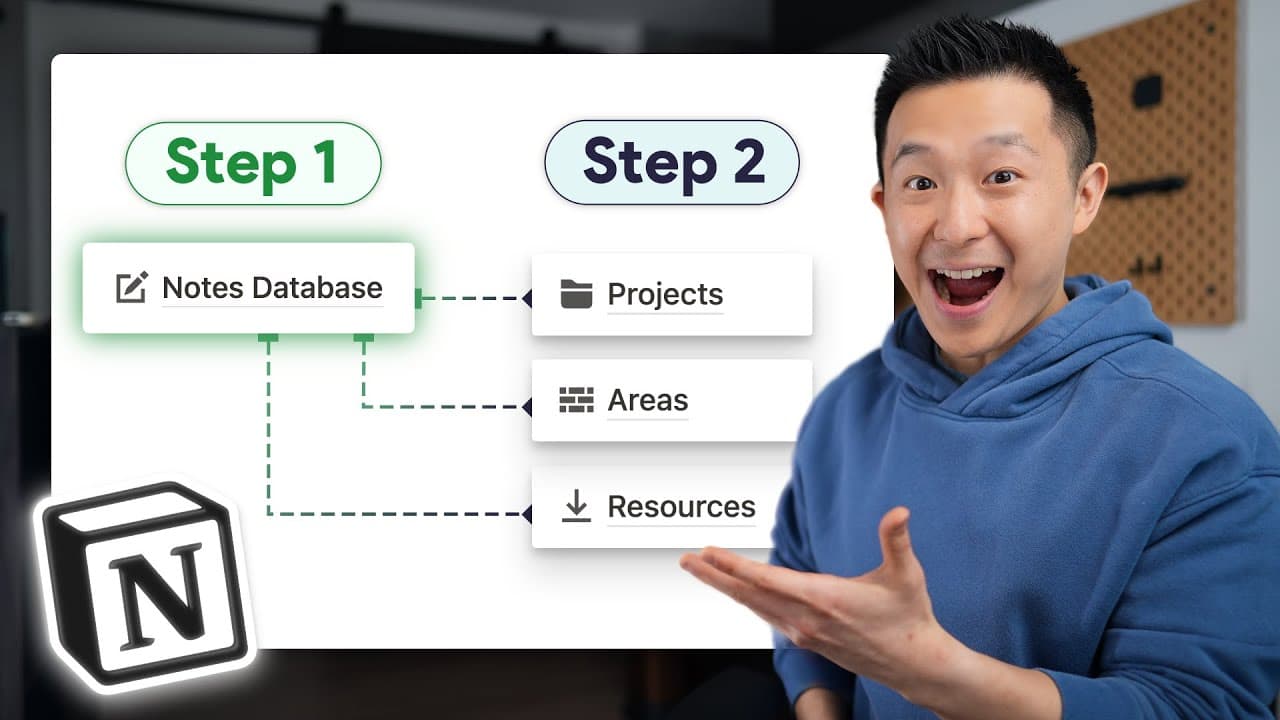
all right this is it this right here is how I manage all my notes within notion I have one master notes database and by creating different views of that Master notes database I ensure that only relevant notes are shown based on what I'm currently working on don't believe me this is my actual Master notes database with hundreds of pages of notes ext... Read More
Key Insights
- 🎵 Organize notes in Notion using a Master notes database with views for specific categories.
- 🍻 Utilize relation properties to link notes to relevant projects, areas, and resources.
- 🛀 Implement a systematic workflow for note-taking in Notion to enhance productivity.
- 🕸️ Utilize the save to notion browser extension for easy saving of web content as notes.
- 🤳 Create self-referential filters in templates to automatically link notes to related projects.
- 🫵 Regularly review the "missing relations" view to ensure all notes are properly linked.
- 🎵 Customize note templates and views in Notion for a personalized note-taking experience.
Install to Summarize YouTube Videos and Get Transcripts
Explore YouTube Video Summarizer or Get YouTube Transcript Extractor
Questions & Answers
Q: How does the Master notes database system work in Notion?
The Master notes database in Notion allows for organizing notes into specific views based on projects, areas, and resources, ensuring easy access to relevant information.
Q: Why is it important to relate every note to at least one other Notion database?
Relating notes to other databases in Notion prevents information from getting lost and helps in maintaining a structured and organized note-taking system.
Q: What is the significance of using the "missing relations" view in the Master notes database?
The "missing relations" view in Notion helps in identifying notes that are not related to any project, area, or resource, prompting users to ensure all notes are properly linked.
Q: How can the save to notion browser extension simplify note-taking from the web?
The save to notion browser extension allows for quickly saving web content as notes in Notion, with the flexibility to customize templates and relations for efficient note organization.
Summary & Key Takeaways
-
Organize notes in Notion using a Master notes database with views for specific projects, areas, and resources.
-
Utilize relation properties to link notes to relevant databases and avoid losing track of information.
-
Incorporate a systematic approach to note-taking in Notion for enhanced productivity.
Read in Other Languages (beta)
Share This Summary 📚
Summarize YouTube Videos and Get Video Transcripts with 1-Click
Try YouTube Summary with ChatGPT & Claude or YouTube Transcript Generator
Explore More Summaries from Jeff Su 📚






Summarize YouTube Videos and Get Video Transcripts with 1-Click
Try YouTube Summary with ChatGPT & Claude or YouTube Transcript Generator