How To Use Clubhouse For Business | Phil Pallen
TL;DR
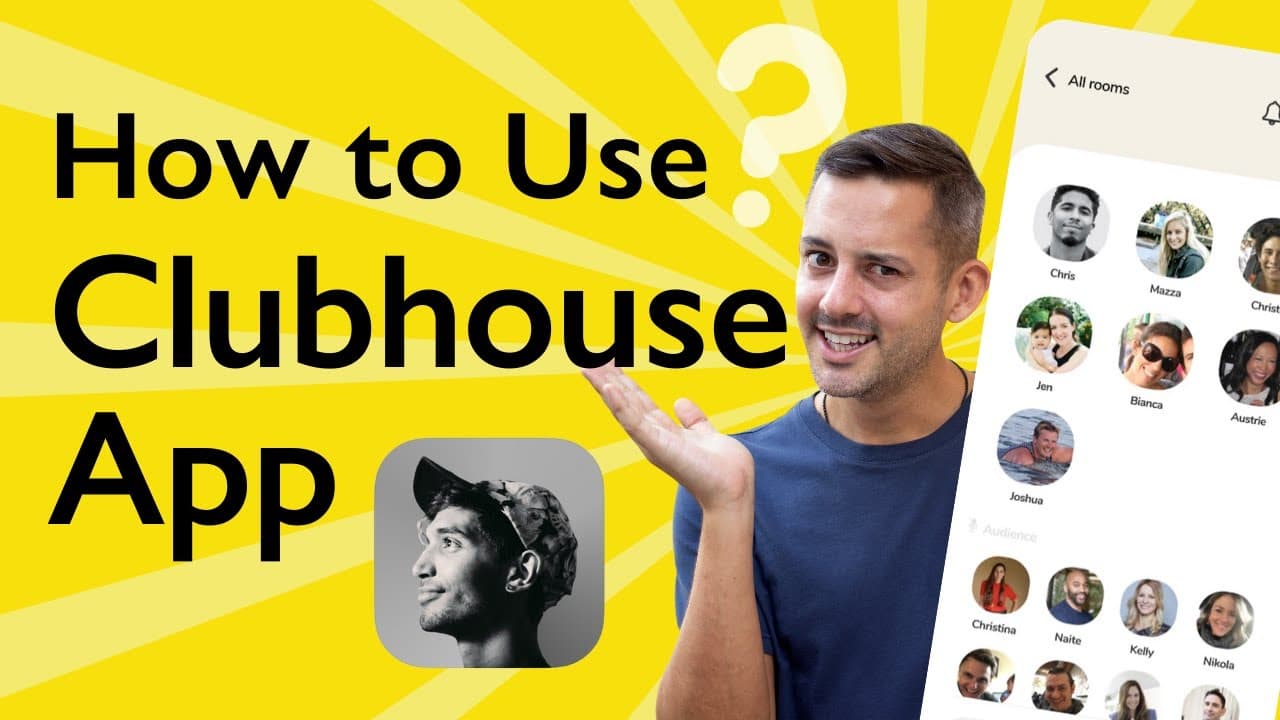
Learn how to use the Clubhouse app with a detailed tutorial and discover its exciting features for meaningful connections and valuable conversations.
Transcript
clubhouse is a new app and it's all the rage in this video we'll give you a walk-through tutorial on how to use it and take advantage of its exciting features if you're new around here i'm phil and on this channel i share practical advice to build your brand instagram clubhouse squarespace canva these are all things that i talk about consider subsc... Read More
Key Insights
- 😀 Clubhouse is a popular new app that allows users to engage in voice-only conversations and create meaningful connections.
- 😫 Setting up a profile picture and informative bio helps other users identify and engage with you.
- 🤵 Rooms in Clubhouse are categorized as private, social, or public, with stages for speakers.
- 👤 Following other users and connecting your social media accounts are essential for networking and expanding connections.
- 😶 It is important to mute and unmute your microphone when necessary to avoid distractions.
- 💁 The Clubhouse community guidelines provide useful tips for being a better contributor, speaker, and moderator.
- 🤵 Users have the flexibility to leave rooms quietly without making formal announcements.
Install to Summarize YouTube Videos and Get Transcripts
Explore YouTube Video Summarizer or Get YouTube Transcript Extractor
Questions & Answers
Q: What is the purpose of setting up a profile picture and filling out the bio in the Clubhouse app?
Setting up a profile picture and bio helps other users identify and engage with you in conversations. It also helps with searchability and provides information about your interests and specialties.
Q: How do you navigate between different rooms in the Clubhouse app?
You can easily navigate between rooms by tapping on the peace out sign in the bottom left-hand corner, allowing you to move from room to room without needing to make a formal announcement.
Q: Can you connect with others offline on the Clubhouse app?
Yes, it is recommended to connect your Instagram or Twitter to your Clubhouse profile, as the app currently does not have a messaging feature. Connecting your social media accounts allows for offline communication and building relationships beyond the app.
Q: What are the different categories of rooms and stages in the Clubhouse app?
The Clubhouse app categorizes rooms as private (invite-only), social (based on who the moderators follow), or public (open to everyone). Stages within rooms are where speakers have microphone access to participate in discussions.
Summary & Key Takeaways
-
The video provides a step-by-step walkthrough of how to use the Clubhouse app, starting with setting up a profile picture and filling out the bio.
-
It explains the different categories of rooms and stages and provides tips on muting and raising hands.
-
The video also mentions the importance of following other users and connecting your Instagram or Twitter for offline communication.
Read in Other Languages (beta)
Share This Summary 📚
Summarize YouTube Videos and Get Video Transcripts with 1-Click
Try YouTube Summary with ChatGPT & Claude or YouTube Transcript Generator
Explore More Summaries from Phil Pallen 📚






Summarize YouTube Videos and Get Video Transcripts with 1-Click
Try YouTube Summary with ChatGPT & Claude or YouTube Transcript Generator