How to Calibrate Your Monitor for Accurate Colors
TL;DR
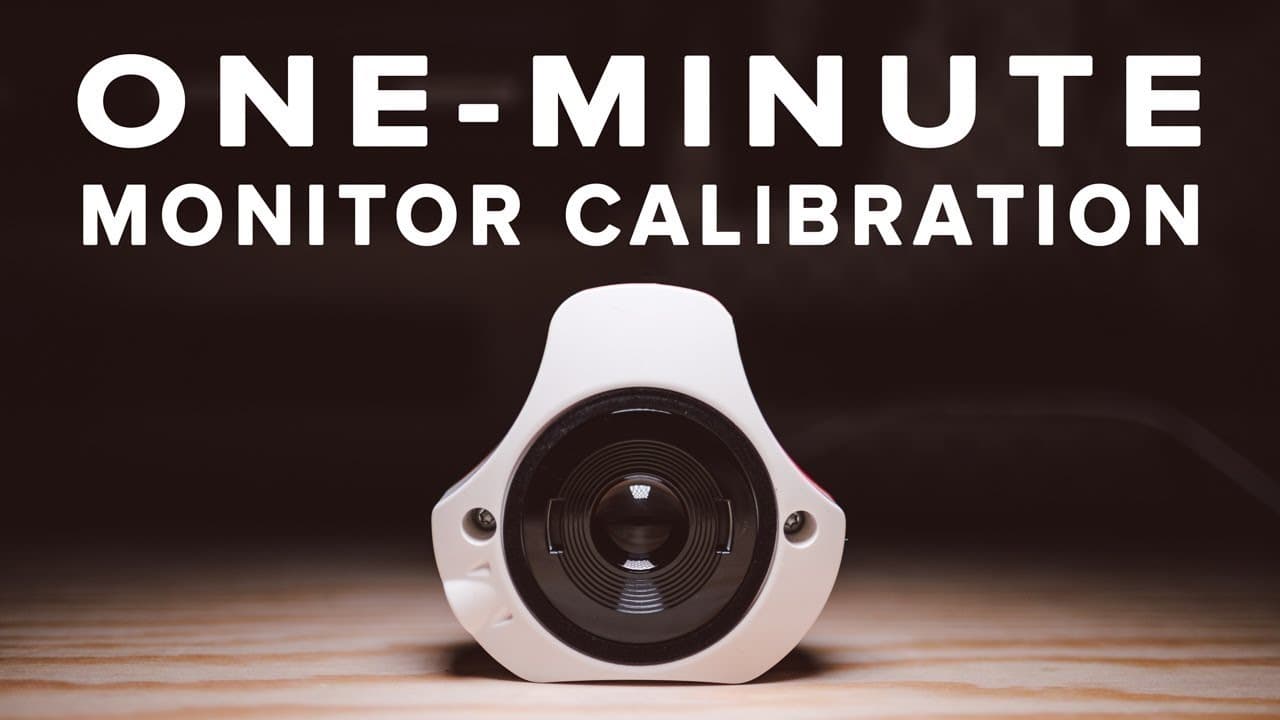
To calibrate your monitor for accurate colors, use a device like the Spyder X Elite, which can complete the process in about a minute. Accurate calibration is essential for photographers to ensure colors match between screens and printed images, and it’s recommended to calibrate monthly for the best results.
Transcript
so have you ever spent a lot of time editing a photo dilating in until it's just perfect you export it share it online only to notice that the colors are off when you looked at it on your phone maybe someone else's phone or computer or maybe you ordered a print of an image and once you got the print back it actually was a lot darker than you expect... Read More
Key Insights
- 🥺 Factory settings on monitors often exaggerate contrast and saturation, leading to color inaccuracies.
- 🧘 Calibration makes photography more reliable by ensuring edits reflect true colors and brightness.
- ⌛ Using devices like the Spyder X Elite can significantly reduce the time required for calibrating monitors.
- ❓ Regularly calibrating is essential for maintaining color accuracy, particularly for professional photographers.
- 💦 Many hobbyists neglect calibration, but proper monitoring can elevate their work quality considerably.
- 🫵 Consistent viewing experiences across various devices can improve collaboration in multi-person photo projects.
- ❓ Affordability variations in calibration devices offer solutions for both casual and serious photographers.
Install to Summarize YouTube Videos and Get Transcripts
Explore YouTube Video Summarizer or Get YouTube Transcript Extractor
Questions & Answers
Q: Why is monitor calibration important for photographers?
Monitor calibration is vital because it ensures that the colors and brightness we see on our screens match the actual printed outputs. Many monitors come factory-calibrated with boosted brightness and saturation, which can lead to incorrect edits. Proper calibration allows photographers to trust the edits they make, ensuring that clients receive accurate reproductions of their work.
Q: What common issues arise from uncalibrated monitors?
Uncalibrated monitors often result in significant discrepancies when photos are viewed on different devices or printed. Users may encounter images appearing darker or with incorrect colors once printed or viewed on another screen, leading to disappointment in the final output and potential loss of credibility for professional photographers.
Q: How does the calibration process work?
The calibration process involves using a calibration device, such as the Spyder X Elite, which connects to the computer and assesses the monitor settings. By following prompts in the accompanying software, users place the device on the screen while it makes adjustments based on industry standards, producing profiles for accurate color representation.
Q: How often should monitors be calibrated?
Ideally, monitors should be calibrated every month to account for changes in brightness and color accuracy over time. However, many users, due to busy schedules or a lack of understanding about its importance, may only calibrate occasionally or just after purchasing the calibrator.
Q: Can the calibration devices be used with multiple monitors?
Yes, many calibration devices, including the Spyder X Elite, can calibrate multiple monitors. They often come with features that allow users to match color settings and brightness levels across different displays, ensuring a consistent experience when editing photos on multiple devices.
Q: What should someone do if their laptop's screen isn't displaying colors correctly?
If a laptop's screen isn't displaying accurate colors, the user should first calibrate the display using a calibration device. This will help adjust the brightness and color settings according to industry standards, allowing for more accurate photo editing. Ongoing adjustments may be necessary if the laptop is moved or used in different lighting conditions.
Summary & Key Takeaways
-
Accurate monitor calibration is crucial for photographers to ensure that the colors and tones seen on screen match printed images. Many users may not realize that factory settings can distort color accuracy.
-
The calibration process is straightforward and quick, with devices like the Spyder X Elite providing fast results, typically taking about a minute and helping users achieve better consistency across multiple displays.
-
Regularly calibrating monitors is recommended, ideally once a month, but many users often postpone it due to their busy schedules, impacting their photo editing accuracy.
Read in Other Languages (beta)
Share This Summary 📚
Summarize YouTube Videos and Get Video Transcripts with 1-Click
Try YouTube Summary with ChatGPT & Claude or YouTube Transcript Generator
Explore More Summaries from Reggie Ballesteros 📚





Summarize YouTube Videos and Get Video Transcripts with 1-Click
Try YouTube Summary with ChatGPT & Claude or YouTube Transcript Generator