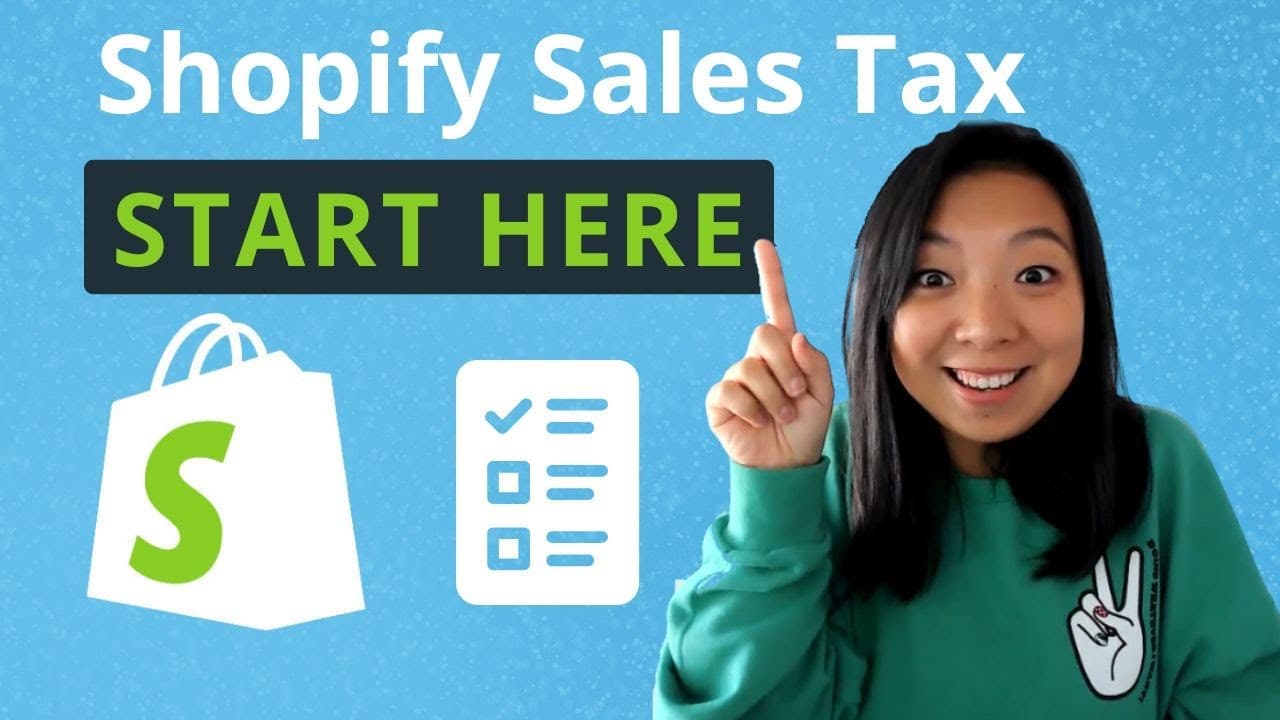
How to Set Up Sales Tax on Shopify: Step-by-Step Guide
TL;DR
To set up sales tax on Shopify, go to Settings, then Taxes and Duties, and manage your sales tax collection by monitoring your Nexus. Properly categorize your products for accurate tax rates, and utilize the tax reports feature to simplify your filing process. Regularly check for state notifications to maintain compliance.
Transcript
hello Ecommerce sellers shopify's uoi has changed quite a bit since I published a video that walked through how to set up your sales tax settings step by step so in this video I'm going to use the most updated UI of Shopify and walk you through how to set up your sales tax settings for your Shopify store on the home button I want you guys to first ... Read More
Key Insights
- 🚕 The updated UI of Shopify includes new features for managing sales tax collection, tax rates, and reporting.
- 🚕 Proper product categorization ensures accurate tax calculations for each product category.
- 🚕 The tax reports feature simplifies the process of filing sales tax by providing detailed information on tax obligations for each state.
- 👣 Sellers should regularly monitor their Nexus footprint and state notifications to ensure compliance with sales tax requirements.
- 📦 Shopify integrates with shipping tax rules, reducing the need for shipping overrides in most cases.
- 👻 The location settings in Shopify allow sellers to specify where their products are shipped from, ensuring compliance with destination or origin sourcing rules.
- 🚕 Sellers can exempt specific customers from sales tax by unchecking the tax collection box in the customer's information.
Install to Summarize YouTube Videos and Get Transcripts
Explore YouTube Video Summarizer or Get YouTube Transcript Extractor
Questions & Answers
Q: How do I access the sales tax settings in Shopify?
To access the sales tax settings, go to the Settings page and then navigate to Taxes and Duties. Under Manage Sales Tax Collection, click on United States to view the options.
Q: How does Shopify help in managing sales tax collection?
Shopify provides three categories under manage tax collection: action required, monitor required, and no action required. These categories help sellers keep track of states where they are approaching or have passed the economic Nexus threshold.
Q: How does the product categorization feature work in Shopify?
Product categorization allows sellers to categorize their products into different tax categories based on their type. This feature helps determine the appropriate tax rates and exemptions for each product category, making tax calculations more accurate.
Q: How does the tax reports feature in Shopify help with filing taxes?
The tax reports feature provides detailed information on the sales tax to be filed for each state. Sellers can download these reports to easily identify the amount of sales tax owed to each state, including specific county information.
Summary & Key Takeaways
-
The video walks through the updated UI of Shopify and explains how to access the sales tax settings.
-
It covers the three parts of sales tax settings: manage tax collection, tax rates and exemptions, and reporting.
-
The video emphasizes the importance of properly categorizing products and utilizing the tax reports feature for accurate tax calculations and filing.
Read in Other Languages (beta)
Share This Summary 📚
Summarize YouTube Videos and Get Video Transcripts with 1-Click
Try YouTube Summary with ChatGPT & Claude or YouTube Transcript Generator
Explore More Summaries from LedgerGurus 📚




Summarize YouTube Videos and Get Video Transcripts with 1-Click
Try YouTube Summary with ChatGPT & Claude or YouTube Transcript Generator