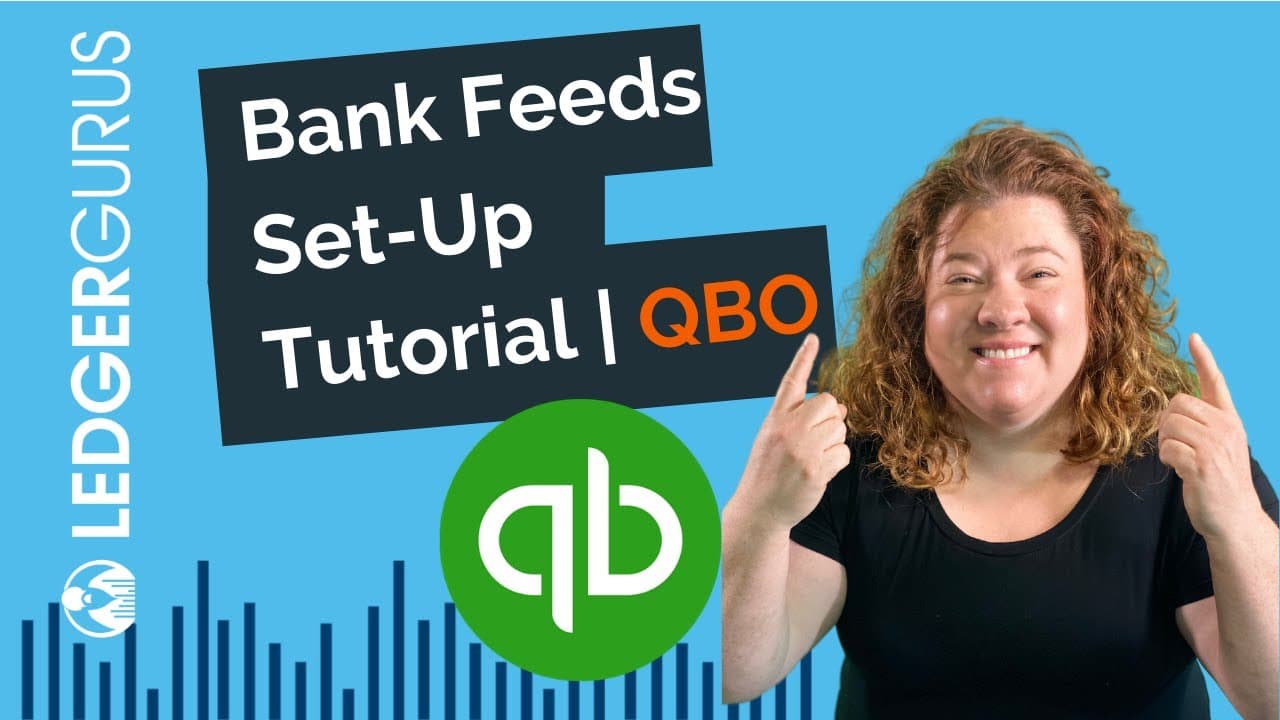
QuickBooks Online Bank Feeds Set-Up
TL;DR
Learn how to connect bank and credit card feeds in QuickBooks Online to save time and simplify accounting.
Transcript
hey guys today we're going to talk about how to connect your bank and credit card feeds inside quickbooks online i realize there's been a lot of videos made about this particular process but we get a lot of questions from our own clients about this and we want to explain it our way we're big believers in this process this is the single biggest time... Read More
Key Insights
- 💳 Connecting bank and credit card feeds in QuickBooks Online is essential for saving time and simplifying accounting processes.
- 💳 Setting up accounts in the chart of accounts for each bank and credit card is the first step in the process.
- 🙂 The process of connecting accounts may vary slightly depending on the bank portal being used.
- 🗯️ The last four digits of account names can be helpful for identifying the right accounts during the syncing process.
- 🏦 Not all banks and credit unions have seamless integration with QuickBooks Online, so it's important to choose institutions that support it.
- ♿ Once accounts are connected, transactions can be synced and accessed in the banking center of QuickBooks Online.
- 👶 It's possible to add new accounts and edit existing account information during the syncing process.
Install to Summarize YouTube Videos and Get Transcripts
Explore YouTube Video Summarizer or Get YouTube Transcript Extractor
Questions & Answers
Q: Why is connecting bank and credit card feeds in QuickBooks Online important?
Connecting bank and credit card feeds in QuickBooks Online is crucial for saving time and simplifying accounting. It eliminates the need for manual entry and ensures accurate financial data.
Q: How do I set up accounts in the chart of accounts for bank and credit cards?
To set up accounts in the chart of accounts, go to the accounting section, click on chart of accounts, and click on "New." Choose the account type (bank or credit card), enter the name and last four digits, then save and close.
Q: Can I connect accounts that haven't been set up in the chart of accounts?
If you haven't set up accounts in the chart of accounts, you may need to back out of the system and go back in to connect accounts. It's important to set up accounts for each bank and credit card you want to sync before connecting.
Q: How far back can I pull transactions when connecting accounts?
The ability to pull transactions varies by bank portal. Some may only allow the last 90 days, while others may let you go back further. Choose the range that suits your needs and prevent duplicate transactions.
Summary & Key Takeaways
-
Connecting bank and credit card feeds in QuickBooks Online is the single biggest time saver for accounting.
-
The first step is to set up an account for every bank and credit card in your chart of accounts.
-
Then, go to the banking center in QuickBooks Online and follow the prompts to connect your accounts and sync transactions.
Read in Other Languages (beta)
Share This Summary 📚
Summarize YouTube Videos and Get Video Transcripts with 1-Click
Try YouTube Summary with ChatGPT & Claude or YouTube Transcript Generator
Explore More Summaries from LedgerGurus 📚





Summarize YouTube Videos and Get Video Transcripts with 1-Click
Try YouTube Summary with ChatGPT & Claude or YouTube Transcript Generator