How to Create a Chrome Extension for Word Definitions
TL;DR
To create a Chrome extension that displays word definitions, use content scripts to capture selected text, a background script to handle data, and a pop-up to show results from the Word Nick API. This process allows users to select text on any webpage and retrieve definitions seamlessly.
Transcript
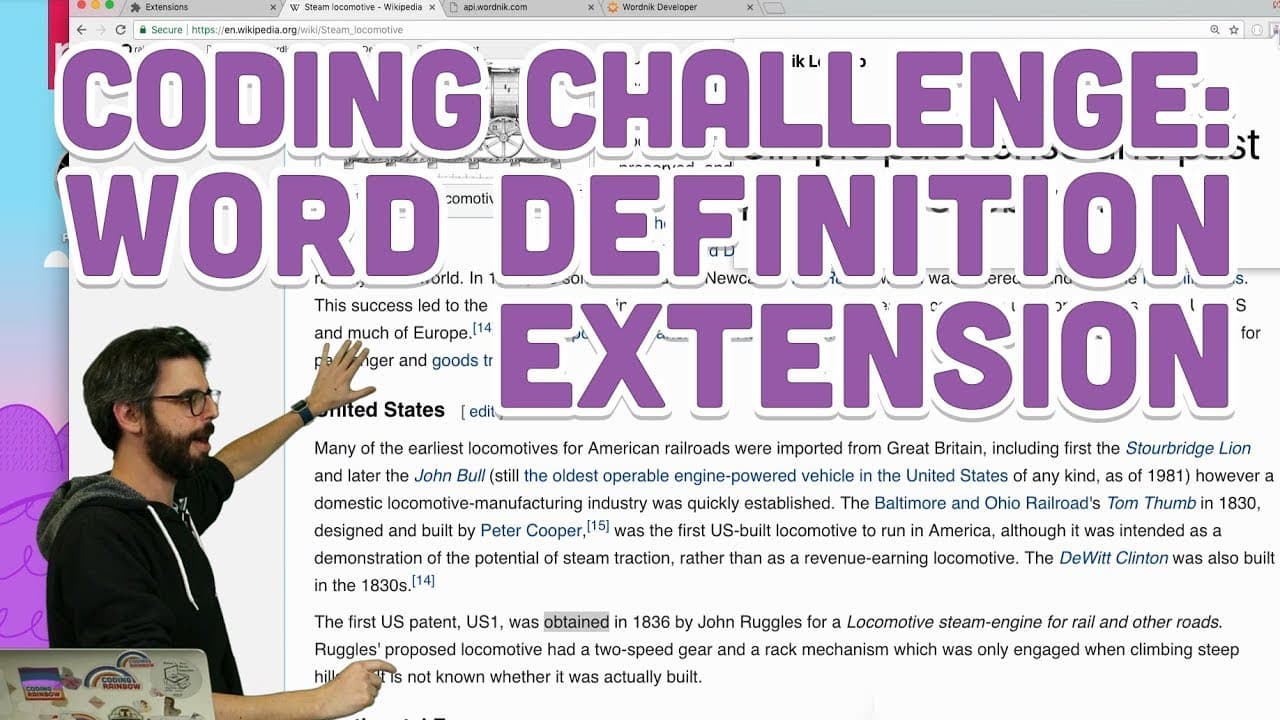
welcome to Peugeot to challenge well I really need just I don't know when you're watching this in the future in the past on a spaceship on your phone but I need I need I need some good vibes right now I'm gonna try to make this is gonna be a hard one for me I'm gonna make a Chrome extension that allows you to on any webpage like this steam locomoti... Read More
Key Insights
- 🎮 The video demonstrates creating a Chrome extension to fetch word definitions from the Word Nick API.
- 👥 Components like Content scripts, background scripts, and pop-ups are utilized to handle data flow and user interactions.
- 🥳 Challenges include ensuring seamless communication between different parts of the extension for a smooth user experience.
- 👤 Opportunities exist for further enhancing the extension's functionality and user interface.
- 😒 Practical use cases for the extension could include aiding in learning new words or enhancing the browsing experience.
- 👤 Engagement with the audience is encouraged for sharing their own Chrome extension creations and innovative user interactions.
- 🤗 The video showcases a hands-on approach to developing a functional Chrome extension from scratch.
Install to Summarize YouTube Videos and Get Transcripts
Explore YouTube Video Summarizer or Get YouTube Transcript Extractor
Questions & Answers
Q: What is the main challenge addressed in the video?
The main challenge is to create a Chrome extension that allows users to look up word definitions by selecting text on a webpage, utilizing various components like Content scripts, pop-ups, and background scripts.
Q: Why is the choice of using a Content script significant in this project?
The Content script is crucial as it listens for text selection events on the webpage, enabling the extension to capture the selected word for further processing.
Q: How does the communication between the Content script and the background script take place?
The Content script sends a message containing the selected text to the background script, which then stores the text and allows other components like the pop-up to access it for displaying the definition.
Q: What potential improvements or enhancements can be made to the Chrome extension?
Enhancements could include more elegant user interactions, such as displaying related images or offering additional contextual information along with word definitions.
Summary & Key Takeaways
-
The video outlines the process of creating a Chrome extension to look up word definitions.
-
It involves using Content scripts, pop-ups, and background scripts to handle data flow.
-
The extension allows users to select text on a webpage and see definitions via the Word Nick API.
Read in Other Languages (beta)
Share This Summary 📚
Summarize YouTube Videos and Get Video Transcripts with 1-Click
Try YouTube Summary with ChatGPT & Claude or YouTube Transcript Generator
Explore More Summaries from The Coding Train 📚






Summarize YouTube Videos and Get Video Transcripts with 1-Click
Try YouTube Summary with ChatGPT & Claude or YouTube Transcript Generator