Serverless might bankrupt you (and how to deploy to a VPS instead)
TL;DR
Serverless applications can lead to unexpected costs; deploying on a VPS can mitigate these risks.
Transcript
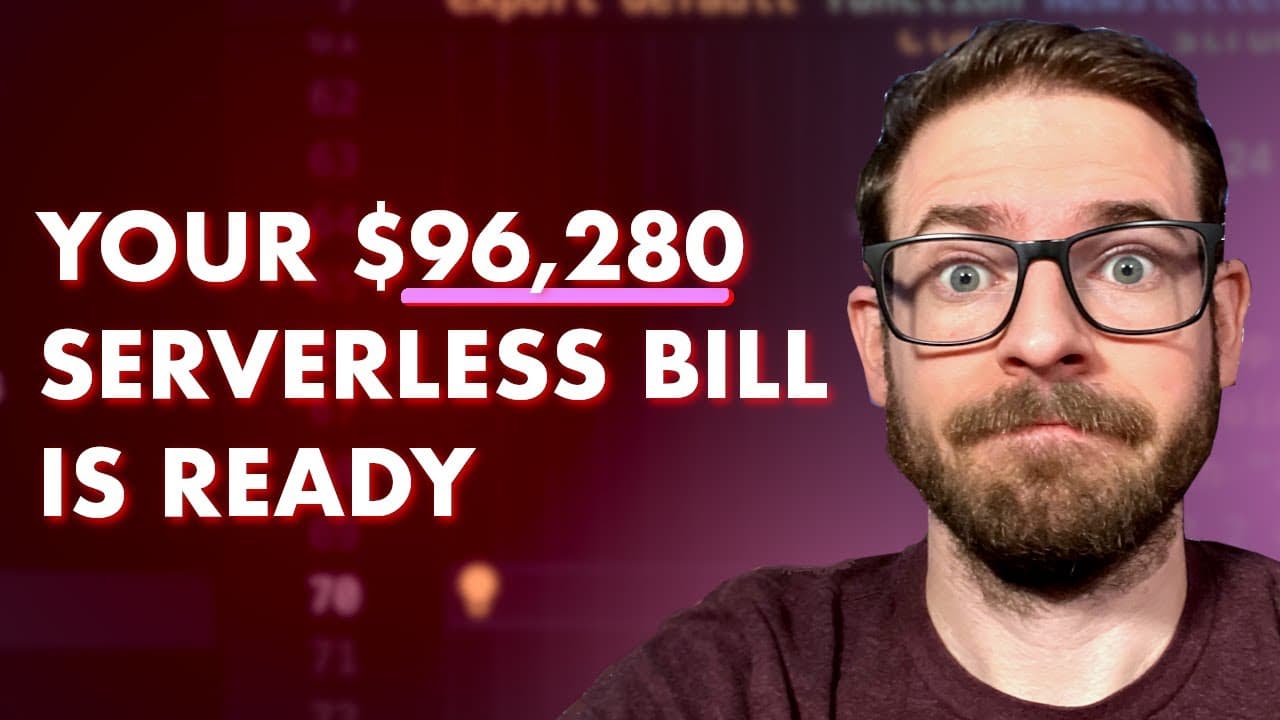
so if you have been scrolling through X recently you might have stumbled upon this post where someone was deploying their application to a serverless environment their app went viral and now they have a $96,000 bill that they're responsible for this is one Horror Story that we've seen with serverless but there's others out there here's another one ... Read More
Key Insights
- 🥺 Serverless architectures can lead to unexpected financial burdens, especially if misconfigured or overloaded with requests.
- 🎮 VPS solutions give developers more control over their applications, helping to manage costs effectively while ensuring scalability.
- 🈸 Coolify offers a straightforward approach to deploying and managing applications on VPS platforms, reducing the initial setup complexity.
- 🏆 Quality control is crucial; developers should test applications locally to ensure compatibility before deploying to the production environment.
- ♻️ Proper management of environment variables is essential to ensure applications function correctly on VPS after deployment.
- 🔒 Security measures, such as using Cloudflare for DNS management and DDoS protection, are vital for application stability and integrity.
- 💗 Users should consider long-term plans for VPS for better pricing and resource allocation if they expect a growing application.
Install to Summarize YouTube Videos and Get Transcripts
Explore YouTube Video Summarizer or Get YouTube Transcript Extractor
Questions & Answers
Q: What are some common pitfalls of serverless deployment?
Common pitfalls in serverless deployment include unexpected high bills due to traffic spikes, misconfiguration leading to infinite loops, or denial of service attacks. Each can result in exorbitant charges, challenging developers who may not fully understand the billing model of serverless architectures. Planning and careful monitoring are essential to avoid such issues.
Q: Why might a developer choose a VPS over serverless options?
A VPS offers greater control over the hosting environment, potentially lowering costs and providing a predictable billing structure compared to serverless solutions. Developers can manage resources more precisely and avoid high, unexpected costs associated with serverless deployments, making it an attractive choice for small to medium-sized applications.
Q: How does Coolify assist in deploying applications on a VPS?
Coolify simplifies deployment by offering a user-friendly management dashboard that streamlines setting up, configuring, and managing applications. It leverages Docker to facilitate easy application hosting, allows for logging and monitoring, and helps manage deployments seamlessly without needing extensive manual setup.
Q: What steps are involved in deploying a Next.js application using Hostinger and Coolify?
Deployment involves creating a VPS on Hostinger, configuring it with an OS, and installing Coolify. Once Coolify is set up, developers can connect their application repository, configure environment variables, and deploy the application. The process can include error management and opt-in configurations for continuous deployment via GitHub.
Summary & Key Takeaways
-
Many developers have faced unexpected high bills when using serverless platforms due to misconfigurations or issues like infinite loops, highlighting the need for caution in serverless deployments.
-
Transitioning to a Virtual Private Server (VPS) can provide more control over applications and costs, avoiding surprise expenses associated with serverless usage, especially for smaller projects.
-
The video provides a detailed tutorial on deploying a Next.js application on a VPS using Hostinger and Coolify, emphasizing setup instructions, application management, and essential configurations for successful deployment.
Read in Other Languages (beta)
Share This Summary 📚
Summarize YouTube Videos and Get Video Transcripts with 1-Click
Try YouTube Summary with ChatGPT & Claude or YouTube Transcript Generator
Explore More Summaries from Web Dev Cody 📚





Summarize YouTube Videos and Get Video Transcripts with 1-Click
Try YouTube Summary with ChatGPT & Claude or YouTube Transcript Generator