Products
Features
YouTube Video Summarizer
Summarize YouTube videos
Web & PDF Highlighter
Highlight web pages & PDFs
Chat with PDF
Ask any PDF questions with AI
Ask AI Clone
Chat with your highlights & memories
Audio Transcriber
Transcribe audio files to text
Glasp Reader
Read and highlight articles
Kindle Highlight Export
Export your Kindle highlights
Idea Hatch
Hatch ideas from your highlights
Integrations
Obsidian Plugin
Notion Integration
Pocket Integration
Instapaper Integration
Medium Integration
Readwise Integration
Snipd Integration
Hypothesis Integration
Apps & Extensions
Chrome Extension
Safari Extension
Edge Add-ons
Firefox Add-ons
iOS App
Android App
Discover
Discover
Ideas
Discover new ideas and insights
Articles
Curated articles and insights
Books
Book recommendations by great minds
Posts
Essays and notes from readers
Quotes
Inspiring quotes collection
Videos
Curated videos and summaries
Explore Glasp
Glasp Newsletter
Weekly insights and updates
Glasp Talk
Interview series with great minds
Glasp Blog
Latest news and articles
Glasp Use Cases
Learn how others use Glasp
Build & Support
Glasp API
Access Glasp's API for developers
MCP Connector
Connect Glasp to Claude & ChatGPT
Community
Glasp Reddit Community
Students
Student discount and benefits
FAQs
Frequently Asked Questions
AboutPricing
DashboardLog inSign up

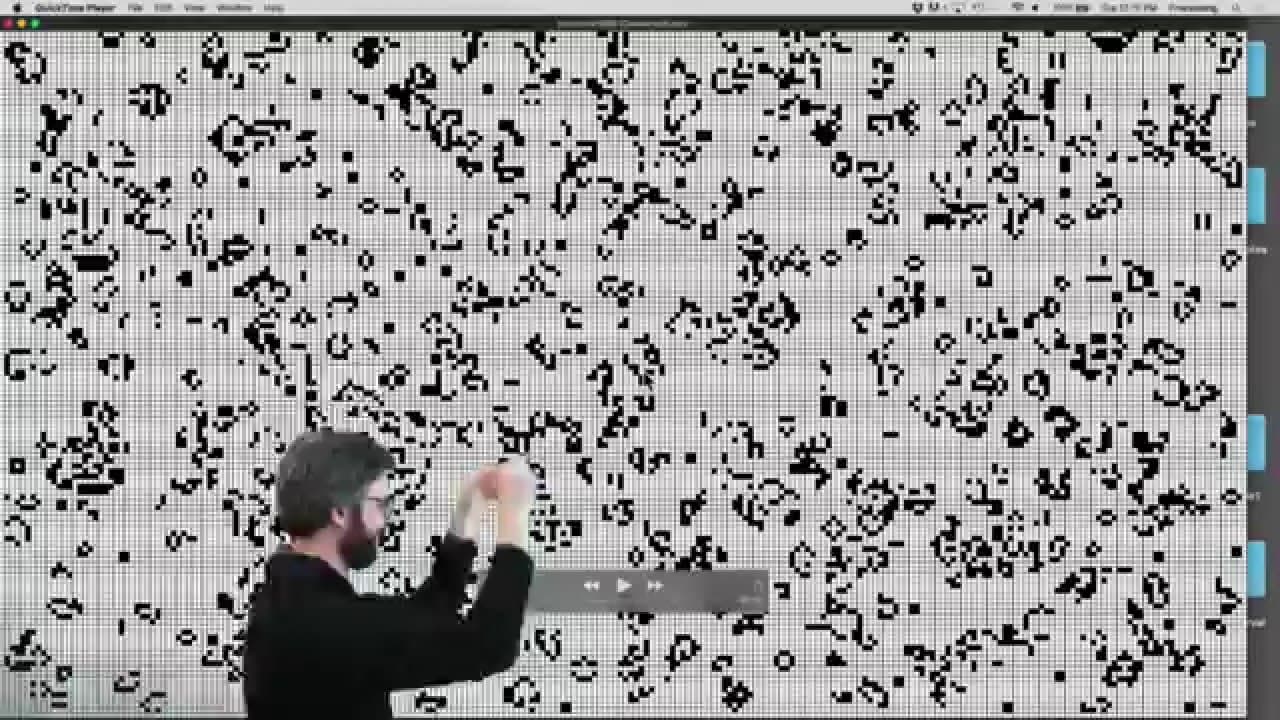
Tutorial: How to render Processing sketch as a movie
122.7K views
•
February 9, 2016
by
The Coding Train
YouTube video player
Tutorial: How to render Processing sketch as a movie

TL;DR

Learn how to render a Processing sketch to a video for various purposes like uploads or integrations.

Transcript

hello and welcome in this video I'm going to show you how to take a processing sketch and render it to a movie so this comes up a lot there's probably a variety of ways that you could do this I'm going to show you a particular technique that hopefully will be useful to you so you know I picked this arbitrarily it's one of the examples from my natur... Read More

Key Insights

  • 👻 Rendering a Processing sketch to a movie allows for easy sharing and integration into various projects.
  • 💾 Saving frames using "save" or "save frame" functions in Processing helps create image sequences for video rendering.
  • 🖼️ The MovieMaker tool in Processing simplifies the process of creating a QuickTime movie from image frames.
  • 👤 Adding visual indicators to the sketch for recording status can enhance user experience and control.
  • ☠️ Adjusting parameters like resolution and frame rate in Processing influences the quality and smoothness of the final video output.
  • ✋ Rendering high-resolution sketches may impact performance but can result in impressive video quality.
  • 🤗 Experimenting with different settings and tools in Processing opens up a range of possibilities for video creation and customization.

Install to Summarize YouTube Videos and Get Transcripts

Explore YouTube Video Summarizer or Get YouTube Transcript Extractor

Questions & Answers

Q: Why would someone want to render a Processing sketch to a movie?

Rendering a Processing sketch to a movie enables easy sharing on video platforms or integration into other projects, offering more flexibility and possibilities.

Q: What are the steps involved in saving frames from a Processing sketch?

The steps involve using the "save" function to save frames as images or using the "save frame" function to auto number and save frames sequentially in a designated folder.

Q: How can the MovieMaker tool in Processing be used to create a QuickTime movie?

The MovieMaker tool allows you to select a folder containing image frames, set parameters like resolution and frame rate, and create a QuickTime movie with options for compression.

Q: How can visual indicators like a colored circle be added to the Processing sketch as a recording status?

By toggling a boolean variable for recording and changing the circle color based on the variable state, you can visually indicate the recording status without it being saved in the movie frames.

Summary & Key Takeaways

  • Rendering a Processing sketch to a movie allows for easy sharing on platforms like Vimeo or YouTube.

  • Save the frames from the sketch as images using "save" or "save frame" in Processing.

  • Use the MovieMaker tool in Processing to create a QuickTime movie from the image sequence.


Read in Other Languages (beta)

English

Share This Summary 📚

Summarize YouTube Videos and Get Video Transcripts with 1-Click

Download browser extensions on:

Try YouTube Summary with ChatGPT & Claude or YouTube Transcript Generator

Explore More Summaries from The Coding Train 📚

17.6: Sound Synthesis - p5.js Sound Tutorial thumbnail
17.6: Sound Synthesis - p5.js Sound Tutorial
The Coding Train
Coding Challenge #100: Neuroevolution Flappy Bird - Part 4 thumbnail
Coding Challenge #100: Neuroevolution Flappy Bird - Part 4
The Coding Train
Decade of Code Fundraiser (Celebrating 10 years of Processing Foundation Fellowships!) thumbnail
Decade of Code Fundraiser (Celebrating 10 years of Processing Foundation Fellowships!)
The Coding Train
Coding Train Live:  Riding the Oregon Trail 1 thumbnail
Coding Train Live: Riding the Oregon Trail 1
The Coding Train
18.6: createGraphics() as WebGL Texture - WebGL and p5.js Tutorial thumbnail
18.6: createGraphics() as WebGL Texture - WebGL and p5.js Tutorial
The Coding Train
6.4: p5.js Web Editor: Adding JavaScript Files thumbnail
6.4: p5.js Web Editor: Adding JavaScript Files
The Coding Train

Summarize YouTube Videos and Get Video Transcripts with 1-Click

Download browser extensions on:

Try YouTube Summary with ChatGPT & Claude or YouTube Transcript Generator

Apps & Extensions

  • Chrome Extension
  • Safari Extension
  • Edge Add-ons
  • Firefox Add-ons
  • iOS App
  • Android App

Key Features

  • YouTube Video Summarizer
  • Web & PDF Summarizer
  • Web & PDF Highlighter
  • Chat with PDF
  • Ask AI Clone
  • Audio Transcriber
  • Glasp Reader
  • Kindle Highlight Export
  • Idea Hatch

Integrations

  • Obsidian Plugin
  • Notion Integration
  • Pocket Integration
  • Instapaper Integration
  • Medium Integration
  • Readwise Integration
  • Snipd Integration
  • Hypothesis Integration

More Features

  • APIs
  • MCP Connector
  • Blog & Post
  • Embed Links
  • Image Highlight
  • Personality Test
  • Quote Shots

Company

  • About us
  • Blog
  • Community
  • FAQs
  • Job Board
  • Newsletter
  • Pricing
Terms

•

Privacy

•

Guidelines

© 2026 Glasp Inc. All rights reserved.




