Best Graphic Design Software 2014
TL;DR
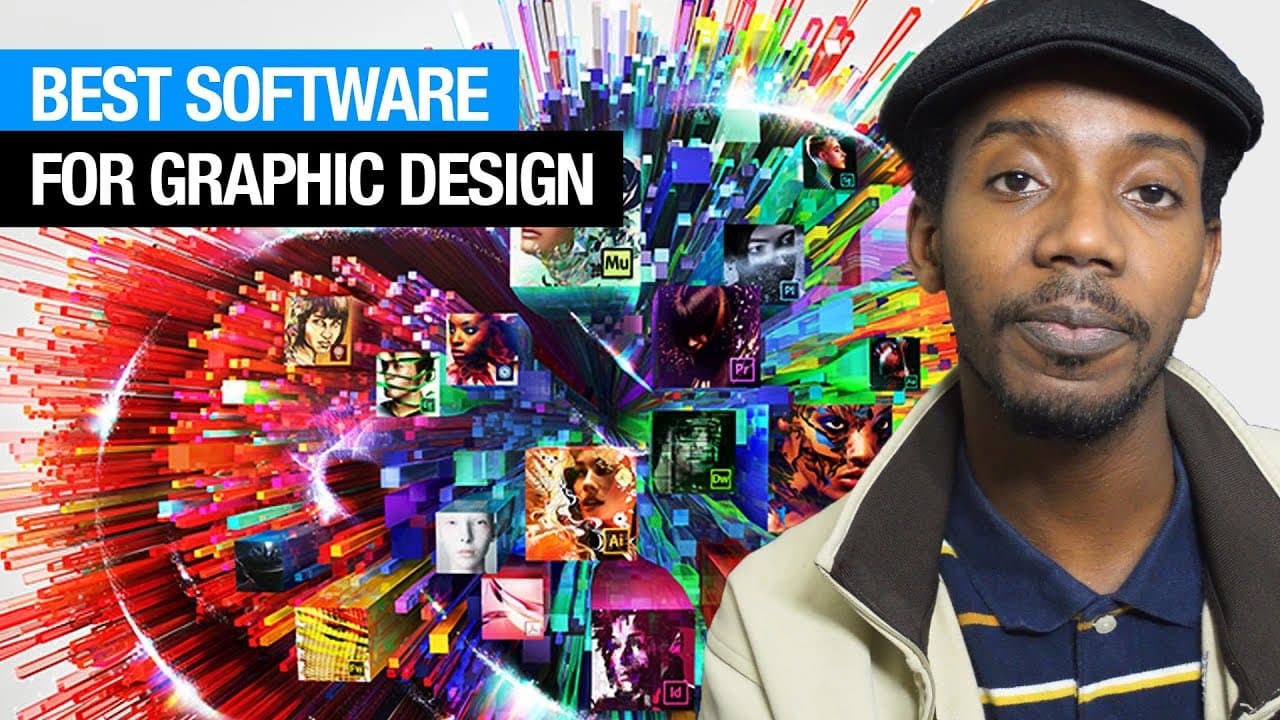
Graphic designer Roberto Blake discusses the top software tools for various design tasks.
Transcript
hey everybody this is graphic designer Roberto Blake and today I'm going to talk about the best overall software for graphic design if you're just tuning in the channel I usually do graphic design videos a couple of times a week but usually on Mondays so the type of software you're going to use as a graphic designer is often going to depend on what... Read More
Key Insights
- 💁 Adobe Photoshop, Illustrator, and InDesign form the "design Holy Trinity" for graphic designers.
- 🎨 Different software tools are recommended based on specific design tasks like image manipulation, logo design, and print production.
- 🕸️ Adobe products like Premiere Pro, After Effects, and Dreamweaver are highlighted for motion graphics, video editing, and web design.
- 🤗 Open-source software options like GIMP and Inkscape provide cost-effective alternatives for design tasks.
- 👣 Adobe Muse is recommended for web design, particularly for designers transitioning from a print background.
- 👨💻 Notepad++ and Adobe Dreamweaver are suggested for coders or those preferring manual coding in web design.
- 🥶 Adobe Premiere Pro and Apple Final Cut Pro are cited as top choices for video editing, with free alternatives like Windows Movie Maker and iMovie also mentioned.
Install to Summarize YouTube Videos and Get Transcripts
Explore YouTube Video Summarizer or Get YouTube Transcript Extractor
Questions & Answers
Q: What are some alternatives to Adobe Photoshop for image manipulation?
Roberto Blake suggests Corel Painter and GIMP as viable alternatives to Adobe Photoshop for image manipulation tasks. Corel Painter is a good option for digital painting, while GIMP is an open-source alternative worth considering.
Q: Which software tool is recommended for logo design and brand development?
Adobe Illustrator is highlighted as the top choice for logo design and vector illustration. Alternatives like Corel Draw and Inkscape are also mentioned, providing additional options for logo design tasks.
Q: What software is best suited for print design and layout?
Adobe InDesign is recommended for print design and layout tasks, especially for projects like brochures, book covers, and magazines. Quark Express is mentioned as an alternative, but Adobe InDesign is praised for its advancements in the latest versions.
Q: Why is Adobe Muse recommended for web design over traditional coding?
Adobe Muse is suggested for web design due to its focus on design components rather than coding. It allows designers to create visually appealing websites without the need for extensive coding knowledge, prioritizing elements like layout, typography, and user interaction.
Summary & Key Takeaways
-
Roberto Blake discusses key software tools for graphic design, including Adobe Photoshop, Illustrator, and InDesign.
-
He mentions alternatives like Corel products and open-source software like Inkscape.
-
Different software options are recommended based on specific design tasks like image manipulation, logo design, print design, motion graphics, web design, and video editing.
Read in Other Languages (beta)
Share This Summary 📚
Summarize YouTube Videos and Get Video Transcripts with 1-Click
Try YouTube Summary with ChatGPT & Claude or YouTube Transcript Generator
Explore More Summaries from Roberto Blake 📚






Summarize YouTube Videos and Get Video Transcripts with 1-Click
Try YouTube Summary with ChatGPT & Claude or YouTube Transcript Generator