18.7: Loading OBJ Model - WebGL and p5.js Tutorial
TL;DR
Learn to import and interact with 3D models in p5.js using obj files.
Transcript
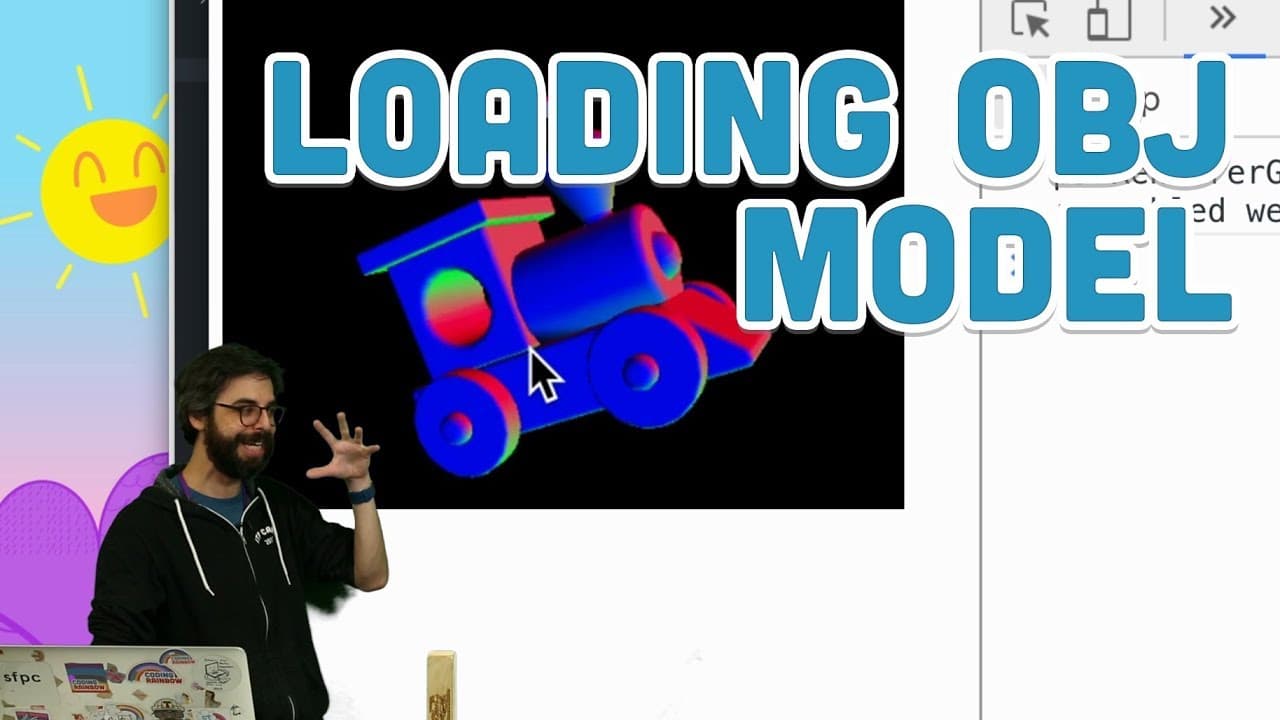
hello here we are in this video I'm going to attempt to take this three-dimensional toy train and put it into my computer somehow not really and the topic here is that I want to this is in my WebGL 3d p5.js serious I want to look at load model so what if I had a file on my computer that had all the geometry for a train in it or anything else so you... Read More
Key Insights
- 💁 The obj file format is commonly used for importing 3D models into p5.js.
- ❓ Debugging may be required to address issues with complex 3D models in p5.js.
- ❓ Customizing materials, textures, and lighting can enhance the visual appearance of imported 3D models.
- 📁 Beginners can experiment with 3D modeling in p5.js by importing obj files and exploring customization options.
- ❓ Coordination adjustment is crucial to prevent rendering issues with imported 3D models in p5.js.
- 💱 Applying different materials and textures can dramatically change the appearance of imported 3D models in p5.js.
- ❓ Experimentation with visual effects like lighting and textures can create unique 3D model interactions in p5.js.
Install to Summarize YouTube Videos and Get Transcripts
Explore YouTube Video Summarizer or Get YouTube Transcript Extractor
Questions & Answers
Q: What file format is commonly used to import 3D models into p5.js?
The obj file format is commonly used to import 3D models into p5.js due to its versatility and compatibility with the framework.
Q: How can you address rendering issues with imported models in p5.js?
Address rendering issues by adjusting the model's internal coordinates to ensure proper alignment within the canvas and avoid overlapping or misplacement.
Q: What customization options are available for imported 3D models in p5.js?
Customization options include applying different materials, textures, and lighting effects to enhance the visual appearance and interaction with the imported 3D model.
Q: How can beginners start experimenting with 3D modeling in p5.js?
Beginners can start experimenting by importing obj files, adjusting coordinates, applying materials, textures, and exploring different visual effects to create unique 3D models.
Summary & Key Takeaways
-
Importing 3D models into p5.js using obj files allows for intricate geometry already defined.
-
Debugging models may involve adjusting coordinates for proper rendering within the canvas.
-
Customizing the appearance of imported models through materials and textures enhances visual effects.
Read in Other Languages (beta)
Share This Summary 📚
Summarize YouTube Videos and Get Video Transcripts with 1-Click
Try YouTube Summary with ChatGPT & Claude or YouTube Transcript Generator
Explore More Summaries from The Coding Train 📚






Summarize YouTube Videos and Get Video Transcripts with 1-Click
Try YouTube Summary with ChatGPT & Claude or YouTube Transcript Generator