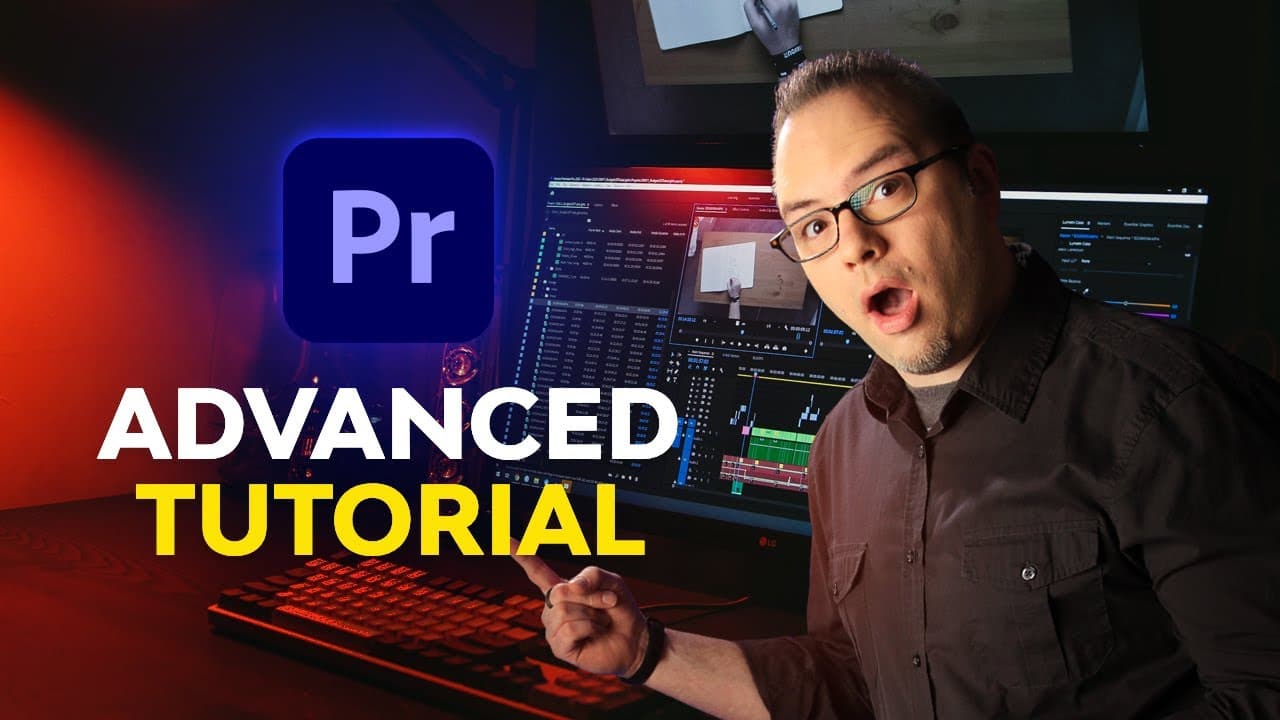
Advanced Premiere Pro for Everyone | FREE COURSE
TL;DR
Learn how to work with raw footage, including black magic raw and red footage, and utilize the appropriate plugins and settings for optimal editing and color correction.
Transcript
welcome to the advanced premiere pro for everyone course my name is dave bodie for envato and in this course you will learn techniques to help you work faster and create projects that look and sound great even though the lessons in this course cover more advanced subjects anyone who has used premiere before should be able to follow along without an... Read More
Key Insights
- 🎬 Premiere Pro Course: The course covers advanced techniques in Premiere Pro, suitable for users with previous experience. It includes lessons on working with raw footage, color correction using color checker cards, and matching shots.
- 💡 Access to Envato Elements: The course mentions that most of the assets used in the lessons come from Envato Elements, which provides access to millions of creative digital assets for a single subscription fee.
- 💻 Edit Techniques: The course covers various advanced editing techniques such as source patching, track targeting, three-point and four-point edits, and slow motion speed ramps. These techniques can save time and help create smoother edits.
- 🔎 Scene Edit Detection: The course introduces the scene edit detection feature in Premiere Pro, which automatically detects scene changes in flattened footage. It allows users to easily break up long clips into smaller sub-clips for more efficient editing.
- 🎥 Working with Raw Footage: The course explains how to work with raw footage, including Blackmagic RAW (B-RAW) and RED footage. Users can make adjustments using the dedicated plugins for each format, such as adjusting color science, white balance, ISO, and more.
- 🌈 Color Correction: The course covers color correction techniques such as using color checker cards to match shots and scene lighting, as well as using Lumetri Color to fine-tune adjustments. It emphasizes the importance of precise color correction for achieving the desired look.
- 📽️ Speed Ramps: The course demonstrates how to create speed ramps in Premiere Pro, allowing users to adjust the speed of clips over time. It shows examples of starting fast and going slow, or starting slow and going fast, using keyframes and speed adjustments.
- 🚀 Efficient Editing: The course teaches techniques for more efficient editing, such as using multiple monitors, third-party video effects, motion graphics templates, and creative edits using multi-box and split screens. It also highlights techniques for editing to the beat of music, saving time and enhancing creativity.
- 🎥 Enhancing Audio: The course includes a section on working with audio, covering topics such as fixing audio drift, using compressors, applying master bus effects, and loudness normalization. This helps users improve the overall audio quality of their projects.
Install to Summarize YouTube Videos and Get Transcripts
Explore YouTube Video Summarizer or Get YouTube Transcript Extractor
Questions & Answers
Q: What are the advantages of using the Blackmagic Raw plugin when working with black magic raw footage?
The Blackmagic Raw plugin allows for direct adjustments of color science, white balance, ISO, and other settings within Premiere Pro, providing more precise control and a higher-quality result compared to traditional color correction methods.
Q: How does the Red plugin enhance the editing and color correction process for red footage?
The Red plugin provides specific settings and adjustments tailored to red footage, allowing for more accurate color correction and seamless integration with Premiere Pro.
Q: Why is it important to use the appropriate plugins and settings when working with raw footage?
Raw footage requires specialized plugins and settings to ensure optimal editing and color correction results. Using the correct tools and configurations allows for greater control and enhances the overall quality of the final project.
Q: Can raw footage be edited and color corrected using standard Premiere Pro tools and effects?
While it is possible to edit and color correct raw footage using standard Premiere Pro tools and effects, using dedicated plugins like the Blackmagic Raw and Red plugins provides more precise control and a higher-quality result.
Q: What are some common challenges when working with raw footage?
Raw footage often requires additional processing power and specialized plugins to handle the large file sizes and specific format requirements. Color correction can also be more challenging due to the flexibility and dynamic range of raw footage.
Q: How can raw footage be incorporated into a project effectively?
Raw footage should be properly imported into Premiere Pro with the appropriate plugins and settings applied. From there, it can be edited and color corrected using the tools and effects provided by the dedicated plugins for optimal results.
Q: Are there any limitations or considerations when working with raw footage in Premiere Pro?
Raw footage, especially with high dynamic range and large file sizes, can be more demanding on system resources and may require more processing power. It's important to have a powerful computer and properly optimize settings to ensure smooth editing and playback.
Summary & Key Takeaways
-
Raw footage, such as black magic raw and red footage, requires specific plugins and settings for proper editing and color correction.
-
The Blackmagic Raw plugin allows you to adjust color science, white balance, ISO, and other settings directly in Premiere Pro.
-
Red footage also requires the Red plugin for editing and color correction.
-
Using the appropriate plugins and settings ensures optimal results when working with raw footage.
Read in Other Languages (beta)
Share This Summary 📚
Summarize YouTube Videos and Get Video Transcripts with 1-Click
Try YouTube Summary with ChatGPT & Claude or YouTube Transcript Generator
Explore More Summaries from Envato Tuts+ 📚


Summarize YouTube Videos and Get Video Transcripts with 1-Click
Try YouTube Summary with ChatGPT & Claude or YouTube Transcript Generator