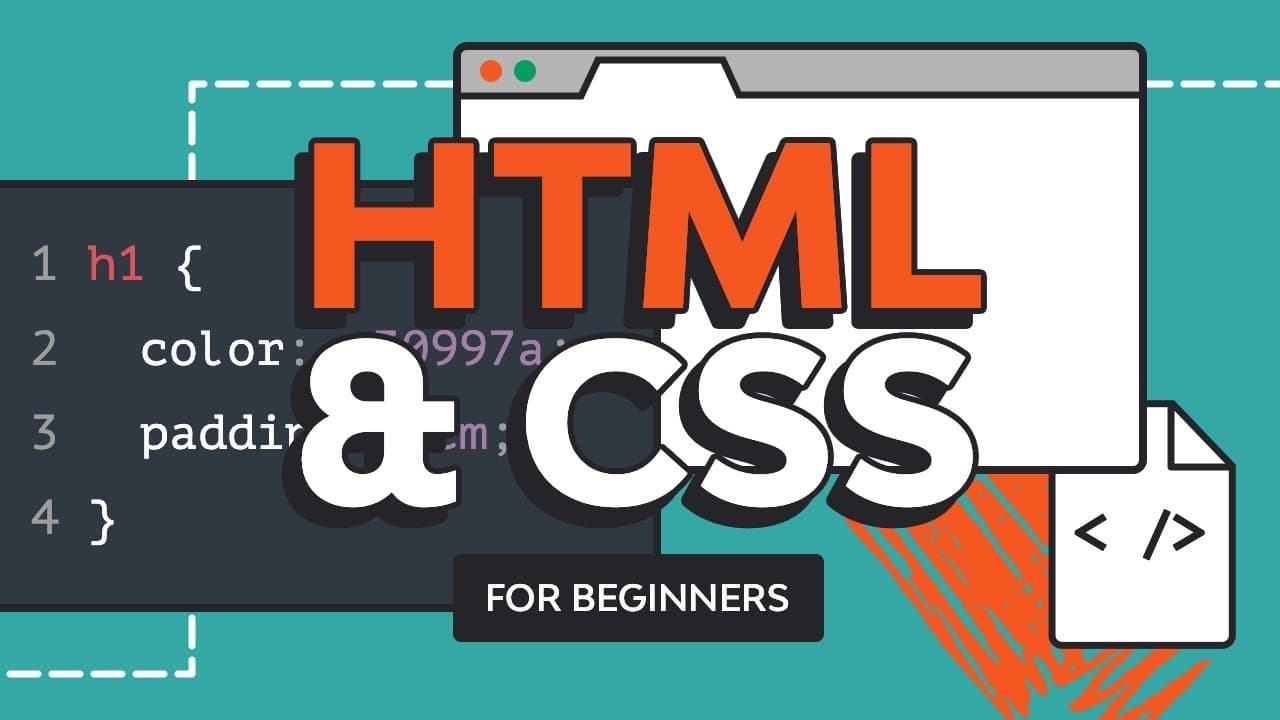
HTML & CSS for Beginners | FREE MEGA COURSE (7+ Hours!)
TL;DR
Learn the basics of HTML and various text-related elements such as headings, paragraphs, and links to create well-structured and organized web content.
Transcript
a couple of years ago i started to learn web design because i was fascinated with colors typography and website layouts also because i wanted to make more money soon after i got my first clients and i started to notice that most of them also wanted coding services because a static website design was useless to them they wanted a fully functional we... Read More
Key Insights
- 🕸️ HTML elements are crucial for structuring and organizing web content, making it readable and scannable.
- 👻 Headings provide hierarchy and structure to content, allowing users to navigate and understand the information.
- 💄 Paragraphs are used to display blocks of text, improving readability and making the content easier to digest.
- 😒 Inline and block-level elements have different behaviors and uses, affecting the flow and structure of web content.
- 👻 The div element is a versatile container that allows grouping of other elements and applying styling.
- 💨 The strong and emphasis elements provide ways to emphasize and highlight important text in HTML.
- 📟 Hyperlinks are created using the anchor element, enabling users to navigate to other pages or sections within the same page.
Install to Summarize YouTube Videos and Get Transcripts
Explore YouTube Video Summarizer or Get YouTube Transcript Extractor
Questions & Answers
Q: What are the main differences between inline and block-level elements?
Inline elements flow horizontally and can sit next to other inline elements without forcing a new line. Block-level elements flow vertically, start on a new line, and take up the full width of their parent container.
Q: Why are headings and paragraphs important in web content?
Headings provide structure and hierarchy to content, allowing users and search engines to navigate and understand the content better. Paragraphs are used to display blocks of text, making the content more readable and scannable.
Q: How can you emphasize important text in HTML?
The strong element can be used to bold important text, indicating its significance. Additionally, the emphasis element can be used to italicize text, drawing attention to it.
Q: How can you create hyperlinks in HTML?
The anchor element (a) is used to create hyperlinks. It requires an "href" attribute that specifies the destination URL or the anchor point within the same page.
Key Insights:
- HTML elements are crucial for structuring and organizing web content, making it readable and scannable.
- Headings provide hierarchy and structure to content, allowing users to navigate and understand the information.
- Paragraphs are used to display blocks of text, improving readability and making the content easier to digest.
- Inline and block-level elements have different behaviors and uses, affecting the flow and structure of web content.
- The div element is a versatile container that allows grouping of other elements and applying styling.
- The strong and emphasis elements provide ways to emphasize and highlight important text in HTML.
- Hyperlinks are created using the anchor element, enabling users to navigate to other pages or sections within the same page.
- Well-structured and organized web content is crucial for user experience, accessibility, and search engine optimization.
Summary & Key Takeaways
-
HTML elements are used to structure and organize web content. Inline elements flow horizontally, while block-level elements flow vertically and force a new line.
-
Headings (h1 to h6) are used to organize content hierarchically, with h1 being the most important and h6 being the least important.
-
Paragraphs (p) are used to display blocks of text, and they are block-level elements.
-
The div element is a generic container that allows grouping of other elements and can be styled with CSS.
-
The strong element is used to emphasize important text and is typically rendered as bold.
-
The emphasis (m) and small elements are used to display text with emphasis or small print, respectively.
-
The anchor (a) element is used to create hyperlinks to other pages or sections within the same page.
Read in Other Languages (beta)
Share This Summary 📚
Summarize YouTube Videos and Get Video Transcripts with 1-Click
Try YouTube Summary with ChatGPT & Claude or YouTube Transcript Generator
Explore More Summaries from Envato Tuts+ 📚

Summarize YouTube Videos and Get Video Transcripts with 1-Click
Try YouTube Summary with ChatGPT & Claude or YouTube Transcript Generator