How Does Waydroid Integrate Android Apps Into Your Linux Desktop?
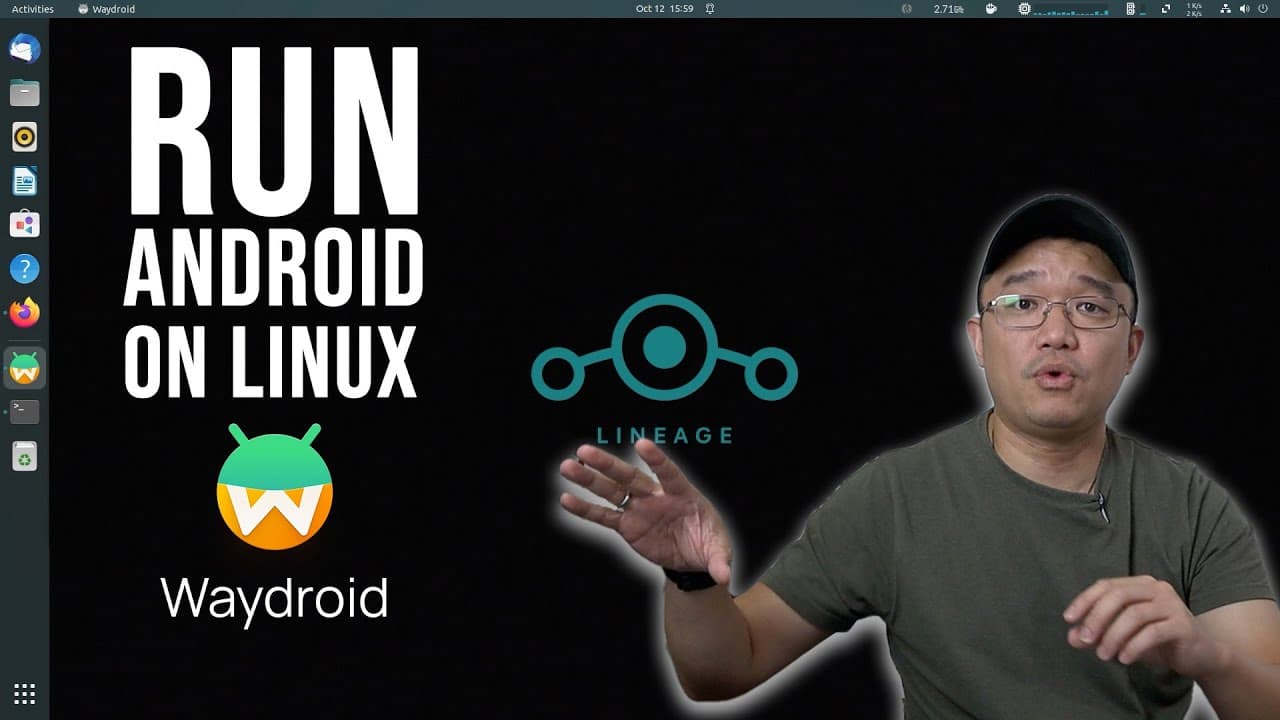
TL;DR
Waydroid runs Android on Linux through the Wayland display server and integrates individual apps directly into your desktop, so once you install an app its icon is added to your application menu alongside multi-window and full UI modes. It's free, open source, delivers near-native performance, and installs on Ubuntu in about four to five minutes. You can choose a vanilla build or one with Google apps. Read on for the install steps and how the seamless integration actually works.
Transcript
hey guys what's going on it's Don here from novice prayer Tech and welcome back to the channel and today I'm going to show you guys a new way to run Android on Linux so let's get started so it's been a while since I last did a video on running Android on Linux and now there's a new way to do it this is called way Droid which allows you to run Andro... Read More
Key Insights
- 👻 WayDroid allows seamless integration of Android applications within Linux, ideal for users who want the flexibility of both operating systems.
- 👤 It's particularly user-friendly for Linux distributions like Ubuntu, with clear installation guidelines available in its documentation.
- 🏃 The tool provides options for running Android with or without Google applications, catering to varying user preferences.
- 👻 Support for multiple chip architectures broadens the accessibility of WayDroid, allowing usage on various hardware setups.
- 🏃 The stable performance reported by users indicates that running Android through WayDroid can be efficient, with some tasks achieving native-like execution speeds.
- 👻 WayDroid's design allows for features like multi-window and full UI mode, creating a desktop-like experience which enhances productivity.
- 📁 The documentation available is crucial for troubleshooting and learning advanced features, especially regarding file management and application installation.
Install to Summarize YouTube Videos and Get Transcripts
Explore YouTube Video Summarizer or Get YouTube Transcript Extractor
Questions & Answers
Q: How does Waydroid provide seamless desktop integration on Linux?
Waydroid runs Android on the Wayland display server and lets you run not just a full Android environment but also individual apps that integrate into your Linux desktop. Once you install an app, its icon is added to your application menu, so you can launch something like a calculator and it opens as its own window. Combined with multi-window mode and full UI mode, this creates a desktop-like Android experience.
Q: What are the main features of Waydroid?
According to the video, Waydroid's main features are full app integration, multi-window mode, and full UI mode that makes it look like you are on an Android desktop. It is free and open source, and it offers near-native performance. The presenter played around with it and found it really fast.
Q: Which Linux distributions, CPUs, and GPUs does Waydroid support?
The install documentation covers Ubuntu, Arch Linux, Zorin OS, Fedora, and more. It supports ARM and ARM 64 as well as standard x86 and 64-bit CPUs, and you can probably get it working on a Raspberry Pi. For GPUs, Intel currently has the best support and works right out of the box, AMD works well next, while Nvidia may require software rendering.
Q: How do you install Waydroid on Ubuntu?
First install curl and CA certificates and add the required line to your repository. After that beginning step you just run sudo apt install waydroid, which creates a new Waydroid entry in your application menu. The first boot download typically takes about four to five minutes depending on your internet speed.
Q: What is the difference between the vanilla and Google apps (GApps) versions?
On first boot you choose between vanilla, which has no Google apps, or the GApps version. Both work, but the GApps version requires certifying the device by submitting a code on a website, like in the presenter's previous Android GApps video. The presenter used vanilla because it had fewer pop-ups, felt like it booted quicker, and ran a little smoother.
Q: How do you install Android apps in Waydroid?
You install apps from the command line using the waydroid app command, which supports install, remove, launch, and list. For example, the presenter went to their downloads folder and ran waydroid app install ppsspp.apk to install a downloaded APK. The Waydroid website has a lot of guides on installing and running applications.
Q: How well does Waydroid perform when running Android apps?
The video reports near-native performance, and the presenter confirmed it is really really fast after testing it. Both the vanilla and GApps versions work, but vanilla felt quicker to boot and ran a little smoother because there were fewer pop-ups and background processes. This makes it a viable way to run Android apps directly on Linux.
Summary & Key Takeaways
-
WayDroid enables users to run Android applications on Linux, specifically on the Wayland display server protocol. This offers features like full app integration and multi-window mode to create a desktop-like environment for Android apps.
-
The installation process is straightforward and works on various Linux distributions like Ubuntu, Arch Linux, and others. It supports multiple CPU architectures, including ARM, x86, and Raspberry Pi, facilitating broader usage.
-
Users can choose between a vanilla Android experience or one with Google apps, both of which are operational. The vanilla version provides a smoother experience without frequent pop-ups.
Read in Other Languages (beta)
Share This Summary 📚
Summarize YouTube Videos and Get Video Transcripts with 1-Click
Try YouTube Summary with ChatGPT & Claude or YouTube Transcript Generator
Explore More Summaries from Novaspirit Tech 📚






Summarize YouTube Videos and Get Video Transcripts with 1-Click
Try YouTube Summary with ChatGPT & Claude or YouTube Transcript Generator