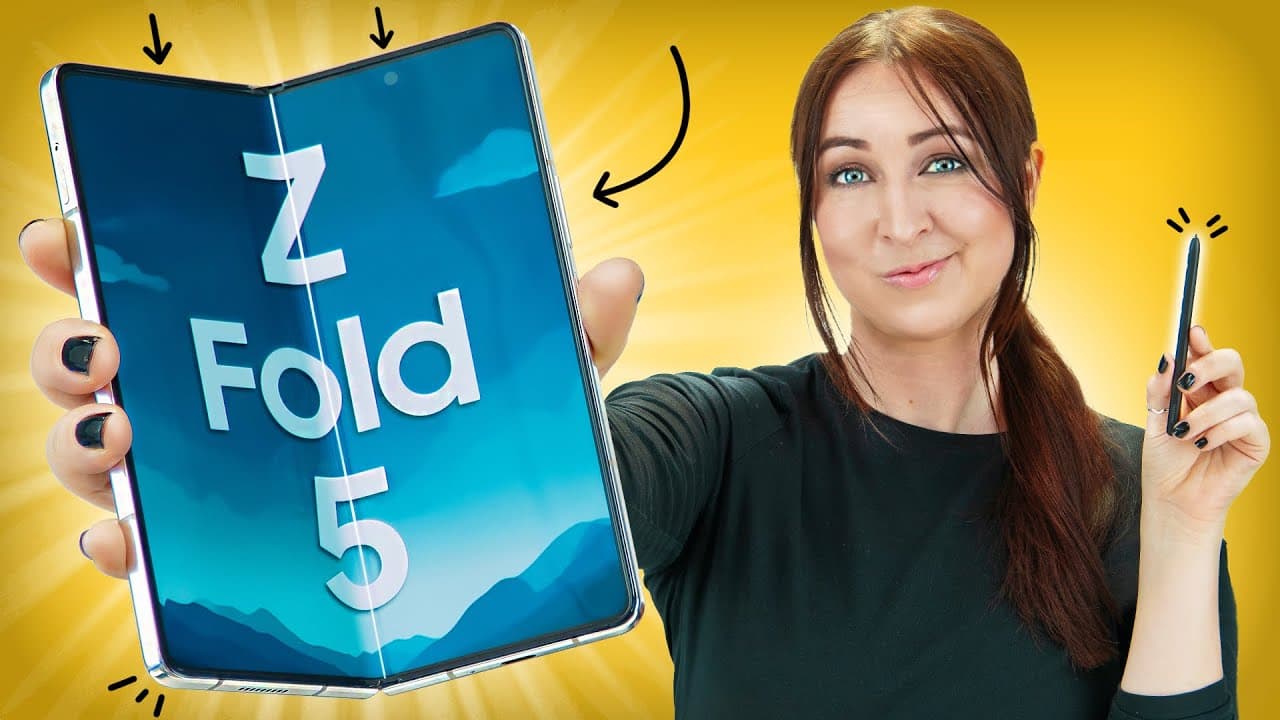
Samsung Galaxy Z Fold 5 TIPS, TRICKS & HIDDEN FEATURES!
TL;DR
The Samsung Galaxy Z Fold 5 has powerful multitasking capabilities and numerous hidden features and tips to enhance user experience.
Transcript
the Samsung Galaxy z45 is the most powerful fold in the world and I found some of the best tips tricks and hidden features that are just gonna bend your mind let's go so the fold five is by far the best phone when it comes to multitasking and there's actually a lot of hidden features and multitasking tricks to the inside screen for example if you h... Read More
Key Insights
- 💤 The Samsung Galaxy Z Fold 5 offers powerful multitasking capabilities and hidden features that make it a top choice for users who prioritize productivity.
- 😀 The S Pen enhances the user experience by providing quick access to apps and enabling creative possibilities.
- 👻 Customization options for the inside and cover screens allow users to personalize their device.
- 💤 The Flex mode and the ability to connect the phone to a monitor or TV turn the Samsung Galaxy Z Fold 5 into a computer-like device.
- 😀 The Galaxy Store offers useful apps, such as Good Lock and pentastic, that enhance the functionality of the S Pen.
- 💤 The Samsung Galaxy Z Fold 5 delivers a seamless user experience with smooth performance and responsive touch controls.
- 📷 The camera features, such as using the main camera for selfies and the timer multi-photo option, enable users to capture high-quality photos and videos.
Install to Summarize YouTube Videos and Get Transcripts
Explore YouTube Video Summarizer or Get YouTube Transcript Extractor
Questions & Answers
Q: How can I multitask efficiently on the Samsung Galaxy Z Fold 5?
You can drag and drop pictures into chat apps, open links in split-screen mode, and use the phone's S Pen for seamless multitasking and quick access to apps.
Q: Can I customize the look and feel of the Samsung Galaxy Z Fold 5?
Yes, you can customize the inside and cover screens with different designs, videos, clock styles, fonts, and app shortcuts. You can also add widgets and customize the lock screen.
Q: What are some unique features of the S Pen on the Samsung Galaxy Z Fold 5?
The S Pen, developed in collaboration with Wacom, can be used in various apps like Sketchbook to create artwork. You can also set double-tap shortcuts to open specific apps.
Q: How can I enhance my camera experience on the Samsung Galaxy Z Fold 5?
You can use the main 50 Mega camera for high-quality selfies, enable the timer multi-photo feature to capture multiple shots with perfect timing, and use the capture view icon to easily view and zoom in on photos.
Summary & Key Takeaways
-
The Samsung Galaxy Z Fold 5 offers a variety of hidden features and multitasking tricks, such as dragging and dropping pictures into chat apps and opening links in split-screen mode.
-
The phone's S Pen can be used in various apps, like Sketchbook, to create unique artwork.
-
Users can customize the inside and cover screens, add widgets to the lock screen, and set custom backgrounds for contacts.
Read in Other Languages (beta)
Share This Summary 📚
Summarize YouTube Videos and Get Video Transcripts with 1-Click
Try YouTube Summary with ChatGPT & Claude or YouTube Transcript Generator
Explore More Summaries from Hayls World 📚






Summarize YouTube Videos and Get Video Transcripts with 1-Click
Try YouTube Summary with ChatGPT & Claude or YouTube Transcript Generator