Coding Challenge #151: Ukulele Tuner with Machine Learning Pitch Detection Model
TL;DR
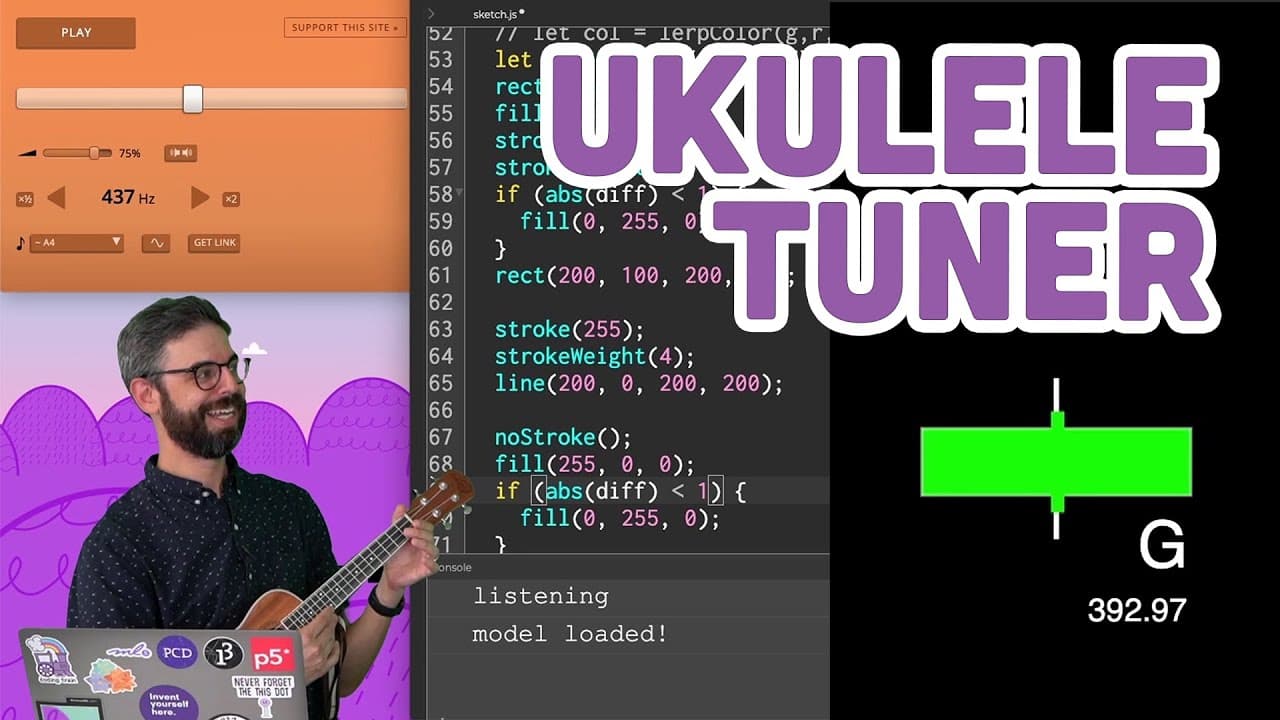
A coding challenge where the host creates a ukulele tuner using ml5.js and p5 Web Editor.
Transcript
Hello and welcome to a coding challenge. Oh, my ukulele is very out of tune. What luck this happens to be the make a ukulele tuner coding challenge. What a coincidence. Well, I'm here in my new studio located-- it's not my studio, but it is a studio. It's in Brooklyn at New York University. And I'm doing my first coding challenge from here. I don't... Read More
Key Insights
- 😒 The ml5.js library provides an easy-to-use interface for accessing machine learning models, such as the pitch detection model used in this coding challenge.
- 🎭 Pretrained models like CREPE can be used to perform complex tasks, such as pitch detection, without the need for custom algorithms.
- 👨💻 The p5 Web Editor simplifies the process of creating and running code, especially when using external libraries.
- 👤 Visual indicators can be used to provide real-time feedback and enhance the user experience in applications like tuners.
Install to Summarize YouTube Videos and Get Transcripts
Explore YouTube Video Summarizer or Get YouTube Transcript Extractor
Questions & Answers
Q: What is the purpose of the ml5.js library in this coding challenge?
The ml5.js library is used to access the pitch detection model, which allows for analysis of sounds and identification of specific tones or pitches.
Q: How does the pitch detection model work?
The pitch detection model, known as CREPE, is a pretrained model that uses machine learning to analyze audio and estimate the pitch of the sound. It is trained on a specific dataset and can make predictions on new audio inputs.
Q: How does the host handle importing the model files for the pitch detection model?
The host downloads the necessary model files from the ml5-data-and-models GitHub repository and includes them in the code. They also provide a workaround using a content delivery network to directly access the model files from GitHub.
Q: How does the visual indicator on the screen represent the difference in pitch?
The host creates a rectangle on the canvas, with its position and size determined by the difference in frequency between the detected pitch and the desired pitch. The rectangle moves to the right if the pitch is higher and to the left if the pitch is lower.
Summary & Key Takeaways
-
The host introduces the coding challenge of creating a ukulele tuner using the ml5.js library and p5 Web Editor.
-
They explain how to import the ml5 library and access the pitch detection model.
-
The host demonstrates how to set up the audio context, microphone stream, and create a pitch detection object.
-
They show how to use the pitch detection object to get the current pitch and create a visual indicator based on the difference between the detected pitch and the desired pitch.
Read in Other Languages (beta)
Share This Summary 📚
Summarize YouTube Videos and Get Video Transcripts with 1-Click
Try YouTube Summary with ChatGPT & Claude or YouTube Transcript Generator
Explore More Summaries from The Coding Train 📚






Summarize YouTube Videos and Get Video Transcripts with 1-Click
Try YouTube Summary with ChatGPT & Claude or YouTube Transcript Generator