15" MacBook Air - TIPS TRICKS & HIDDEN FEATURES!!
TL;DR
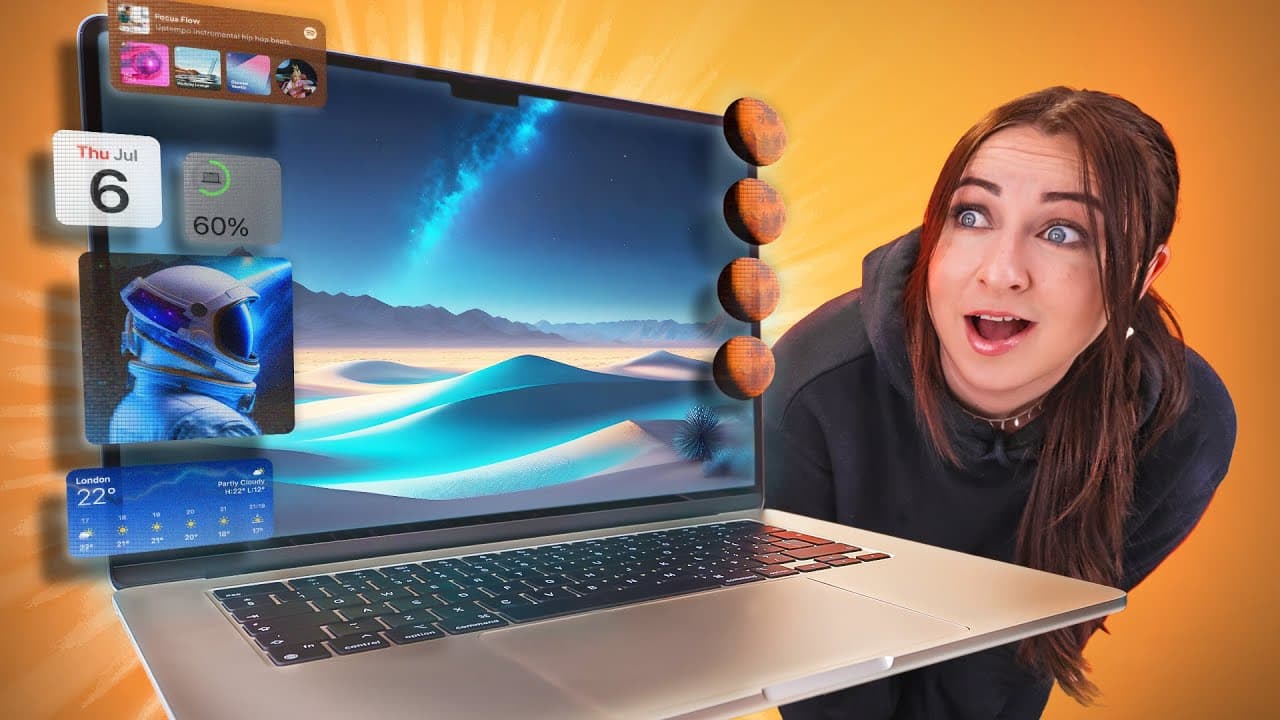
Customize your MacBook with new widgets, hide menu bars for a cleaner look, add dynamic wallpapers, control your MacBook with your head, use folder customization options, and discover hidden key combinations to enhance your MacBook experience.
Transcript
guys there is so much you can do with a new Macbook Air like some super cool new desktop widgets secret customization settings secret animations and even controlling it with only your head so let me show you the top 10 things you must do for the ultimate MacBook setup [Applause] so the first thing you're going to want to do is customize your MacBoo... Read More
Key Insights
- 👻 The new Sonoma update allows for customizable widgets on the MacBook desktop, enhancing the user experience.
- 🤢 Hiding the menu bar and dock can create a cleaner desktop appearance, and adding battery percentage and keyboard brightness control to the menu bar provides convenience.
- 👶 Dynamic wallpapers bring a new visual dimension to the MacBook, and users can also add their own wallpapers for a personalized touch.
- 🎮 Controlling the MacBook with head pointer control is a unique accessibility feature.
- 📁 Customizing folders with colors and images adds aesthetic appeal to the MacBook setup.
- 😄 Knowing key combinations can enhance productivity and ease of use on a MacBook.
- 😀 Using web apps and privacy settings in Safari offers convenient and secure browsing.
- 😀 Third-party apps like iWallpaper and Hidden Bar provide additional customization options.
- 😀 The Tinker Tool app unlocks hidden settings and allows for fine-tuning of the MacBook.
Install to Summarize YouTube Videos and Get Transcripts
Explore YouTube Video Summarizer or Get YouTube Transcript Extractor
Questions & Answers
Q: How do you customize the widgets on a MacBook?
To customize widgets, right-click on the desktop, tap on "edit widgets," and choose from a library of widgets. You can drag and drop them onto your desktop and remove them by right-clicking and selecting "remove."
Q: Can you control your MacBook with your head?
Yes, you can control your MacBook with your head by enabling head pointer control in the accessibility settings. The mouse pointer will move with your head movements, and you can set facial expressions for left and right clicks.
Q: How can you customize folders on a MacBook?
You can customize folders by selecting "Show view options" in folder settings and choosing a custom color or adding a custom image background. You can also drag and drop a custom image into the folder's info to create unique-looking folders.
Q: What are some hidden key combinations on a MacBook?
Some hidden key combinations include rearranging menu bar icons by pressing and holding the command key, resizing windows from the center by holding down the option key while dragging the corner, and accessing a navigation menu in a folder by holding down the option key.
Summary & Key Takeaways
-
Add customizable widgets to your MacBook desktop using the new Sonoma update, including battery, calendar, clock, and more.
-
Customize the menu bar and dock settings to automatically hide when not in use, and add battery percentage and keyboard brightness control to the menu bar.
-
Explore dynamic wallpapers that animate and change when you lock or unlock your MacBook, or add your own wallpaper to match your style.
-
Control your MacBook using your head and facial expressions by enabling head pointer control.
-
Customize your folders with custom colors or images, and use search results to create a new folder.
-
Discover hidden key combinations for rearranging menu bar icons, resizing windows from the center, and navigating files more efficiently.
-
Add web apps to the dock for quick access and use Touch ID for private tabs in Safari.
-
Install a third-party app to get animated wallpapers and a hidden bar to collapse menus.
-
Unlock hidden settings and adjust various aspects of your MacBook using the Tinker Tool application.
-
Use maintenance hacks like using a soft-bristle paintbrush and gentle face wipes to keep your MacBook clean.
Read in Other Languages (beta)
Share This Summary 📚
Summarize YouTube Videos and Get Video Transcripts with 1-Click
Try YouTube Summary with ChatGPT & Claude or YouTube Transcript Generator
Explore More Summaries from Hayls World 📚






Summarize YouTube Videos and Get Video Transcripts with 1-Click
Try YouTube Summary with ChatGPT & Claude or YouTube Transcript Generator