How To Read Instagram Messages Without Seen 2021 - Phil Pallen
TL;DR
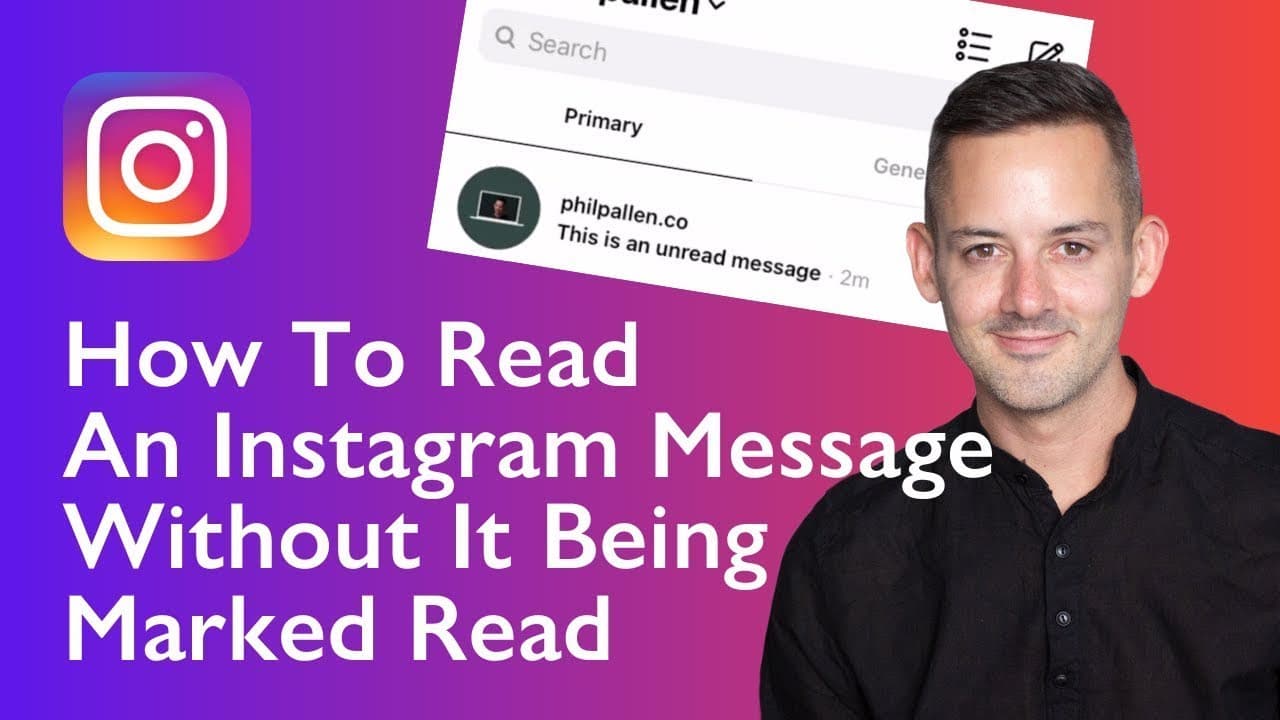
Learn how to read Instagram messages without the sender knowing by using either the restrict feature, turning off Wi-Fi, or using a third-party app.
Transcript
in this video i'm going to show you how to read an instagram message without it being marked red how tricky there are two ways actually three but you need to follow these steps exactly for it to work those steps are coming right up i'm phil palin a brand strategist welcome to my channel where i share practical advice to build your brand today i'm i... Read More
Key Insights
- 📁 There is no direct in-app functionality to disable the "seen" label in Instagram's direct messages.
- 🫠 Restricting the user who sent the message is an effective way to read messages without being marked as seen.
- 🙈 Turning off Wi-Fi and logging out of your account before viewing messages can also prevent the "seen" label.
Install to Summarize YouTube Videos and Get Transcripts
Explore YouTube Video Summarizer or Get YouTube Transcript Extractor
Questions & Answers
Q: How can I read an Instagram message without the sender knowing?
You can either restrict the user, turn off Wi-Fi and log out of your account, or use a third-party app to read messages without triggering the "seen" label.
Q: Will the sender be notified if I restrict them on Instagram?
No, the sender won't be notified, but their new comments on your posts will only be visible to them unless you approve them.
Q: Can I see photos or videos sent by the sender if I use the Wi-Fi method?
No, viewing images and videos using the Wi-Fi method can be difficult. If that's your intention, you may need to use a third-party app.
Q: What are some third-party apps that allow access to Instagram's direct messages?
While the video doesn't recommend any specific apps, a quick Google search can help you find reputable third-party apps with access to Instagram's direct messages.
Summary & Key Takeaways
-
There is no built-in feature on Instagram to disable the "seen" label when you read a direct message.
-
The first method is to restrict the user who sent the message, which allows you to view their messages without them knowing.
-
The second method is to turn off Wi-Fi or put your phone in airplane mode before opening the messages and logging out of your account.
-
The third method involves using a third-party app that has API access to Instagram's direct message functionality.
Read in Other Languages (beta)
Share This Summary 📚
Summarize YouTube Videos and Get Video Transcripts with 1-Click
Try YouTube Summary with ChatGPT & Claude or YouTube Transcript Generator
Explore More Summaries from Phil Pallen 📚






Summarize YouTube Videos and Get Video Transcripts with 1-Click
Try YouTube Summary with ChatGPT & Claude or YouTube Transcript Generator