Coding Challenge #74: Clock with p5.js
TL;DR
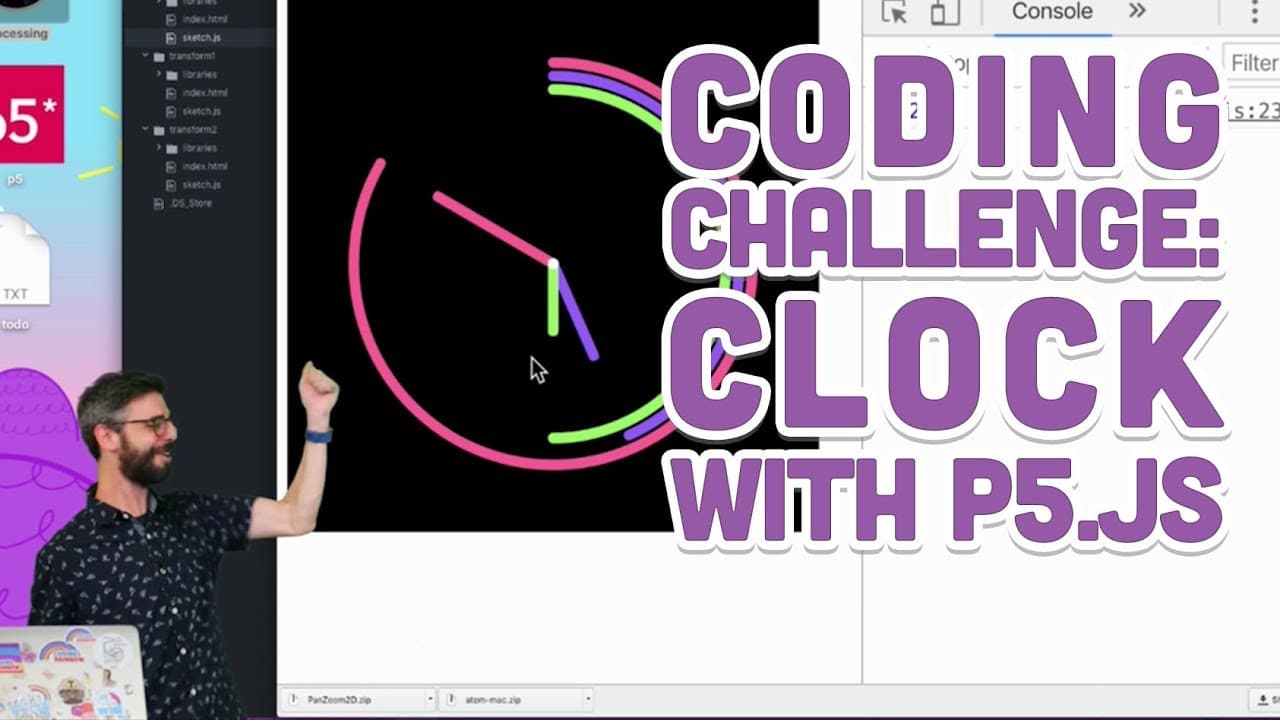
Learn how to use p5.js to create a custom clock that visually represents the time in a creative way.
Transcript
tick tock tick tock goes the clock anyway this is a coding challenge where I am going to make a very simple very basic clock in p5 GS why am i doing this well if you are beginning to learn about programming and learn about graphics and animation a great exercise that you can do that can really even really express your creativity with is invent a ne... Read More
Key Insights
- 🏃 Creating a clock in p5.js is an excellent exercise for beginners to learn programming, graphics, and animation.
- 💁 The p5.js library provides helpful functions to retrieve the current time information.
- ⏲️ Visualizing the time using creative shapes and designs can add an artistic touch to the clock.
Install to Summarize YouTube Videos and Get Transcripts
Explore YouTube Video Summarizer or Get YouTube Transcript Extractor
Questions & Answers
Q: What is the purpose of creating a clock in p5.js?
Creating a clock in p5.js is a great exercise to learn programming, graphics, and animation, while also allowing for creative expression.
Q: How can I get the current time information in p5.js?
p5.js provides functions to get the current hour, minute, and second, which can be easily accessed using the "hour()", "minute()", and "second()" functions.
Q: Can I create different visual representations for the hour, minute, and second hands?
Yes, the video demonstrates using arcs to create different shapes for each hand, but you can also experiment with other creative visuals.
Q: Are there any resources for inspiration or examples of clocks created with p5.js?
The video provides links to John Maeda's 12 o'clock project, clocks made by other users on CodePen, and a GitHub page where you can submit your own clocks.
Summary & Key Takeaways
-
The video introduces the idea of creating a new and imaginative way of showing time using p5.js.
-
Examples of John Maeda's 12 o'clock project and clocks made by other users are provided as inspiration.
-
The video demonstrates how to use p5.js to create a basic digital clock and then explores using arcs to visualize the time.
Read in Other Languages (beta)
Share This Summary 📚
Summarize YouTube Videos and Get Video Transcripts with 1-Click
Try YouTube Summary with ChatGPT & Claude or YouTube Transcript Generator
Explore More Summaries from The Coding Train 📚






Summarize YouTube Videos and Get Video Transcripts with 1-Click
Try YouTube Summary with ChatGPT & Claude or YouTube Transcript Generator