Converting M.2 key M to B+M
TL;DR
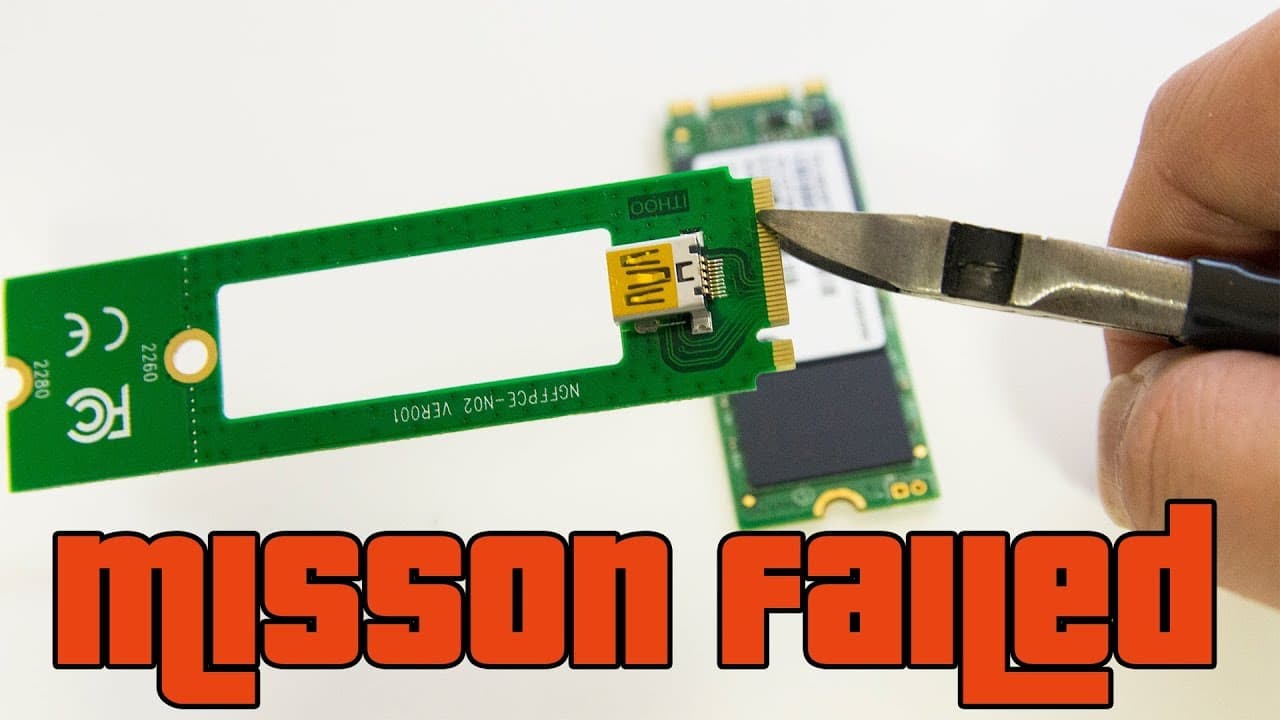
Don attempts to fit a PCIe card into an M.2 slot but faces technical challenges.
Transcript
Hey guys what's going on? It's Don here from NovaSpirit Tech and today I'm gonna see if I could fit a PCIe into a M.2 Module slot Now that requires me to convert M.2 module key M to M.2 module key BNM so let's get started Alright, so one of the hardwares that we're gonna be using is from Banggoods, they actually shipped out this unit for me, and I'... Read More
Key Insights
- 🧑💻 The project aimed to address hardware compatibility between PCIe cards and M.2 slots, showcasing the complexity of DIY tech modifications.
- 🥺 Physical modifications, like cutting and filing, can be risky and may lead to damage if not executed correctly.
- 😴 Don's experience highlights the importance of thorough research and understanding electrical pin configurations before attempting hardware modifications.
- 🌱 Real-world testing often reveals unforeseen issues not covered in theoretical knowledge or plans.
- 💄 The journey of DIY projects can involve substantial trial and error, making them both a learning experience and a potential source of frustration.
- 💍 Engaging with online communities might provide additional insights and alternative approaches for similar conversion projects.
- 🧑💻 Don’s willingness to share his experiences, whether successful or not, contributes to the broader tech community's collective knowledge.
Install to Summarize YouTube Videos and Get Transcripts
Explore YouTube Video Summarizer or Get YouTube Transcript Extractor
Questions & Answers
Q: What was the main goal of Don's project?
Don aimed to fit a PCIe card into an M.2 slot on a UdooX86 board, specifically attempting to convert the M key to a B key. This endeavor was rooted in his need to connect a GPU to enhance the board's capabilities, despite the inherent hardware compatibility limitations.
Q: What materials and tools did Don use during the conversion process?
Don utilized a PCIe setup from Banggoods, which cost around ten dollars, and employed cutting tools such as small dikes and a file. These tools were essential for modifying the M key module, ensuring it could fit into the B key slot by removing excess material.
Q: What issues did Don encounter while testing the modified setup?
During testing, Don discovered that although power was being delivered to the connected GPU, there was no display output on the monitor. This led him to suspect possible issues with the conversion and the overall compatibility of the modified hardware.
Q: Did Don find any resources or documentation that supported his project?
No, Don mentioned that he struggled to find any online resources or documentation addressing the modification of an M key to a B and M key. His findings were unique, leading him to believe that his project could be potentially groundbreaking, though ultimately unsuccessful.
Q: What conclusion did Don reach after attempting the hardware modification?
After extensive testing and modifications, Don concluded that the project did not work as intended. Despite his initial optimism based on the pin configurations, he recognized that the practical application of the modification did not yield the expected results.
Q: How did Don document his process throughout the video?
Don provided a step-by-step narration, visually demonstrating the cutting and filing modifications made to the PCIe module, and he shared his thought processes as he encountered challenges during testing. This method of documentation allowed viewers to follow along with his experiment.
Summary & Key Takeaways
-
Don from NovaSpirit Tech explores converting a PCIe module to fit an M.2 slot, which initially presents hardware compatibility challenges.
-
The process involves physically modifying a module to create the necessary grooves for compatibility with an M.2 B key slot, using tools for cutting and filing.
-
Despite successfully modifying the hardware, Don experiences failure during testing, where the system does not display output, indicating that the conversion did not work.
Read in Other Languages (beta)
Share This Summary 📚
Summarize YouTube Videos and Get Video Transcripts with 1-Click
Try YouTube Summary with ChatGPT & Claude or YouTube Transcript Generator
Explore More Summaries from Novaspirit Tech 📚






Summarize YouTube Videos and Get Video Transcripts with 1-Click
Try YouTube Summary with ChatGPT & Claude or YouTube Transcript Generator