Creating picture and bar graphs 2 exercise examples | 3rd grade | Khan Academy
TL;DR
Learn how to create bar graphs and picture graphs to represent data in various scenarios.
Transcript
- [Voiceover] Let's do some examples creating picture and bar graphs. So it says Mr. Smith assigned a special project about the ocean to the students in his Earth Science class. To find out if students who spend more time on their projects got better grades, he asked the students how much time they spent completing their projects. Create a bar grap... Read More
Key Insights
- 🉐 Bar graphs are useful for visually representing numerical data and making comparisons.
- 🖼️ Picture graphs can add a visual element to data representation by using pictures to represent quantities.
- 🉐 Creating bar graphs and picture graphs can help analyze and interpret data in different scenarios.
- 🖼️ The number of pictures in a picture graph can be used to determine the quantity they represent.
- 📈 Comparing data from a chart to a picture graph can provide insights into the quantities represented.
- ❓ Visual representations of data can make it easier to understand and draw conclusions.
- 🉐 Bar graphs and picture graphs can be used in various subjects, such as Earth Science and flower shops.
Install to Summarize YouTube Videos and Get Transcripts
Explore YouTube Video Summarizer or Get YouTube Transcript Extractor
Questions & Answers
Q: What is the purpose of creating a bar graph in the first example?
The bar graph is created to visually represent the amount of time each student spent completing their ocean project, allowing for easier comparison of the data. This helps determine if there is a relationship between project completion time and grades.
Q: How is a picture graph different from a bar graph?
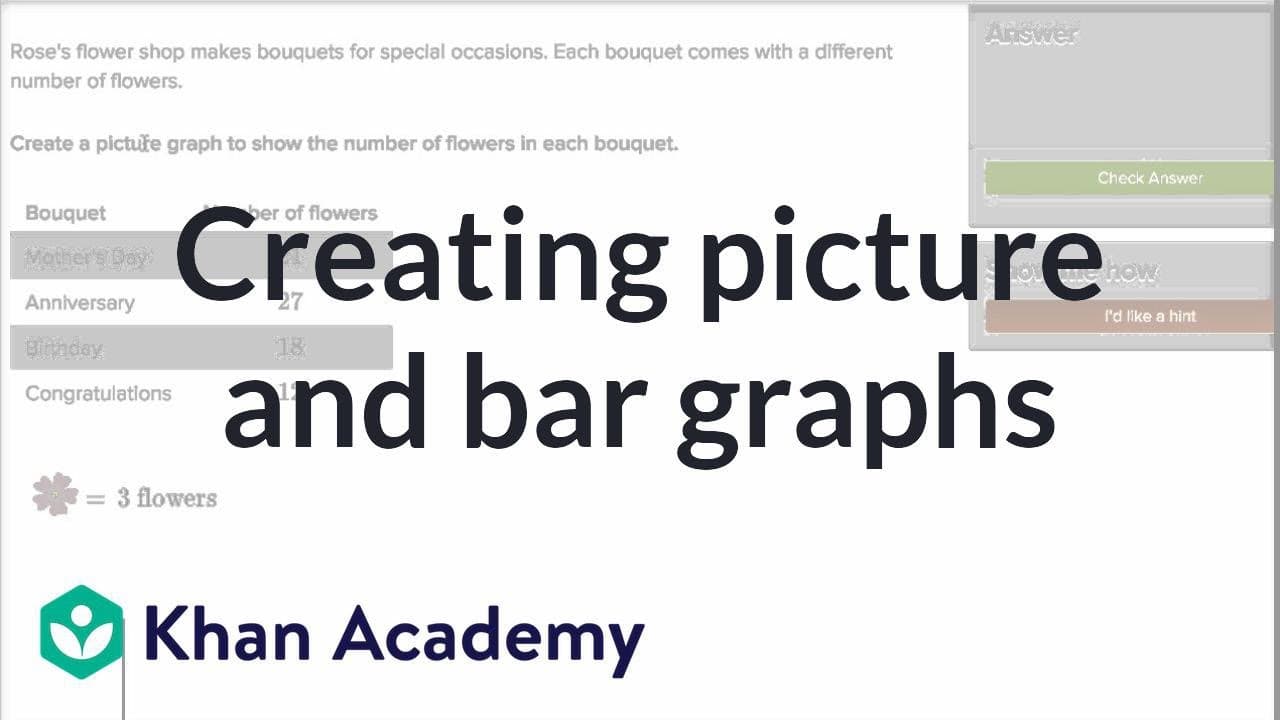
While a bar graph uses bars to represent quantities, a picture graph uses pictures to represent a certain number. Each picture in a picture graph can represent a specific quantity, such as the flowers in the bouquets from Rose's flower shop.
Q: How can the number of flowers in each bouquet be determined in the third example?
In the picture graph, each picture of a flower represents three flowers. By counting the number of pictures, one can determine the total number of flowers in each bouquet.
Q: How does the chart and picture graph in the last example help determine the number of flowers each bee pollinated?
By comparing the number of flowers each bee pollinated in the chart to the number of pictures of flowers in the picture graph, we can determine the quantity represented by each picture. This allows us to calculate the number of flowers each bee pollinated.
Summary & Key Takeaways
-
The video demonstrates how to create a bar graph to show the amount of time each student spent completing an ocean project in an Earth Science class.
-
Another example shows how to create a bar graph to represent the number of each type of dinosaur in the Dinosaur Orchestra performance.
-
The video also explains how to create a picture graph using pictures to represent a certain number of flowers in different bouquets from Rose's flower shop.
-
Lastly, the video provides an example of using a chart and a picture graph to determine the number of flowers each bee pollinated.
Read in Other Languages (beta)
Share This Summary 📚
Summarize YouTube Videos and Get Video Transcripts with 1-Click
Try YouTube Summary with ChatGPT & Claude or YouTube Transcript Generator
Explore More Summaries from Khan Academy 📚



Summarize YouTube Videos and Get Video Transcripts with 1-Click
Try YouTube Summary with ChatGPT & Claude or YouTube Transcript Generator