11.2: Bookmarklets - Programming with Text
TL;DR
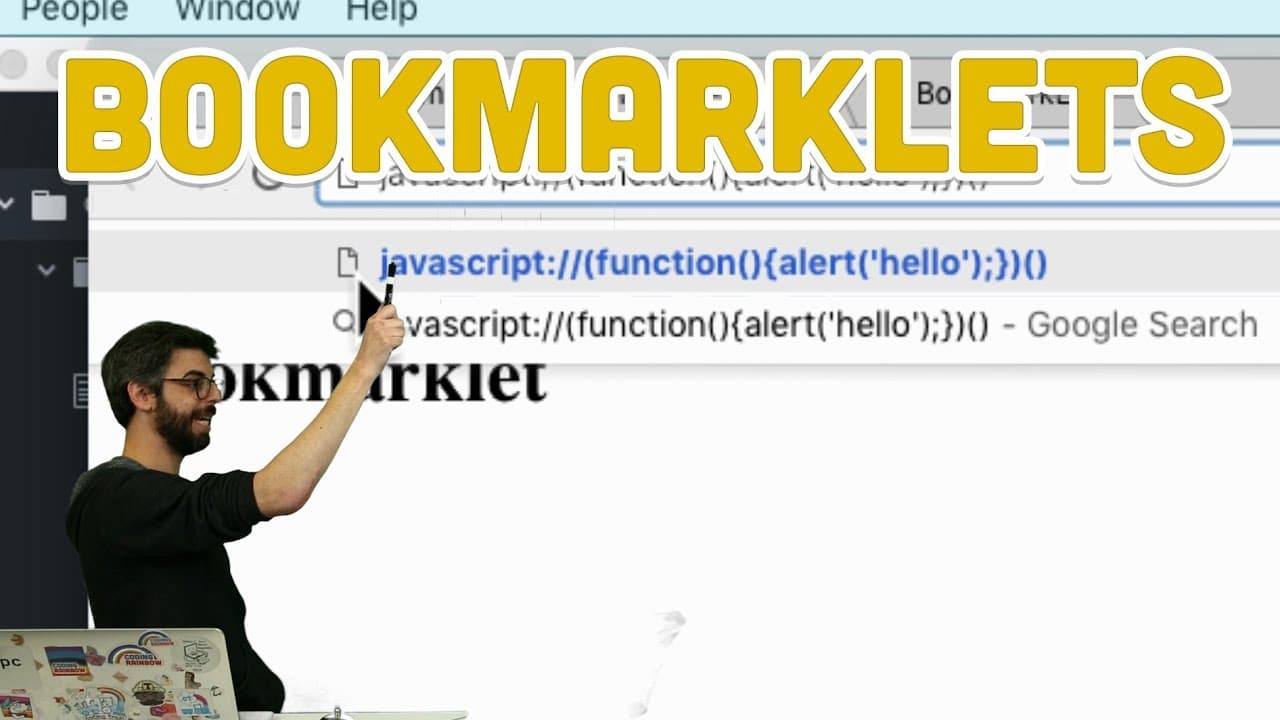
Learn how to create a basic bookmarklet and get an introduction to the power of Chrome extensions.
Transcript
hello this video tutorial where I'm going to show you how to make a very simple basic bookmarklet and this is really a warm-up my goal here in the next video and the video after that and the video after that is to start looking at Chrome extensions Chrome extensions are a much more powerful way to affect the browsing experience as a whole and actua... Read More
Key Insights
- 💨 Bookmarklets are a quick and easy way to add functionality to your browsing experience through JavaScript code.
- 🤳 The code for bookmarklets can be written as anonymous self-executing functions, making them efficient and concise.
- 👻 Hosting bookmarklet code in a separate JavaScript file allows for easier development and debugging.
- 🕸️ Bookmarklets can interact with web page elements and change their content in real-time.
- 👨💻 Browsers cache bookmarklet code, so adding a timestamp or unique parameter in the URL can ensure that users get the latest code.
- ❓ Chrome extensions offer more possibilities for modifying the browsing experience beyond what bookmarklets can do.
- 📁 Chrome extensions can be developed using a separate JavaScript file and have access to additional features and APIs.
Install to Summarize YouTube Videos and Get Transcripts
Explore YouTube Video Summarizer or Get YouTube Transcript Extractor
Questions & Answers
Q: What is a bookmarklet?
A bookmarklet is a JavaScript function that, when triggered, changes the browsing experience by running a specific code.
Q: How can bookmarklet code be executed?
Bookmarklet code can be executed by either putting the function name followed by parentheses or by enclosing the entire function in parentheses and adding two parentheses at the end.
Q: Where does bookmarklet code go?
Bookmarklet code can be written directly in the address bar or in a separate JavaScript file, which is then referenced in the bookmarklet's source.
Q: Can bookmarklets interact with web page elements?
Yes, bookmarklets can parse and change the content of web page elements, allowing for real-time modifications like replacing words or swapping images.
Summary & Key Takeaways
-
Bookmarklets are quick and easy ways to add buttons that trigger JavaScript code to change your browsing experience.
-
Bookmarklet code can be written as anonymous self-executing functions that are triggered when the button is pressed.
-
The code for bookmarklets can be written directly in the address bar or in a separate JavaScript file, making it easier to develop and debug.
Read in Other Languages (beta)
Share This Summary 📚
Summarize YouTube Videos and Get Video Transcripts with 1-Click
Try YouTube Summary with ChatGPT & Claude or YouTube Transcript Generator
Explore More Summaries from The Coding Train 📚






Summarize YouTube Videos and Get Video Transcripts with 1-Click
Try YouTube Summary with ChatGPT & Claude or YouTube Transcript Generator