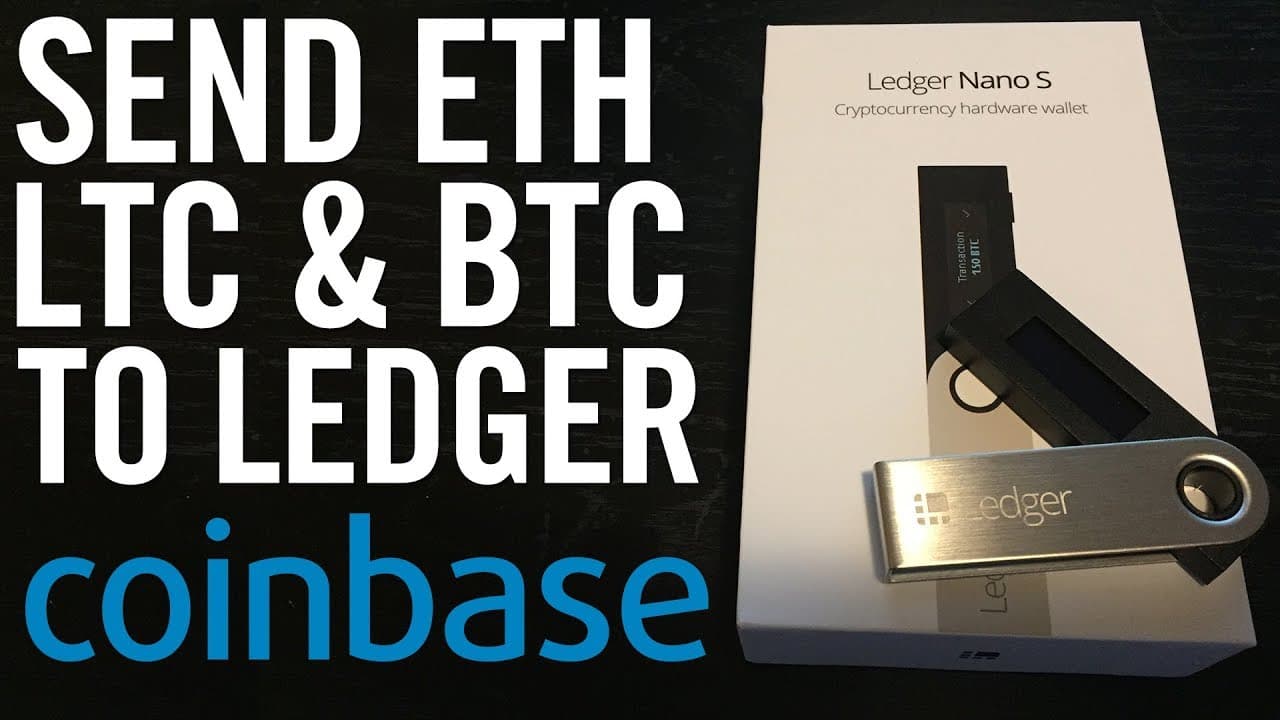
SEND BITCOIN, LITECOIN & ETHEREUM FROM COINBASE TO LEDGER NANO S (Hardware Wallet)
TL;DR
Learn how to transfer Ethereum from Coinbase to your Ledger Nano S wallet with step-by-step instructions.
Transcript
what's going on you guys so I had a number of people requesting that I do a video talking about how to actually send cryptocurrency to your ledger wallet I kind of thought this was self-explanatory but anyways a few people were confused about it so I figured I would just do a video showing you guys I'm about to move my ethereum and right now as you... Read More
Key Insights
- 🎅 Users have requested a video tutorial on how to send cryptocurrency to a Ledger Nano S wallet.
- 🛀 The process shown in the video covers transferring Ethereum, but it can be applied to any cryptocurrency on Coinbase.
- 🤗 The steps involve connecting the Ledger Nano S to the computer, opening the Ledger Wallet Ethereum Chrome application, and scanning the provided QR code.
- 🤱 A fee is charged for transferring cryptocurrency from one wallet to another.
- 🎮 The video also briefly mentions the option to transfer the Ethereum back to Coinbase for selling purposes.
- 😒 The use of a hardware wallet like the Ledger Nano S is recommended for securely storing cryptocurrencies offline.
- 🥶 Coinbase offers a referral link in the video description, providing a $10 free Bitcoin bonus for users who sign up and purchase $100 of cryptocurrency.
Install to Summarize YouTube Videos and Get Transcripts
Explore YouTube Video Summarizer or Get YouTube Transcript Extractor
Questions & Answers
Q: What is the purpose of this video?
The video aims to guide users on how to send their cryptocurrency, specifically Ethereum, from Coinbase to a Ledger Nano S wallet.
Q: What are the initial requirements for transferring the cryptocurrency?
Prior to the transfer, users must have their Ledger Nano S wallet set up, connected, and the PIN entered. All of this is covered in previous videos.
Q: How can I choose the desired cryptocurrency to connect with on the Ledger Nano S?
In the main menu of the Ledger Nano S, users can toggle to Ethereum or any other cryptocurrency they wish to connect with.
Q: How is the transfer initiated from Coinbase?
On the Coinbase app, users need to access their Ethereum wallet, select "Send," and use the camera to scan the QR code provided by the Ledger Nano S wallet.
Summary & Key Takeaways
-
The video demonstrates the process of transferring Ethereum from Coinbase to a Ledger Nano S wallet.
-
The necessary setup of the wallet and PIN entry is assumed to have already been completed.
-
The steps include selecting Ethereum on the Ledger Nano S, opening the Ledger Wallet Ethereum Chrome application on the computer, scanning the QR code provided by the wallet, and confirming the transfer on Coinbase.
Read in Other Languages (beta)
Share This Summary 📚
Summarize YouTube Videos and Get Video Transcripts with 1-Click
Try YouTube Summary with ChatGPT & Claude or YouTube Transcript Generator
Explore More Summaries from Ryan Scribner 📚






Summarize YouTube Videos and Get Video Transcripts with 1-Click
Try YouTube Summary with ChatGPT & Claude or YouTube Transcript Generator