Running Stable Diffusion On Raspberry Pi Zero 2 with Less Than 512 MB Ram
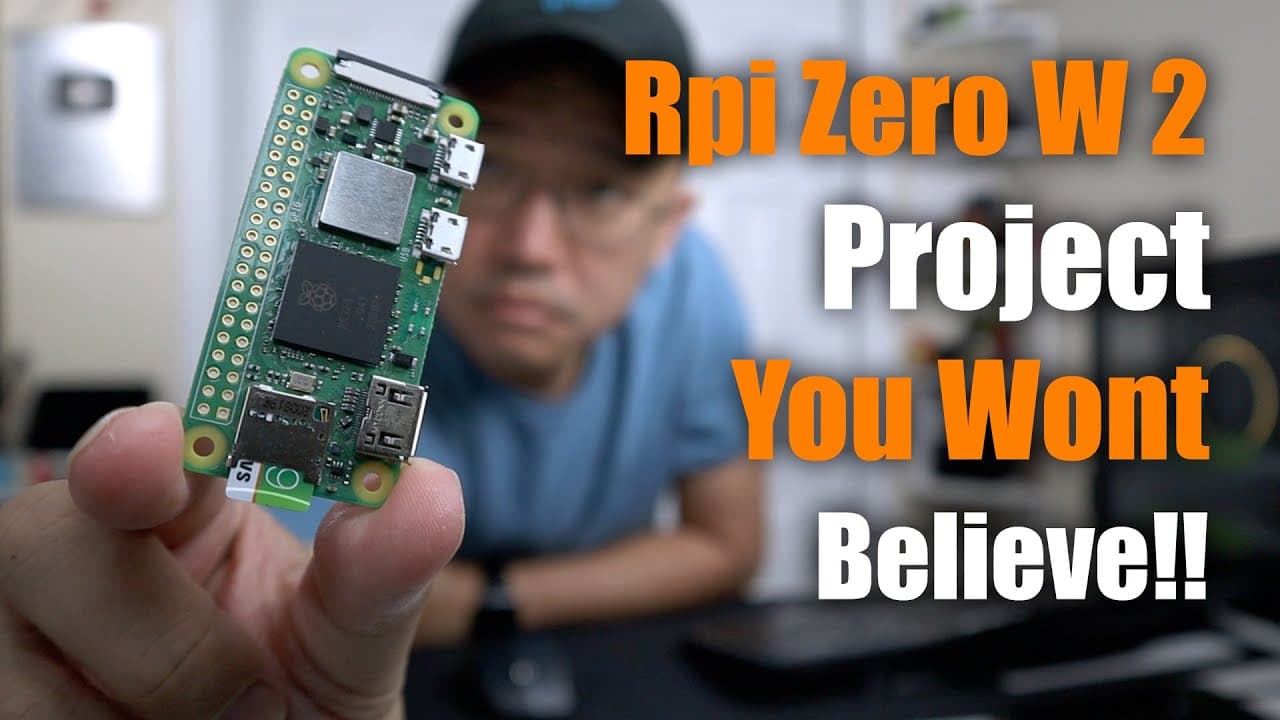
TL;DR
Stable diffusion can now run on Raspberry Pi Zero with impressive results despite its low RAM.
Transcript
hey guys what's going on it's Don here from Nova Spirit Tech and welcome back to the channel and today I want to show you a really cool project that's going on which is running stable diffusion on the Raspberry Pi zero two so let's check it out now this software that I'm about to show you is very impressive now it's created by a guy named veto and ... Read More
Key Insights
- 😘 Onyx Stream represents a significant advancement in making powerful AI tools accessible on low-spec hardware like the Raspberry Pi Zero 2.
- ❤️🩹 The performance of stable diffusion on Raspberry Pi demonstrates the possibilities of AI generative art beyond high-end computing environments.
- 👤 User experience can fluctuate based on how many processing steps are used during image generation, affecting both quality and processing time.
- 🤵 The project is still evolving, with room for performance improvements and more features as it garners community interest and contributions.
- 👶 Access to detailed instructions and support on GitHub helps new users navigate potential challenges in compiling and running the software.
- 😒 The concept of streaming data processing allows for innovative uses of limited resources, potentially expanding the scope of AI applications.
- 🏂 Developers and hobbyists are encouraged to explore the issue boards for additional support and to share their experiences, fostering a collaborative environment.
Install to Summarize YouTube Videos and Get Transcripts
Explore YouTube Video Summarizer or Get YouTube Transcript Extractor
Questions & Answers
Q: What is the main purpose of Onyx Stream software?
Onyx Stream is designed to enable running stable diffusion, a popular AI generative art program, on devices with low memory, such as the Raspberry Pi Zero 2. The software streams data to the CPU for processing, allowing the generation of art even with significant resource constraints.
Q: How did the author come across this project?
The author learned about Onyx Stream through a post on Twitter that discussed its capabilities. This discovery led him to experiment with the software himself, where he found it capable of running stable diffusion art generation on a Raspberry Pi Zero 2.
Q: What were the results of using different processing steps with Onyx Stream?
The author experimented with three different step counts: three steps resulted in an unclear image, seven steps produced a recognizable astronaut and horse, while fifteen steps yielded a more detailed image but with some inconsistencies. The length of time taken increased with each step count, highlighting a trade-off between image quality and processing duration.
Q: What challenges did the author face while compiling the software?
While the author encountered some minor issues during the software compilation process, he believed they were more related to user errors rather than the software itself. He managed to compile successfully after following specific instructions given on the GitHub page associated with the project.
Summary & Key Takeaways
-
A new software called Onyx Stream allows running stable diffusion on the Raspberry Pi Zero 2, which has only 512 MB of RAM, showcasing the potential of lower-end devices in AI generative art.
-
The author shares personal experiences with the software, emphasizing its capability to generate AI art effectively, although results vary depending on the number of processing steps taken.
-
Despite some initial compilation challenges, the project is considered an exciting breakthrough, and the author encourages others to explore the software and contribute to its ongoing development.
Read in Other Languages (beta)
Share This Summary 📚
Summarize YouTube Videos and Get Video Transcripts with 1-Click
Try YouTube Summary with ChatGPT & Claude or YouTube Transcript Generator
Explore More Summaries from Novaspirit Tech 📚






Summarize YouTube Videos and Get Video Transcripts with 1-Click
Try YouTube Summary with ChatGPT & Claude or YouTube Transcript Generator