HOW TO EDIT VIDEOS FASTER // 1-2 hours per vlog
TL;DR
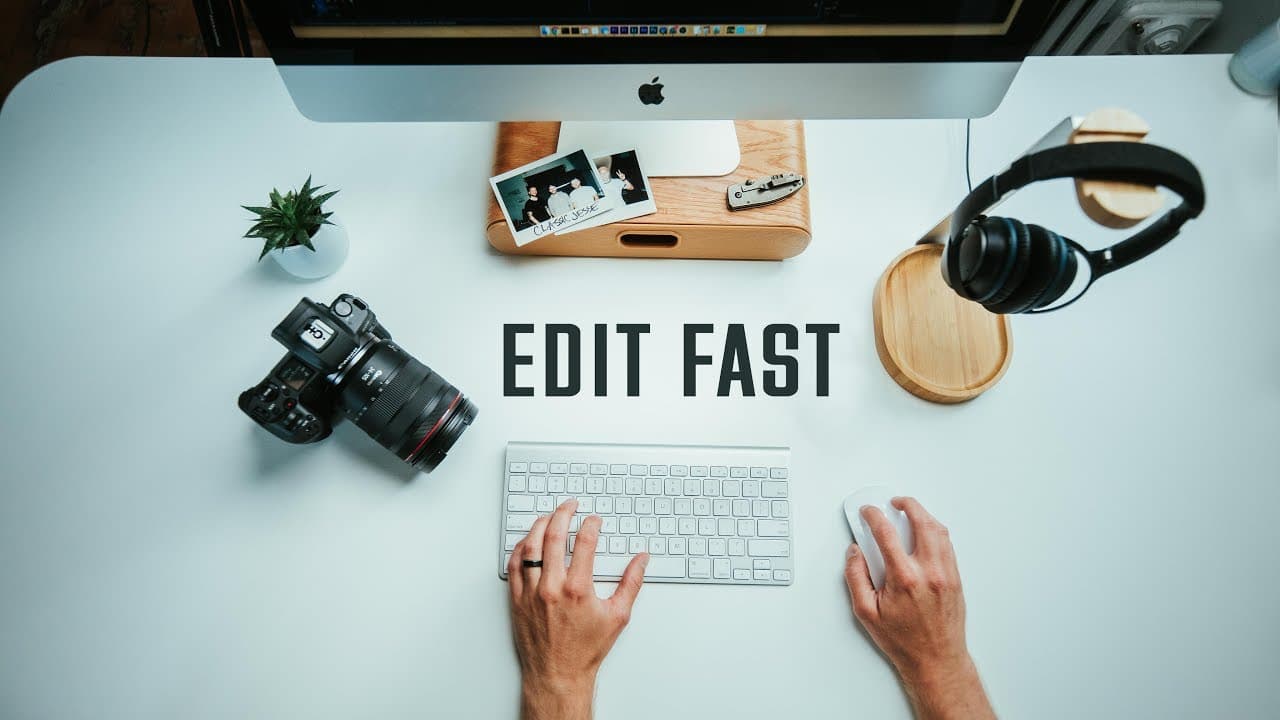
Learn how to edit videos faster by eliminating distractions, avoiding re-watching your edits, creating a music library, using keyboard shortcuts, and utilizing presets.
Transcript
so I hear you want to edit fast I got you it's been a little while since I've done like a proper tutorial feels really good okay so now that I'm doing daily uneven before in YouTube you kind of have to be a really really fast editor and a lot of people have been asking me about the daily and editing and how long does it take to edit and typically I... Read More
Key Insights
- ❓ Eliminating distractions is crucial for maintaining focus during the editing process.
- ⌚ Re-watching edits from the beginning wastes time and slows down the workflow.
- 🎼 Creating a music library improves efficiency by eliminating the need to search for music each time.
- 🔨 Keyboard shortcuts are powerful tools that help expedite repetitive editing tasks.
- 🐎 Using presets for color grading, motion graphics, and audio adjustments can speed up the editing process and maintain production value.
- 💨 Having a faster editing workflow makes daily vlogging more sustainable.
- 🐎 Balancing speed and production value is essential for efficient daily vlogging.
Install to Summarize YouTube Videos and Get Transcripts
Explore YouTube Video Summarizer or Get YouTube Transcript Extractor
Questions & Answers
Q: How can I eliminate distractions and focus on editing?
One effective way to eliminate distractions is to find a quiet workspace and remove any potential interruptions, such as turning off your phone or avoiding editing when others are around.
Q: Is it common to re-watch edits from the beginning multiple times?
Yes, many editors tend to re-watch their edits from the beginning, but this can significantly slow down the editing process. It's better to get through as much as possible before watching it through and making necessary tweaks.
Q: How can I speed up the process of finding music for my videos?
Instead of searching for music every time you start editing, create a music library. Take a couple of hours to download music from different genres that you like, so you have a collection of songs to choose from quickly.
Q: How can keyboard shortcuts improve editing speed?
Keyboard shortcuts allow you to perform multiple actions with just one button press. For example, with shortcuts like "add edit" and "ripple trim," you can cut footage and shift it quickly, saving time and making editing more efficient.
Summary & Key Takeaways
-
To edit faster, eliminate distractions by finding a quiet workspace and removing any potential interruptions.
-
Avoid re-watching your edit from the beginning every time, as it wastes time and slows down your workflow.
-
Create a music library so you don't have to search for the right song every time you start editing.
Read in Other Languages (beta)
Share This Summary 📚
Summarize YouTube Videos and Get Video Transcripts with 1-Click
Try YouTube Summary with ChatGPT & Claude or YouTube Transcript Generator
Explore More Summaries from Matti Haapoja 📚
Summarize YouTube Videos and Get Video Transcripts with 1-Click
Try YouTube Summary with ChatGPT & Claude or YouTube Transcript Generator