Photoshop CC Tutorial How to Remove Blemishes | Photoshop Tutorial
TL;DR
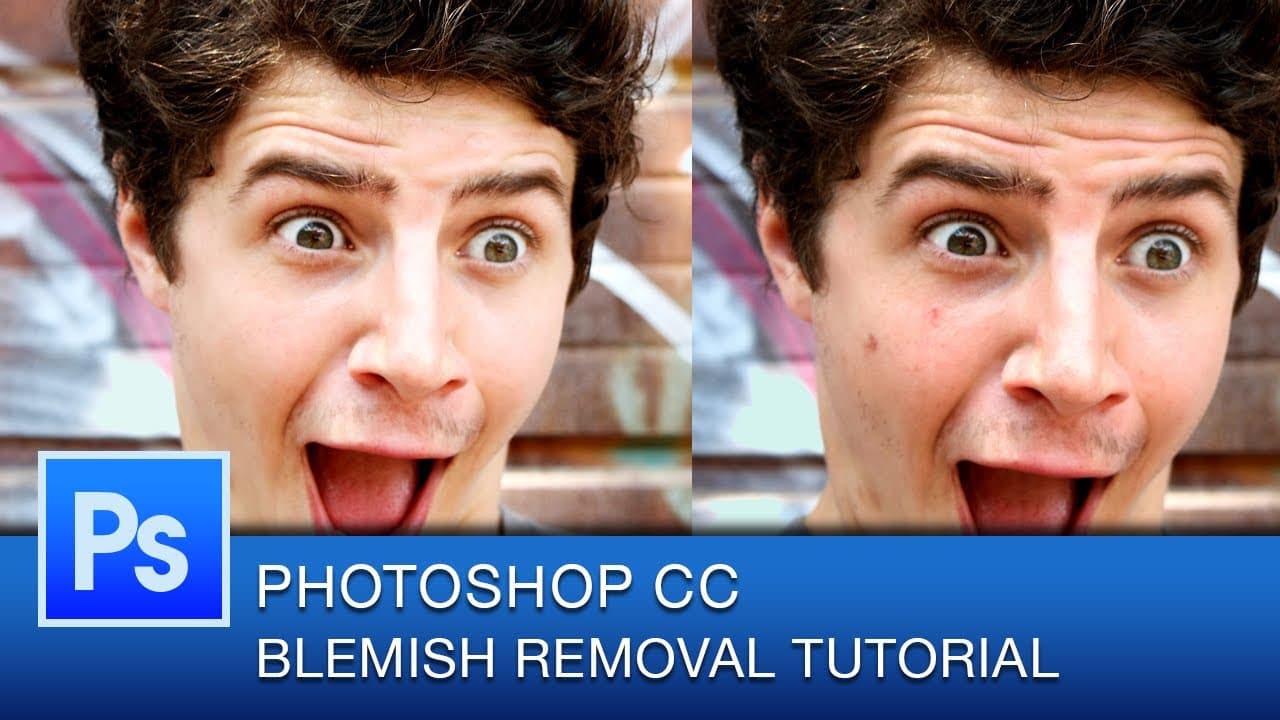
This tutorial demonstrates how to use the spot healing brush tool in Photoshop for non-destructive blemish removal.
Transcript
hello youtube and welcome to another photoshop cc tutorial these tutorials come out every thursday this is graphic designer roberto blake and today's tutorial is going to be blemish and spot removal in photoshop and today we're going to be using the spot healing brush to do this now this tutorial isn't going to be long because this is something tha... Read More
Key Insights
- 💨 Spot healing brush tool in Photoshop is a quick and effective way to remove blemishes.
- 👻 Working on a separate layer allows for non-destructive editing.
- 🧑⚕️ The healing brush tool is recommended for skin smoothing.
- 🕶️ The patch tool is useful for wrinkle and dark spot removal.
- 🔨 Blemish removal using tools like the blur tool or smudge tool is not recommended.
- ❓ Tutorials on Photoshop are released every Thursday.
- ❓ The tutorial creator, Robert Blake, is a graphic designer.
Install to Summarize YouTube Videos and Get Transcripts
Explore YouTube Video Summarizer or Get YouTube Transcript Extractor
Questions & Answers
Q: What is the main tool used for blemish removal in Photoshop?
The spot healing brush tool is primarily used for blemish removal in Photoshop. It allows for quick and painless removal of blemishes by simply clicking on the areas.
Q: Why is it recommended to work on a separate layer for blemish removal?
Working on a separate layer allows for non-destructive editing. By toggling through the layer, the difference between the original and edited versions can be easily seen. It also allows for easy undoing of changes.
Q: Can the spot healing brush tool be used for skin smoothing?
While the tutorial suggests using the healing brush tool for skin smoothing, the spot healing brush tool can also be used. By adjusting brush presets and using content aware and sample layers options, skin smoothing can be done.
Q: Which tool is effective for removing dark spots under eyes?
The patch tool is recommended for removing dark spots under eyes. It can effectively target small areas and blend them with the surrounding skin, resulting in a natural-looking appearance.
Summary & Key Takeaways
-
The tutorial shows how to use the spot healing brush tool in Photoshop for blemish removal.
-
By duplicating the layer and using content aware and sample layers options, blemishes can be easily eliminated.
-
The tutorial also mentions using other tools like the healing brush, patch tool, and presets for skin smoothing and wrinkle removal.
Read in Other Languages (beta)
Share This Summary 📚
Summarize YouTube Videos and Get Video Transcripts with 1-Click
Try YouTube Summary with ChatGPT & Claude or YouTube Transcript Generator
Explore More Summaries from Roberto Blake 📚






Summarize YouTube Videos and Get Video Transcripts with 1-Click
Try YouTube Summary with ChatGPT & Claude or YouTube Transcript Generator