CINEMATIC SEQUENCES WITH A TWIST
TL;DR
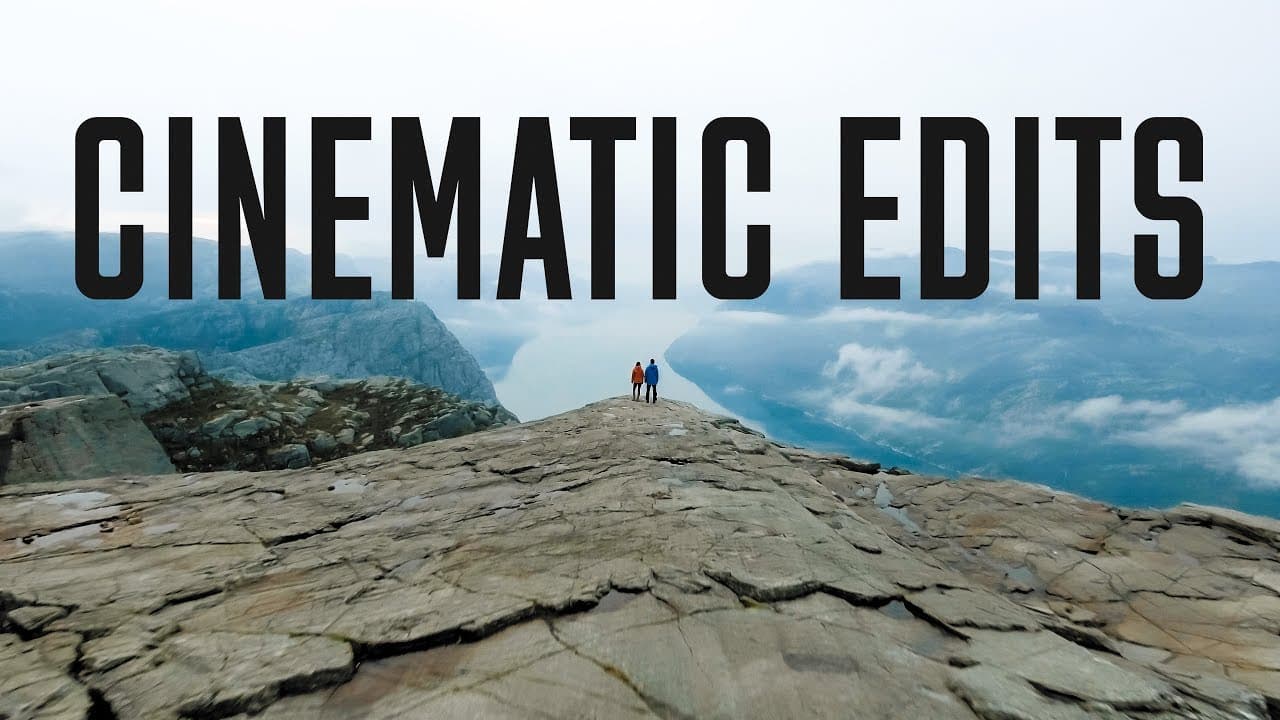
Learn how to create immersive sound design for videos using ambient, foley, and edit sounds, without relying on music.
Transcript
(wheel rolling) (car honking) (door bell jingling) (metal clanging) (slurping) (gulping) (bubble popping sounds) (zipping) So a couple months ago, I went to Banff with Peter, and I made this kind of different sort of intro video montage than I would normally do, and it was using no music. I only used sound effects to build the whole cinematic video... Read More
Key Insights
- 👂 Sound design can greatly enhance the impact and immersion of a video.
- 👂 Categorizing sounds into ambience, foley, and edit sounds helps in organizing the sound design process.
- 👂 Layering various sound effects and manipulating them can create a more natural and convincing audio experience.
- 🔊 Websites like Soundsnap.com can be a valuable resource for finding high-quality sound effects.
- 👂 Sound effects should be balanced and subtle to avoid overpowering the video.
- 🤔 Thinking creatively and trying out different sound effects can lead to unique and impactful results.
- 👂 Sound design is a crucial aspect of cinematography that deserves attention and experimentation.
Install to Summarize YouTube Videos and Get Transcripts
Explore YouTube Video Summarizer or Get YouTube Transcript Extractor
Questions & Answers
Q: Why did the creator decide to use only sound effects instead of music in their video?
The creator wanted to try something different and challenge themselves creatively. Using sound effects instead of music also allowed them to emphasize the importance of sound design in videos.
Q: What are the three categories of sounds used in the video?
The three categories are ambience (background sounds), foley (sounds created by objects or actions), and edit sounds (sounds used to enhance editing transitions).
Q: How can sound effects be found and integrated into a video?
The creator recommends using Soundsnap.com for high-quality sound effects. By analyzing the footage and considering what sounds would naturally occur, suitable sound effects can be added during the editing process.
Q: Can foley sounds be recorded on location?
It is possible to record foley sounds on location, but it may not always be feasible. In such cases, finding pre-recorded sound effects that match the actions or objects in the footage is a convenient alternative.
Summary & Key Takeaways
-
The video demonstrates how to create a cinematic video sequence using only sound effects instead of music.
-
The process involves categorizing sounds into ambience, foley, and edit sounds.
-
The key is to layer different sounds and manipulate them to create an organic and natural feel.
Read in Other Languages (beta)
Share This Summary 📚
Summarize YouTube Videos and Get Video Transcripts with 1-Click
Try YouTube Summary with ChatGPT & Claude or YouTube Transcript Generator
Explore More Summaries from Matti Haapoja 📚
Summarize YouTube Videos and Get Video Transcripts with 1-Click
Try YouTube Summary with ChatGPT & Claude or YouTube Transcript Generator