File Operations - Storage Management - Operating System
TL;DR
This video discusses the six basic file operations (create, write, read, reposition, delete, truncate), how to combine them to perform other file operations, and the attributes and issues associated with file operations.
Transcript
click the Bell icon to get latest videos from akira hello friends today we will discuss about the basics operations of a file and how this primitive operation can be combined together to form the other operations made on that particular file system and what are the attributes that we need to keep in mind when we are performing these operations on t... Read More
Key Insights
- 📁 File operations like create, write, read, reposition, delete, and truncate are essential for manipulating files in a file system.
- 📁 Combining these basic operations enables more complex actions such as renaming and copying files.
- ⏰ Open File tables and file locks help manage file access and ensure locking integrity.
- ⏰ Mandatory locking in some systems prevents multiple processes from accessing a file simultaneously, while advisory locking allows software developers to decide whether to use file locks or not.
- 📁 Operating systems must prevent deadlocks when multiple processes are waiting to access the same file.
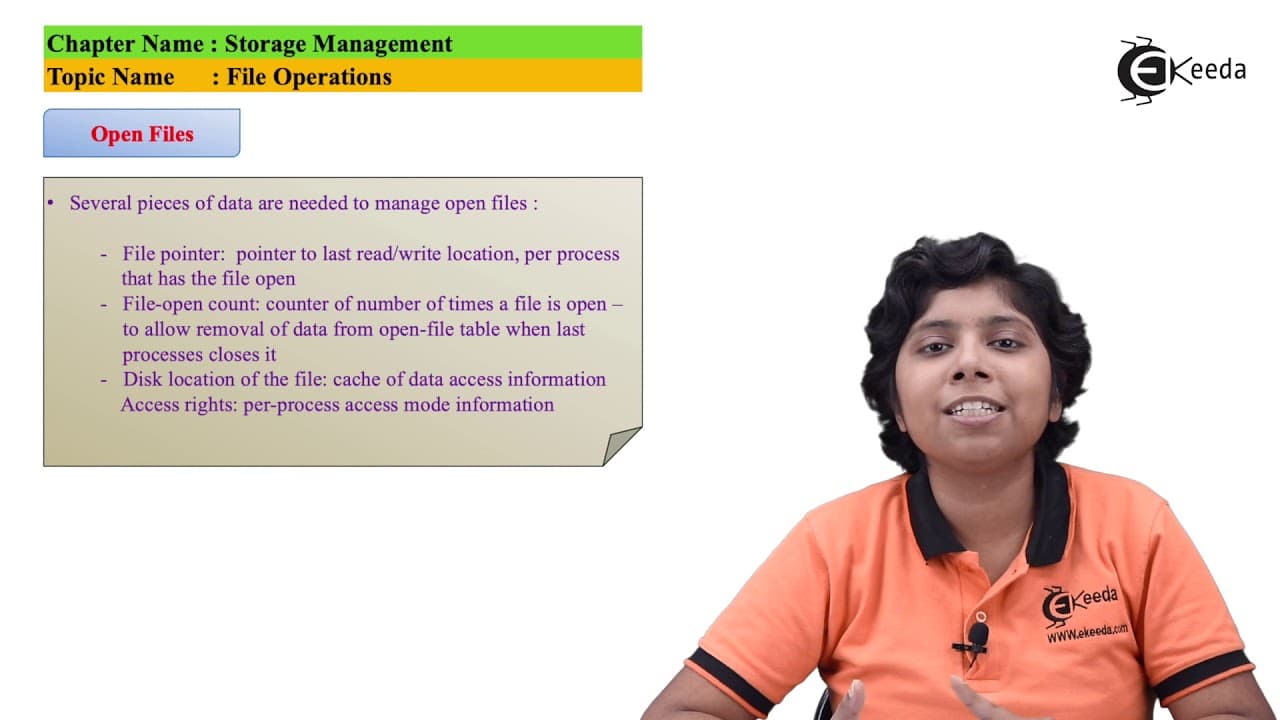
- 📁 Attributes like file pointer, disk location, and access information are crucial for file operations.
- 📁 File locking helps prevent conflicts when multiple processes want to access the same file.
Install to Summarize YouTube Videos and Get Transcripts
Explore YouTube Video Summarizer or Get YouTube Transcript Extractor
Questions & Answers
Q: What are the six basic file operations?
The six basic file operations are create, write, read, reposition, delete, and truncate. Each operation serves a specific purpose in manipulating files.
Q: How does the writing operation work for a file?
When writing to a file, you need to provide parameters like the file name and the information to be written. The system call uses the file name to find the file in the directory structure and the write pointer to specify the next block to write.
Q: What is the purpose of repositioning a file?
Repositioning allows you to move a file's location within the disk or memory. This operation is useful when you want to access specific parts of a file without reading it entirely.
Q: How does file truncation work?
File truncation allows you to delete the contents of a file while keeping its attributes unchanged. The file length is set to zero, and the space is released for other files to use.
Summary & Key Takeaways
-
The video introduces the concept of file operations and how they are essential for performing actions on files.
-
The six basic file operations are creating, writing, reading, repositioning, deleting, and truncating a file.
-
These basic operations can be combined to perform more complex operations like renaming and copying files.
Read in Other Languages (beta)
Share This Summary 📚
Summarize YouTube Videos and Get Video Transcripts with 1-Click
Try YouTube Summary with ChatGPT & Claude or YouTube Transcript Generator
Explore More Summaries from Ekeeda 📚






Summarize YouTube Videos and Get Video Transcripts with 1-Click
Try YouTube Summary with ChatGPT & Claude or YouTube Transcript Generator