10 Siri Tips and Tricks - Siri is GOOD now?!
TL;DR
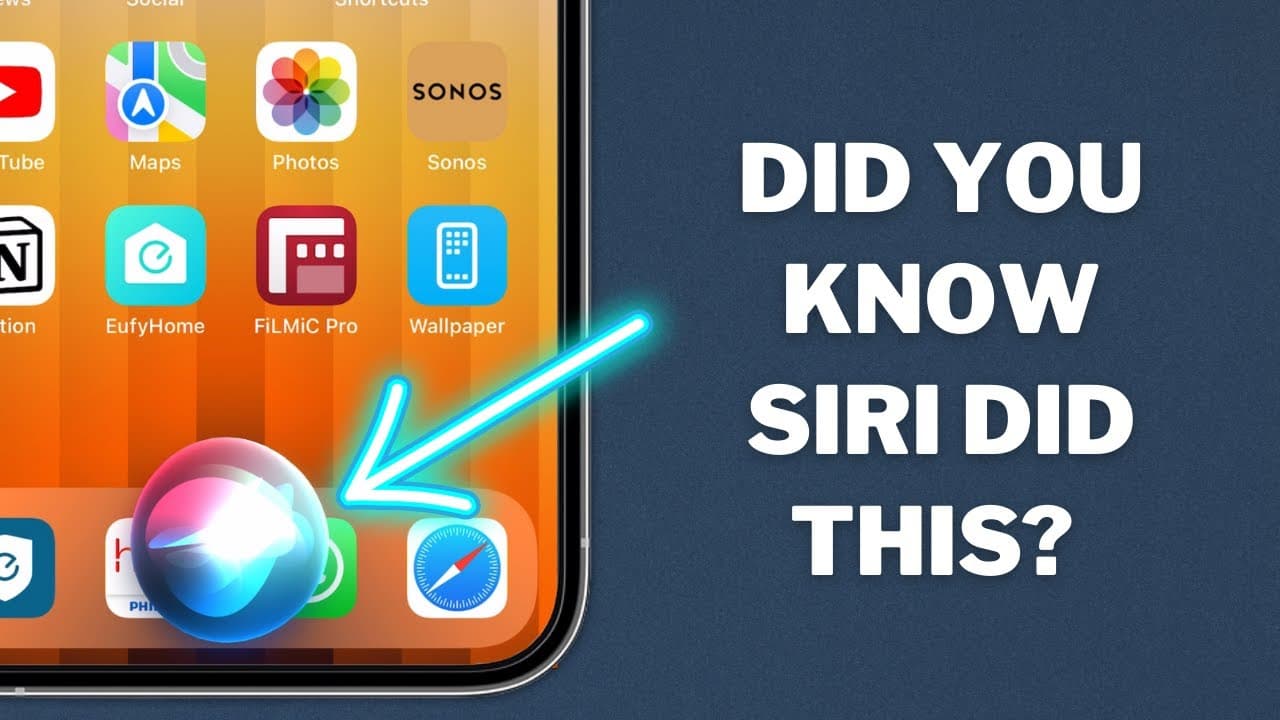
This video explores 10 additional useful features and tips for using Siri on your iPhone, including location-based assistance, conversions, battery percentage, app opening, and more.
Transcript
i made a video about a month ago where i showed you 10 things you could do with siri that you might not have known about and that video was extremely well received i'll link to it in the description of this video but there are still some really useful things that siri can do that i didn't include in that video so in this video i'm going to cover 10... Read More
Key Insights
- 🔍 Finding Your Car: Use Siri to find your car by connecting your phone to your car's stereo using Bluetooth or CarPlay. Siri will automatically remember the location of your parked car for you to easily locate later.
- 🌍 Locating Yourself: Ask Siri "Where am I?" to get your current address, map view, and GPS coordinates. This information can be helpful in emergency situations or when sharing your location with others.
- 🏅 Building Positive Habits: Skillshare offers courses like "Real Productivity: How to Build Habits That Last" by Thomas Frank to help you create goals, use external systems, and track progress effectively.
- 🎲 Decision Making: Let Siri flip a coin or offer Magic 8 Ball responses when you're having trouble making a decision. Siri can also roll a dice for board games.
- 📏 Conversions Made Easy: Use Siri to convert units of measurement such as time zones, weights, temperatures, and currencies for easy calculations.
- 🔋 Battery Percentage: Siri can tell you how much battery is remaining on your iPhone, even if you don't have the battery percentage displayed on your home screen.
- 📱 App Searching Made Easy: Use Siri to open specific apps that may be hidden or hard to find on your iPhone. For example, say "Open headphones" to quickly access the headphones app.
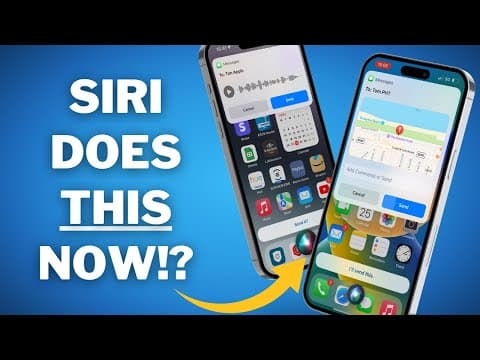
- 🔗 Sending Links: Ask Siri to send links to people using different messaging apps like iMessage or WhatsApp. Siri will generate a message with the link or screenshot if needed.
- 🛒 Building a Shopping List: Utilize Siri and the Reminders app to create and manage a constantly updated shopping list. You can also share this list with others.
- 🔧 Control Center Commands: Control various functions like toggling Wi-Fi, Bluetooth, and focus mode in Control Center by using Siri voice commands such as "Turn off Wi-Fi" or "Enable work mode."
Install to Summarize YouTube Videos and Get Transcripts
Explore YouTube Video Summarizer or Get YouTube Transcript Extractor
Questions & Answers
Q: How does Siri help you find your car?
Siri can help you find your car by connecting to your stereo or carplay and automatically logging the location. When you're finished for the day and want to get back to your car, just ask Siri "Where's my car?" and it will locate your car on your Maps app for you.
Q: Can Siri give you your current location?
Yes, you can ask Siri "Where am I?" and it will provide you with useful information such as your current address, map view, and GPS coordinates. This information can be shared with others in case of emergencies.
Q: How can Skillshare help with building positive habits?
Skillshare offers a course on real productivity and building habits that last, which covers creating goals, using external systems to make habits stick, accurately tracking progress, and getting back on track if you fail. Skillshare's courses encourage learning through doing and offer a project to work on.
Q: What other useful features does Siri offer?
Siri can flip a coin, give conversions for measurements and currencies, provide battery percentage, open specific apps, send links or screenshots using different messaging apps, help create a shopping list, and toggle controls in the Control Center such as Wi-Fi and Bluetooth.
Summary & Key Takeaways
-
Siri can help you find your car by connecting to your stereo or carplay and automatically logging the location.
-
You can ask Siri to give you your current location, including your address, map view, and GPS coordinates.
-
Skillshare is recommended for learning to build positive habits and increase productivity.
Read in Other Languages (beta)
Share This Summary 📚
Summarize YouTube Videos and Get Video Transcripts with 1-Click
Try YouTube Summary with ChatGPT & Claude or YouTube Transcript Generator
Explore More Summaries from Proper Honest Tech 📚
Summarize YouTube Videos and Get Video Transcripts with 1-Click
Try YouTube Summary with ChatGPT & Claude or YouTube Transcript Generator