Customize And Organize: The Ultimate Sorting Tool
TL;DR
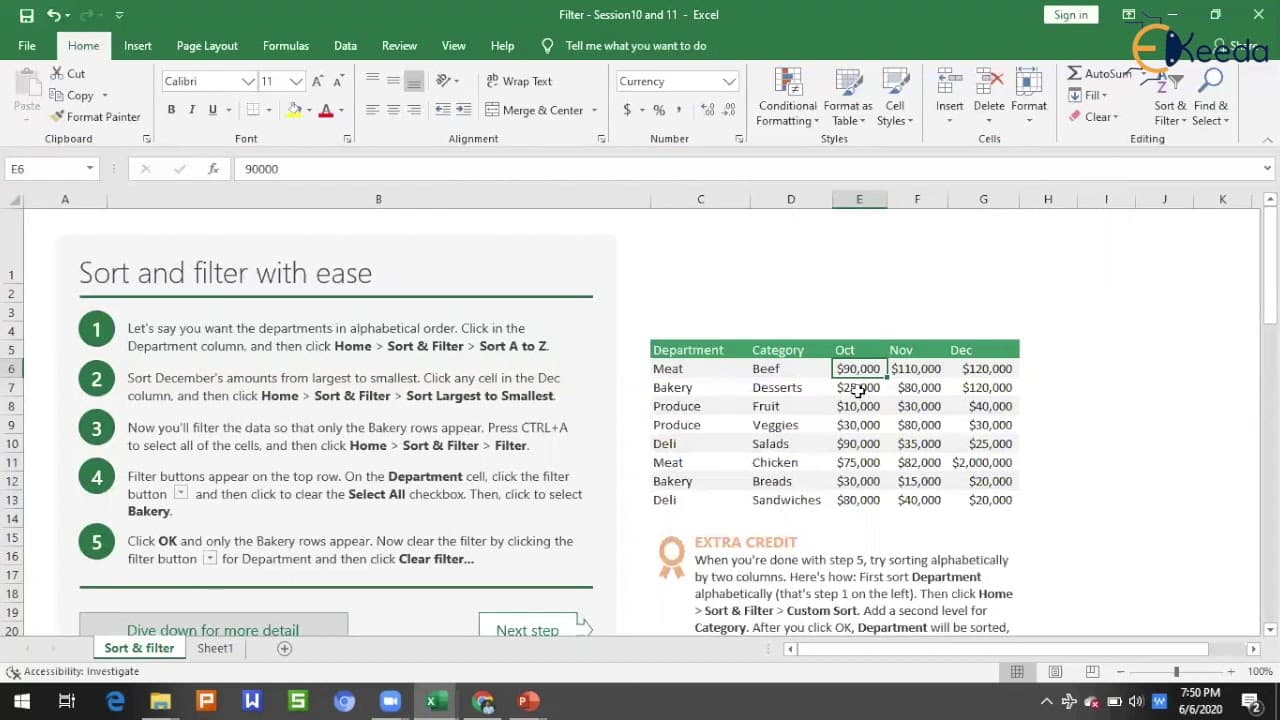
This video tutorial demonstrates the process of applying a sort or custom sort to data in Excel, allowing users to arrange data in ascending or descending order based on various criteria.
Transcript
hello all welcome to the video in this video we are going to learn about sort and customs so my cell phone card we have we have seen as of now different tabs in Excel basic functions in Excel and how to apply a filter now it's time to learn about how to apply a sort or how to apply a custom sort so in this but in this topic we are going to cover ho... Read More
Key Insights
- 🎮 The video demonstrates the process of sorting data in Excel using the sort function.
- ⚾ Sorting can be done in ascending or descending order based on numerical or alphabetical values.
- 👻 Custom sorting allows users to arrange data based on specific criteria, such as cell color.
- ⚾ Multiple sorts can be applied to organize data based on different levels of criteria.
- 💤 Undoing a sort is possible by using the keyboard shortcut Ctrl + Z or the Undo button in Excel.
Install to Summarize YouTube Videos and Get Transcripts
Explore YouTube Video Summarizer or Get YouTube Transcript Extractor
Questions & Answers
Q: How can I sort data in Excel based on a specific month?
To sort data based on a specific month, you need to select the column that contains the dates, click on the sort button, and choose the desired month. This will rearrange the data accordingly.
Q: Can I sort data in Excel based on cell color?
Yes, you can sort data based on cell color using the custom sort function. Select the table, click on the sort button, choose the "sort on" option as cell color, and specify the color you want to sort by. This will rearrange the data based on the specified color.
Q: Is it possible to apply multiple sorts in Excel?
Yes, you can apply multiple sorts in Excel. To add multiple sorts, use the custom sort function and add a level for each additional sort. Specify the desired columns and criteria for each sort level to arrange the data accordingly.
Q: How can I undo a sort in Excel?
To undo a sort in Excel, you can press Ctrl + Z on your keyboard or use the Undo button in the toolbar. This will revert the data back to its original order before the sort was applied.
Summary & Key Takeaways
-
The video teaches viewers how to sort data in a table or in a custom format in Excel.
-
It shows how to sort data from smallest to largest or largest to smallest using the sort function.
-
It also explains how to sort data alphabetically and how to sort data based on cell color using the custom sort function.
Read in Other Languages (beta)
Share This Summary 📚
Summarize YouTube Videos and Get Video Transcripts with 1-Click
Try YouTube Summary with ChatGPT & Claude or YouTube Transcript Generator
Explore More Summaries from Ekeeda 📚






Summarize YouTube Videos and Get Video Transcripts with 1-Click
Try YouTube Summary with ChatGPT & Claude or YouTube Transcript Generator