How to Edit Fujifilm Raw Files in Lightroom
TL;DR
To edit Fujifilm raw files in Lightroom effectively, use custom presets to maintain quality and consistency. Start with a chosen preset, then make personalized adjustments to exposure, highlights, and shadows for each image. It’s essential to understand how each tool impacts your photos to achieve the best results tailored to your style.
Transcript
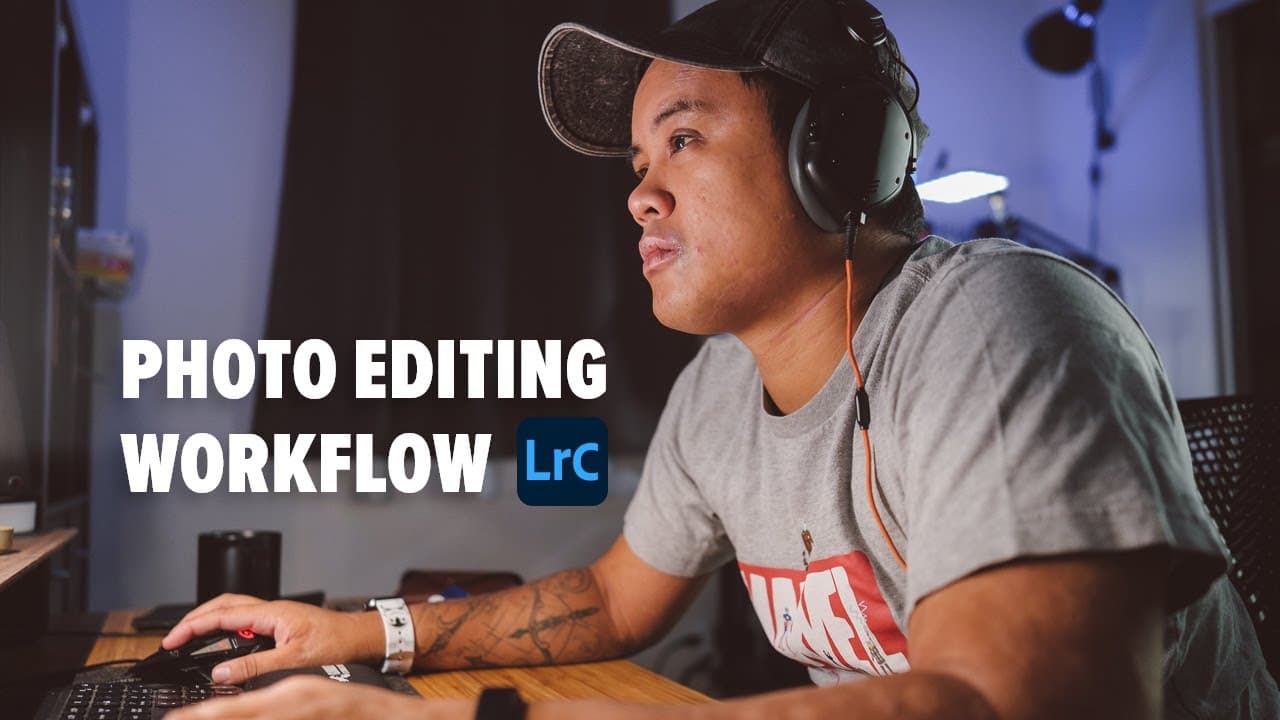
in this video i'm going to show you all step by step how i actually edit my fujifilm raw files in lightroom featuring these four of my favorite images what's up everyone reggieb photo here and welcome back to the channel so for those of you who are new my name is rodrigos and i'm a wedding photographer based in the san francisco bay area and in tod... Read More
Key Insights
- 👀 Presets can vastly improve efficiency in photo editing, offering a consistent and professional look across similar images.
- 👋 Customizing presets after applying them is essential for achieving the best results tailored to individual photography styles.
- 👻 Understanding the purpose of different presets allows photographers to select the right one for specific shooting scenarios for optimized outcomes.
- 👻 The updated preset pack includes options for various Fujifilm models, allowing for diverse editing experiences tailored to specific cameras.
- 🖐️ Adjustments to exposure, highlights, and shadows play a crucial role in achieving the desired emotional tone in wedding and portrait photography.
- ⚖️ The editing process highlighted demonstrates balancing quick preset applications with detailed refinements for polished, professional results.
- 🔨 Learning to navigate Lightroom effectively is critical for both novice and experienced photographers to fully utilize presets and tools.
Install to Summarize YouTube Videos and Get Transcripts
Explore YouTube Video Summarizer or Get YouTube Transcript Extractor
Questions & Answers
Q: What is the main purpose of using presets in Lightroom for photo editing?
The primary purpose of using presets is to streamline the editing process, allowing photographers to apply consistent adjustments across similar images quickly. This ensures that the visual style remains uniform throughout a shoot or across various projects, while still allowing for personal tweaks to tailor each image individually.
Q: How does the creator differentiate between various presets?
The creator categorizes presets based on their intended use, such as the “Powell” preset for general wedding photography, the “Embarcadero” preset for backlit situations, and the “Archer” preset for documentary-style photography. Each preset is designed to evoke a specific mood, contrast level, and overall aesthetic aligned with particular photographic contexts.
Q: What are some key adjustments recommended when using the “Powell” preset?
When using the “Powell” preset, key adjustments include increasing shadows to bring out detail, adjusting warmth to suit skin tones, and applying graduated filters for a subtle vignette. The creator also emphasizes fine-tuning exposure to ensure highlights and colors remain vibrant without sacrificing detail.
Q: How can users adapt presets for camera compatibility?
Users can determine which presets are applicable to their camera by looking for non-italicized options in Lightroom. Adjustments can be made to ensure that presets designed for Fujifilm cameras can also be modified for use with non-Fujifilm cameras, enabling photographers to achieve a similar look across different systems.
Q: What is the creator's philosophy regarding understanding Lightroom before using presets?
The creator stresses that while presets can enhance workflow, they should not replace a fundamental understanding of Lightroom. Photographers are encouraged to learn how each adjustment affects their images, experiment with different presets, and customize their own settings to develop a unique editing style.
Q: Can you explain the characteristics of the “Hillside” preset?
The “Hillside” preset is designed for high-contrast images and minimalist compositions. It enhances shadow details while maintaining a moody atmosphere, making it ideal for silhouette shots and scenes that require dramatic framing. This preset elevates existing looks by increasing contrast and fine-tuning exposure, creating striking visuals.
Summary & Key Takeaways
-
The creator, a wedding photographer from San Francisco, emphasizes the importance of using presets to maintain quality and consistency across photo edits while still making individual adjustments as needed.
-
He introduces his updated 2021 preset pack, designed for Fujifilm cameras, which contains adjustments for specific camera models and a range of different looks tailored for wedding and portrait photography.
-
The video demonstrates editing various images with different presets, providing tips on adjustments for exposure, highlights, shadows, and how to achieve distinctive styles for different shooting scenarios.
Read in Other Languages (beta)
Share This Summary 📚
Summarize YouTube Videos and Get Video Transcripts with 1-Click
Try YouTube Summary with ChatGPT & Claude or YouTube Transcript Generator
Explore More Summaries from Reggie Ballesteros 📚
Summarize YouTube Videos and Get Video Transcripts with 1-Click
Try YouTube Summary with ChatGPT & Claude or YouTube Transcript Generator