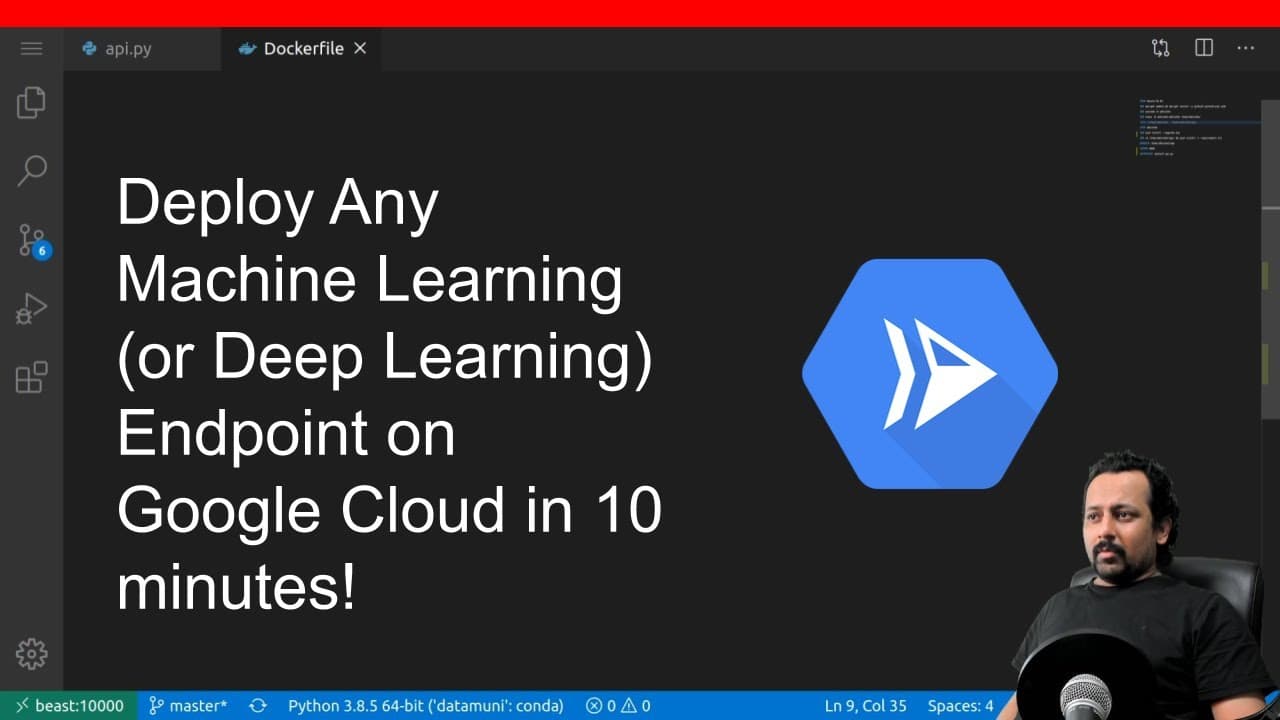
Deploy Any Machine Learning (or Deep Learning) Endpoint on Google Cloud Platform In 10 minutes
TL;DR
Learn how to deploy a machine learning or deep learning model on Google Cloud Platform using Docker and Cloud Run in less than 10 minutes.
Transcript
hello everyone and welcome to my new video in this video i'm going to show you how you can deploy any machine learning or deep learning model on google cloud platform and i'm going to take less than 10 minutes and you will too after this one so i'm not going to build the model because we have already done that so you can see this is the melanoma de... Read More
Key Insights
- 🎰 Docker simplifies the deployment process by creating a container that includes the machine learning model and its dependencies.
- ⚖️ Cloud Run is a fully managed platform for deploying containerized applications at scale.
- 🍵 With Cloud Run, applications benefit from automatic scaling, SSL encryption, and the ability to handle HTTP requests.
- 📽️ Deployment on Google Cloud Platform requires initializing the project using the gcloud command.
- 🫷 Building and pushing the docker container to the Google Container Registry is a crucial step in the deployment process.
- 🐕🦺 Cloud Run provides easy configuration options for the deployed service, such as memory allocation, request timeout, and maximum instances.
- 🏃 The first run of the deployed model may take longer, but subsequent runs are faster.
Install to Summarize YouTube Videos and Get Transcripts
Explore YouTube Video Summarizer or Get YouTube Transcript Extractor
Questions & Answers
Q: What is the purpose of Docker in deploying machine learning models on Google Cloud Platform?
Docker is used to create a container that encapsulates the machine learning model along with its dependencies, making it easy to deploy and manage on any platform without compatibility issues.
Q: How does Cloud Run help in deploying and scaling the machine learning model?
Cloud Run is a serverless platform that automatically scales the deployed containerized application based on incoming traffic. It also provides SSL encryption to ensure secure communication.
Q: Can any image be uploaded to the deployed model for predictions?
Yes, the deployed model accepts images for predictions. Users can upload any image and receive predictions based on the machine learning model's output.
Q: What are some additional features available in Cloud Run for managing deployed applications?
Cloud Run allows users to manage custom domains, add subdomains, and explore other advanced features like connecting to Cloud SQL databases and fine-tuning resource allocation.
Summary & Key Takeaways
-
This video tutorial demonstrates the process of deploying a machine learning model on Google Cloud Platform using Docker and Cloud Run.
-
The tutorial covers the steps to build a docker container, push it to the Google Container Registry, and create a Cloud Run service to deploy the model.
-
The video highlights the benefits of using Cloud Run, such as automatic scaling, SSL encryption, and the ability to handle containerized applications.
Read in Other Languages (beta)
Share This Summary 📚
Summarize YouTube Videos and Get Video Transcripts with 1-Click
Try YouTube Summary with ChatGPT & Claude or YouTube Transcript Generator
Explore More Summaries from Abhishek Thakur 📚

Summarize YouTube Videos and Get Video Transcripts with 1-Click
Try YouTube Summary with ChatGPT & Claude or YouTube Transcript Generator