How to Plan, Script, and Organize YouTube Videos (+ Notion Template - GAME CHANGING!)
TL;DR
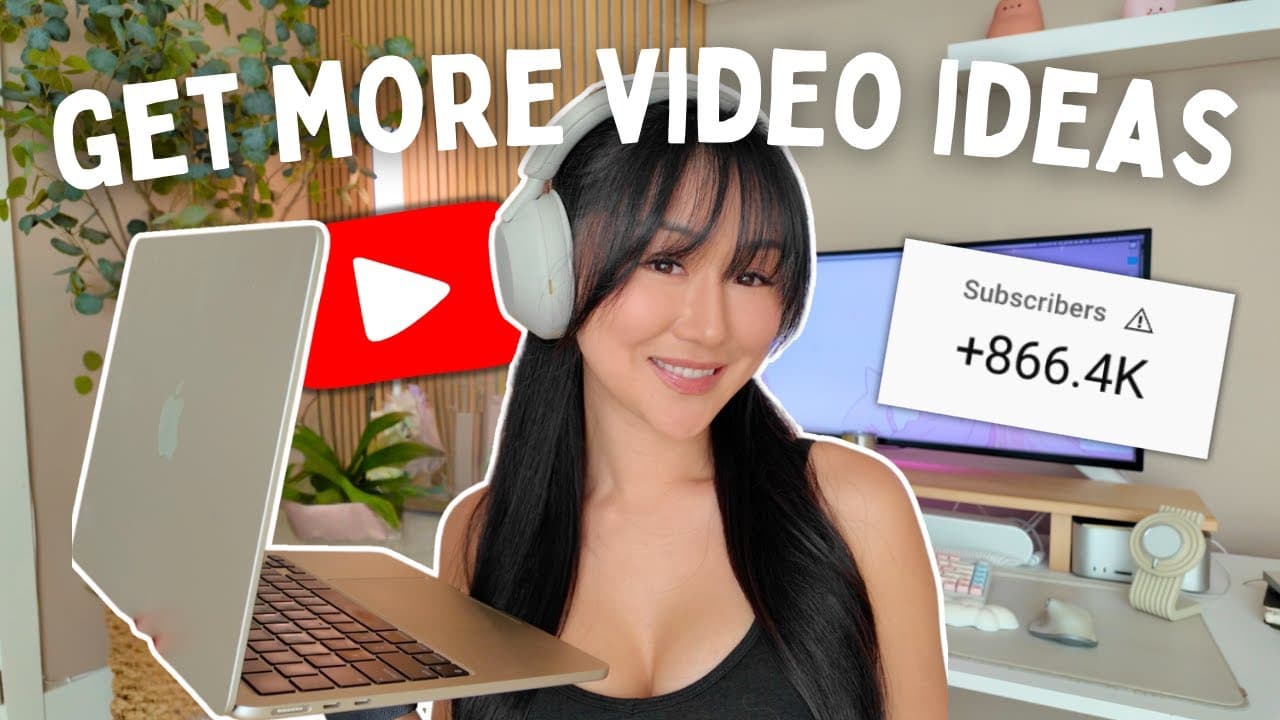
Learn to plan, script, and organize YouTube videos using Notion.
Transcript
in this video I'm going to show you my exact process on how I come up with video topics for YouTube how I script my videos and also how I organize everything in my newly updated notion system as a reminder this is part two of my six part Series where I show the entire behind the scenes of how I bring my YouTube videos to life so after this video if... Read More
Key Insights
- The creator emphasizes sourcing video content ideas from personal experiences, which enhances authenticity and engagement with the audience.
- Morning pages, a journaling technique, are highlighted as a method to unlock creative ideas and personal insights for content creation.
- Adapting video titles from successful content outside one's niche is a strategy used to attract views while maintaining relevance.
- Monitoring audience feedback, particularly through comments, helps identify which content resonates and can inform future detailed videos.
- The creator uses Notion to organize video ideas, scripts, and b-roll, allowing for efficient content management and planning.
- AI tools like ChatGPT are utilized for generating ideas and refining scripts, providing creative support and enhancing content quality.
- Balancing storytelling with actionable advice is crucial, with a focus on personal anecdotes to connect with audiences on an emotional level.
- The creator underscores the importance of clear and specific calls to action in video outros to guide viewers to subsequent content.
Install to Summarize YouTube Videos and Get Transcripts
Explore YouTube Video Summarizer or Get YouTube Transcript Extractor
Questions & Answers
Q: Where does the creator source content ideas from?
The creator sources content ideas from personal experiences, audience feedback, and successful content outside their niche. They emphasize the importance of authenticity and personal connection in content creation, using journaling techniques like morning pages to uncover hidden ideas and insights.
Q: How does the creator use Notion for organizing content?
The creator utilizes Notion to organize content ideas, scripts, and b-roll. They have a structured dashboard with sections for ideas, seeds, expanded thoughts, and micro-lessons. This system allows for efficient management of long-form and short-form content, ensuring a streamlined workflow.
Q: What role do AI tools play in the creator's process?
AI tools like ChatGPT are used by the creator to generate content ideas and refine scripts. They provide creative support by suggesting potential questions and improving script flow, ensuring that the content is engaging and addresses audience interests effectively.
Q: How does the creator balance storytelling with actionable advice?
The creator balances storytelling with actionable advice by integrating personal anecdotes and experiences into their content. They focus on connecting with audiences emotionally while providing valuable insights and tips, ensuring that the content is both relatable and informative.
Q: What strategies are used for crafting engaging video titles?
The creator crafts engaging video titles by adapting successful titles from content outside their niche. This involves analyzing trending topics and structuring titles to attract viewer interest while ensuring relevance to their content, enhancing discoverability and engagement.
Q: How does audience feedback influence content creation?
Audience feedback, particularly through comments, is used to identify which content resonates with viewers. This feedback informs future content decisions, allowing the creator to delve deeper into popular topics and create detailed videos that address audience interests.
Q: What is the significance of clear calls to action in videos?
Clear calls to action are crucial for guiding viewers to subsequent content. The creator emphasizes being specific about the next steps viewers should take, such as watching related videos, to increase engagement and retention, ultimately growing their audience and viewership.
Q: How does the creator ensure content authenticity and engagement?
Content authenticity and engagement are ensured by drawing from personal experiences and maintaining a genuine connection with the audience. The creator focuses on storytelling, emotional resonance, and addressing viewer needs, creating content that is both relatable and valuable.
Summary & Key Takeaways
-
This video provides a detailed look into the creator's process for generating content ideas, scripting, and organizing YouTube videos using a Notion template. It emphasizes the importance of personal experiences and audience feedback in shaping content.
-
The creator introduces morning pages as a tool for unlocking creative ideas and discusses the role of AI tools like ChatGPT in refining video scripts. The video also covers strategies for crafting engaging video titles by drawing inspiration from successful content outside one's niche.
-
A comprehensive overview of the Notion dashboard is provided, showcasing how it is used to manage video ideas, scripts, and b-roll. The video highlights the significance of storytelling and clear calls to action in creating engaging and effective YouTube content.
Read in Other Languages (beta)
Share This Summary 📚
Summarize YouTube Videos and Get Video Transcripts with 1-Click
Try YouTube Summary with ChatGPT & Claude or YouTube Transcript Generator
Explore More Summaries from Vanessa Lau 📚
Summarize YouTube Videos and Get Video Transcripts with 1-Click
Try YouTube Summary with ChatGPT & Claude or YouTube Transcript Generator