VR Project Understanding Raycasting and Event System
TL;DR
This lecture explains the concept of events in virtual reality and how to create them using the Google VR Event System.
Transcript
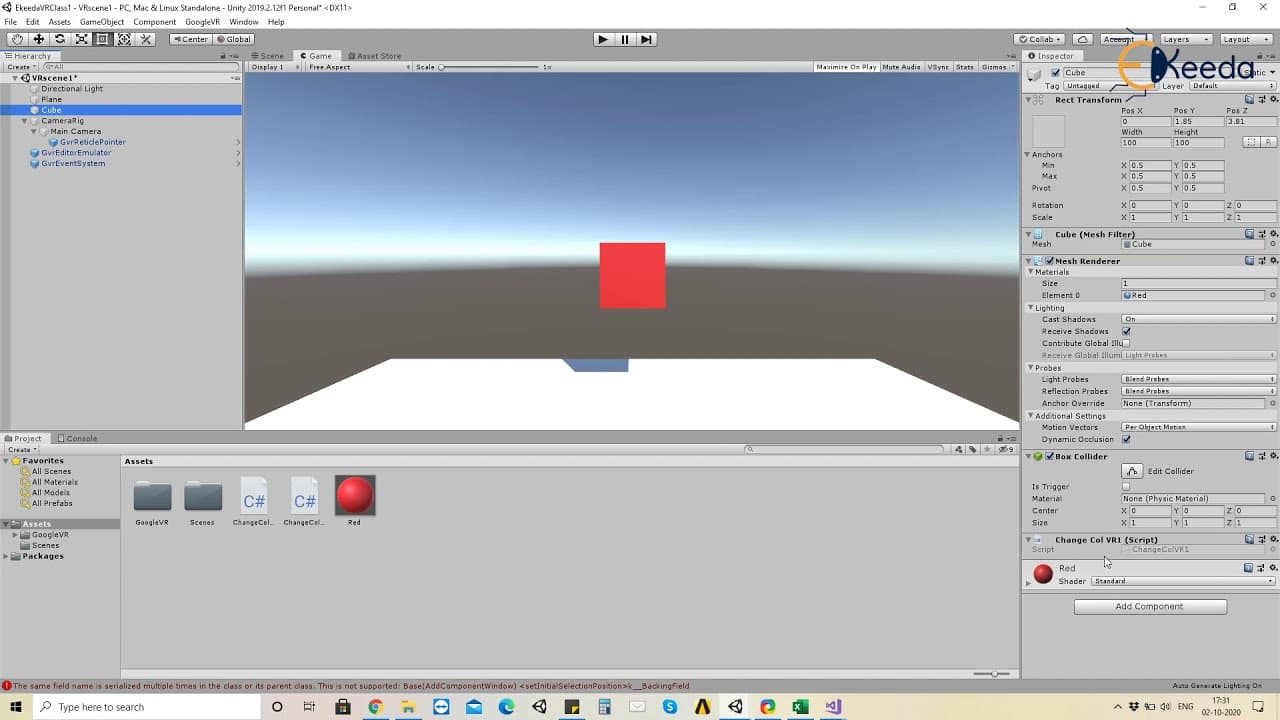
good day everyone in our previous lecture we have looked at how do we create the ground the the the cube the reticle what do you mean by the head and the eyes in vr and so on in our today's lecture we'll understand one of the most important concepts in virtual reality experience which is events so understand events which are basically like triggers... Read More
Key Insights
- 👤 Events in virtual reality are important for triggering actions based on user interactions.
- 🎮 The Google VR Event System is used to manage and control events in virtual reality experiences.
- 🖐️ Scripts and functions play a crucial role in defining the actions associated with events.
- 😃 Raycasting is used to simulate the emission of rays of light from the user's eyes, which can interact with objects in the virtual reality scene.
Install to Summarize YouTube Videos and Get Transcripts
Explore YouTube Video Summarizer or Get YouTube Transcript Extractor
Questions & Answers
Q: What are events in virtual reality?
Events in virtual reality are triggers that initiate actions based on certain user interactions. They can be used to change colors, teleport, or perform other actions in the VR experience.
Q: How do you create events in virtual reality using the Google VR Event System?
To create events, you need to add the Google VR Event System to the scene. This system acts as the controlling actor for all the events in the VR experience.
Q: What is the role of scripts in creating events?
Scripts define the functions that are triggered by events. By creating functions in a script, actions like changing colors can be executed when events occur.
Q: How do you change the color of an object when the user's pointer enters it?
To change the color of an object when the user's pointer enters it, you can create a function in a script that modifies the color component of the object's material. This function can be called when the "pointer enter" event is triggered.
Summary & Key Takeaways
-
Events in virtual reality are like triggers that can initiate actions based on user interactions, such as changing colors or teleporting.
-
To create events, the Google VR Event System is added to the scene, acting as a controlling actor for all events.
-
By creating scripts and defining functions, actions like changing colors can be triggered when the user's pointer enters or exits an object.
Read in Other Languages (beta)
Share This Summary 📚
Summarize YouTube Videos and Get Video Transcripts with 1-Click
Try YouTube Summary with ChatGPT & Claude or YouTube Transcript Generator
Explore More Summaries from Ekeeda 📚






Summarize YouTube Videos and Get Video Transcripts with 1-Click
Try YouTube Summary with ChatGPT & Claude or YouTube Transcript Generator