DIY Android Auto Clicker Automation with scrcpy on Linux | automation
TL;DR
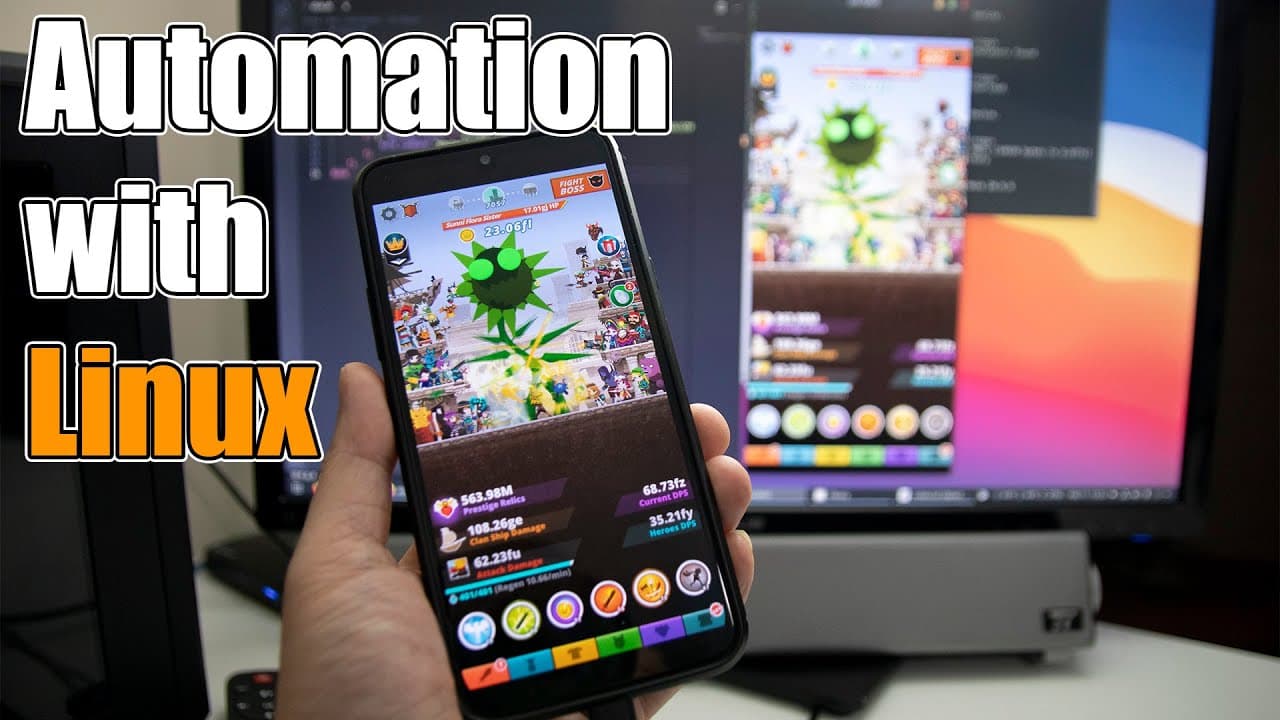
Learn to code an auto clicker for Linux using shell script.
Transcript
hey guys it's don here from nova spare tech and welcome back to the channel and today i'm going to show you guys how to code auto clicker in linux or in raspberry pi so let's get started so in case you guys missed it on my previous video i actually made an auto clicker using the raspberry pi pico as a human interface device now in the raspberry pi ... Read More
Key Insights
- 🐚 The Linux auto clicker utilizes shell scripting to automate clicking functions, making it simpler for tasks requiring repeated interactions.
- 👾 By leveraging active window identification, the clicker can accurately direct automated clicks to relevant applications or games.
- 😀 This method introduces enhanced flexibility that overcomes the limitations faced by hardware-specific solutions like the Raspberry Pi Pico.
- 👨💻 Viewers are encouraged to utilize Visual Studio Code for coding, promoting an efficient coding environment with a user-friendly interface.
- 🌱 The presenter plans to explore more advanced projects in the series, suggesting a trajectory towards machine learning techniques and image recognition.
- 👨💻 The instructional format combines coding education with practical application, benefiting both novice and experienced coders seeking to automate tasks on Linux.
- 🫵 Community interaction is encouraged, creating a forum for viewers to seek clarification and contribute ideas for future videos.
Install to Summarize YouTube Videos and Get Transcripts
Explore YouTube Video Summarizer or Get YouTube Transcript Extractor
Questions & Answers
Q: What are the key differences between the Raspberry Pi Pico auto clicker and the new Linux version?
The Raspberry Pi Pico auto clicker operates as a human interface device and uses mouse clicks, which restricts its functionality in certain touch-based games. In contrast, the Linux version mimics touch events, allowing it to interact better with applications that do not recognize mouse clicking, such as some games like Tap Titans. This flexibility makes the Linux version more versatile for various applications.
Q: What essential software do I need to install before running the auto clicker code on Linux?
Before executing the auto clicker code, you need to install essential software, specifically screen copy (scrcpy) and xdo tool. The video instructs viewers to install scrcpy using the command sudo snap install scrcpy and xdo tool through the appropriate package manager. Additional programs like ADB might also be required to facilitate proper communication between your Linux system and connected devices.
Q: How does the code identify which window to send clicks to?
The code utilizes the xdo tool to fetch the active window ID, ensuring that clicks are directed to the right application. By continuously checking which window is active and extracting the class name of that window, the script can determine if the active window matches the intended application, in this case, the screen output from your mobile device.
Q: Can I customize the clicking speed in the provided shell script?
Yes, you can customize the clicking speed within the shell script. By adjusting the sleep duration between mouse clicks, you can control how fast the clicks occur. For instance, by using a command like sleep 1 between clicks, the auto clicker will pause for one second before the next click, allowing for slower and potentially more strategic interactions within applications.
Summary & Key Takeaways
-
The video demonstrates how to create a simple auto clicker for Linux systems using shell script. This new method allows interaction with touch events rather than mouse clicks, expanding functionality for touch-based games.
-
The presenter discusses the importance of specific software installations, such as screen copy and xdo tool, to facilitate the auto clicker function. Instructions for installation are provided to ensure viewers can follow the process easily.
-
Additionally, the video encourages audience engagement in the coding series and hints at future projects involving more complex programming techniques, like OCR and object detection.
Read in Other Languages (beta)
Share This Summary 📚
Summarize YouTube Videos and Get Video Transcripts with 1-Click
Try YouTube Summary with ChatGPT & Claude or YouTube Transcript Generator
Explore More Summaries from Novaspirit Tech 📚






Summarize YouTube Videos and Get Video Transcripts with 1-Click
Try YouTube Summary with ChatGPT & Claude or YouTube Transcript Generator