I'm now VPS red pilled (and protecting with CloudFlare)
TL;DR
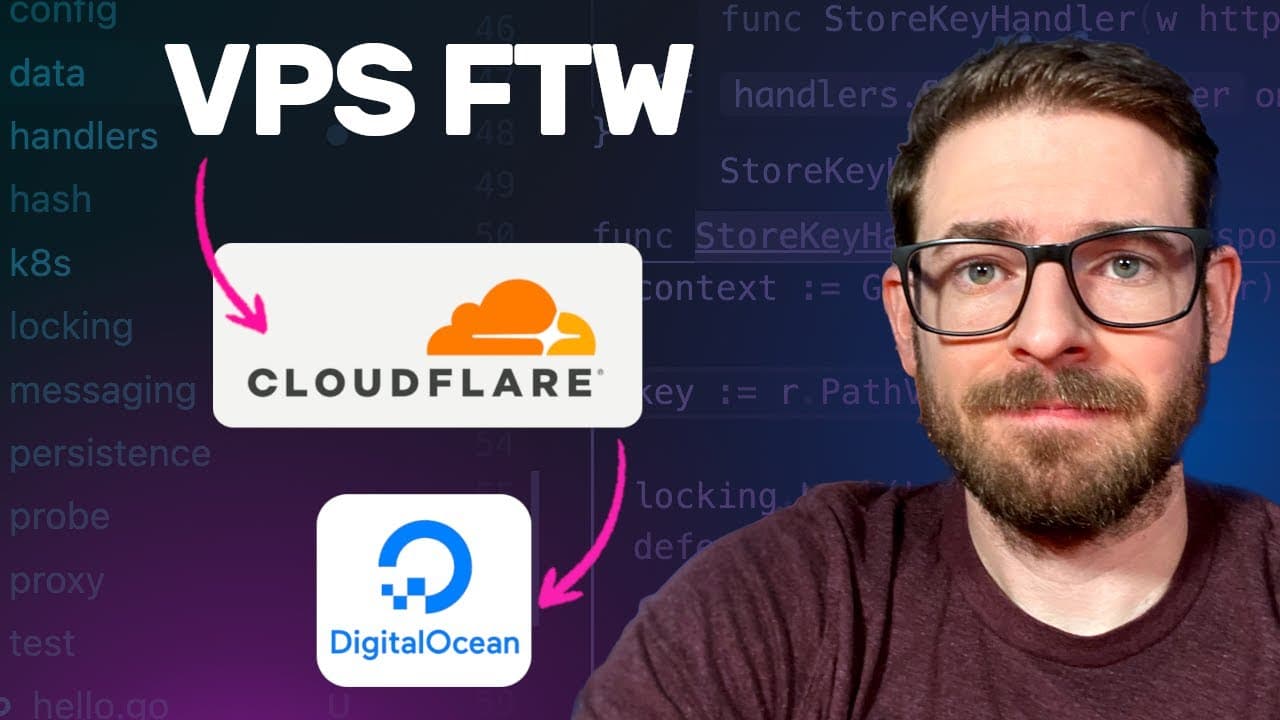
The speaker switched from AWS CloudFront to a VPS and Cloudflare for better DDoS protection and cost management.
Transcript
so yesterday I talked about how you can potentially use Waf to protect your cloudfront distribution from dos attacks it turns out that that video is actually more of a lie because I got dosed again last night and you can see here we got another 128 million requests but I'm still charged for all those requests so if I go to my distribution and look ... Read More
Key Insights
- 😶🌫️ DDoS attacks can significantly inflate costs when using cloud services like AWS, especially when protection measures are inadequate.
- 👻 Transitioning to a VPS can offer a more manageable and cost-effective solution for hosting side projects influenced by malicious traffic.
- 🈸 Docker facilitates application deployment, allowing developers to package their apps with all dependencies for greater consistency across environments.
- 🚥 Using a reverse proxy like Caddy simplifies traffic management while providing SSL configurations for enhanced security.
- 🥶 Cloudflare’s free service can effectively mitigate DDoS threats without incurring additional costs, making it ideal for smaller operations.
- 😶🌫️ Setting up proper permissions for accessing cloud repositories is critical in a VPS-Docker setup to ensure seamless image pulling and deployment.
- 🐕🦺 Custom DNS records and SSL certificates are essential in establishing secure connections between services when utilizing reverse proxies and CDNs.
Install to Summarize YouTube Videos and Get Transcripts
Explore YouTube Video Summarizer or Get YouTube Transcript Extractor
Questions & Answers
Q: Why did the speaker decide to leave AWS CloudFront?
The speaker experienced continuous DDoS attacks that resulted in a significant billing increase despite WAF effectively blocking many requests. Ultimately, the costs incurred for a side project became unsustainable, prompting a switch to a VPS solution to manage expenses better.
Q: How does Cloudflare help in protecting against DDoS attacks?
Cloudflare offers a free DDoS protection service that functions as a reverse proxy for websites, intercepting malicious traffic before it reaches the original server. This setup shields the server from direct attacks and helps manage bandwidth and costs, making it particularly beneficial for smaller projects.
Q: What are the primary steps to set up a VPS with Docker for hosting a Next.js application?
First, create a Dockerfile provided by the Next.js guide, then build and push your Docker image to an Elastic Container Registry (ECR). Afterward, set up a VPS (e.g., Digital Ocean), install necessary software like Docker and AWS CLI, and utilize Docker Compose to orchestrate your services.
Q: What role does Caddy play in the setup described by the speaker?
Caddy acts as a reverse proxy in this scenario. It directs incoming traffic to the Docker container running the Next.js application while managing SSL certificates, ensuring secure HTTPS connections between the user, Cloudflare, and the VPS.
Q: What should someone consider when creating Dockerfiles for their applications?
It is crucial to include all necessary dependencies and build tools in the Dockerfile. The speaker mentioned needing to add g++, make, and cmake because the initial example was insufficient. Additionally, including a .dockerignore file is essential for optimizing image size.
Q: How did the speaker configure Cloudflare for their application?
The speaker set up DNS records on Cloudflare to route traffic to their VPS. They also performed SSL/TLS configuration, ensuring secure communication from the user to Cloudflare and then from Cloudflare to their server, enhancing overall application security.
Summary & Key Takeaways
-
The speaker discusses their recent experience with DDoS attacks on their AWS CloudFront distribution, leading to unsustainable costs despite WAF protection blocking significant requests.
-
After turning off CloudFront, they outline the steps taken to host their application on a VPS using Digital Ocean alongside Cloudflare for enhanced DDoS protection at a lower price.
-
The setup involves Docker for deploying a Next.js application, configuring a reverse proxy with Caddy, and integrating Cloudflare for secure DNS management and SSL certificates.
Read in Other Languages (beta)
Share This Summary 📚
Summarize YouTube Videos and Get Video Transcripts with 1-Click
Try YouTube Summary with ChatGPT & Claude or YouTube Transcript Generator
Explore More Summaries from Web Dev Cody 📚





Summarize YouTube Videos and Get Video Transcripts with 1-Click
Try YouTube Summary with ChatGPT & Claude or YouTube Transcript Generator