Creating Custom Transparent Gradients in Canva: Beginner's Tutorial [2023]
TL;DR
In this tutorial, learn how to create custom gradients in Canva and use them to enhance your designs.
Transcript
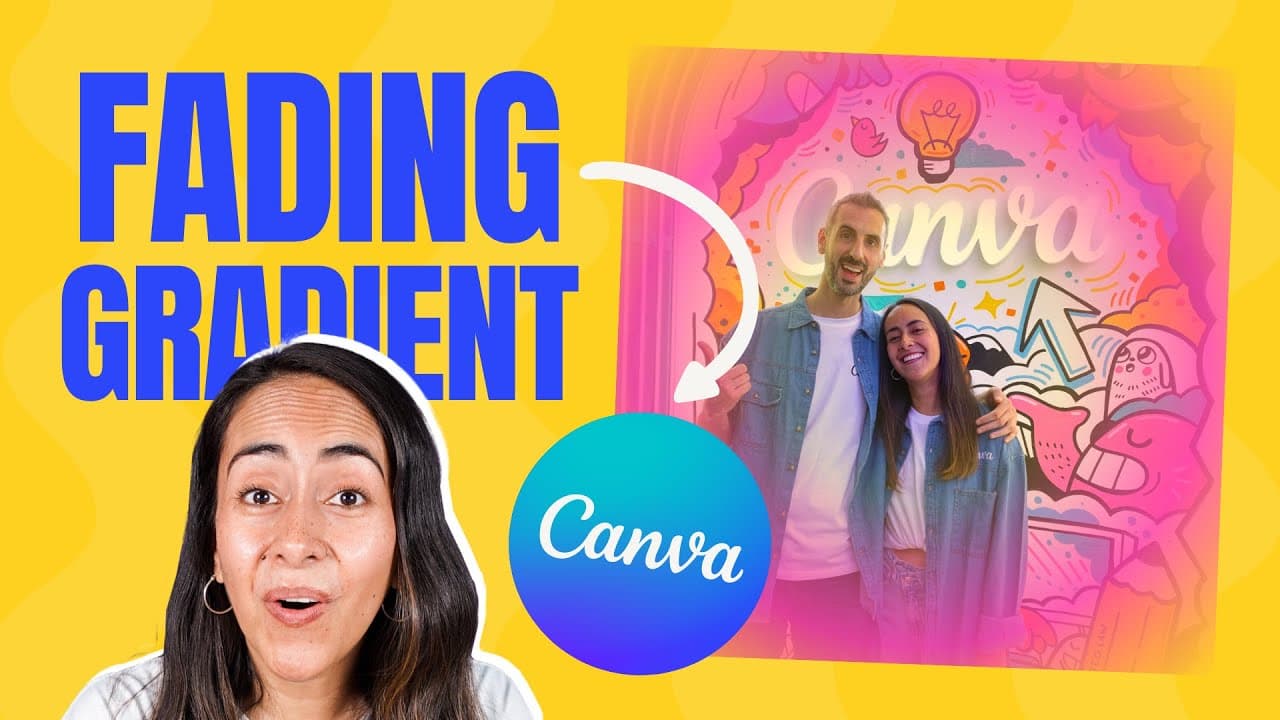
after watching this tutorial you'll be able to create custom gradients and most importantly gradients that fade to transparency I'll also give you five tips on how to use these gradients creatively on your design so you can create visuals like this gradients are pretty cool to spice up your creations and make them stand out from the crowd and the c... Read More
Key Insights
- 🎨 Custom gradients in Canva can be created for various design elements, including backgrounds, shapes, and text.
- 🎨 Gradients that fade to transparency can add a modern and stylish touch to your designs.
- 😃 Using gradients can enhance the visual flow and guide the viewer's eye within your design.
- 👀 Gradients can be used to create depth and dimension in your designs, adding a more professional and polished look.
- 👻 Canva offers a range of gradient styles and customization options, allowing for endless creative possibilities.
- 🧍 Adding gradients to your designs can help them stand out and make them more visually appealing.
- ❓ Gradients can be customized to match your brand's colors, creating a more cohesive and branded visual identity.
Install to Summarize YouTube Videos and Get Transcripts
Explore YouTube Video Summarizer or Get YouTube Transcript Extractor
Questions & Answers
Q: How do I create custom gradients in Canva?
To create custom gradients in Canva, select the background of your design and click on the square for the background color. Then, click on the "Gradient" tab to access the gradient settings. You can add colors and adjust the style of the gradient to create your desired effect.
Q: Can I use gradients that fade to transparency in Canva?
Yes, you can create gradients that fade to transparency in Canva. By adding a transparent color to your gradient and adjusting the position and transparency of the colors, you can achieve a gradient that fades to transparency.
Q: How can I use gradients creatively in my designs?
Gradients can be used creatively in various ways. Some ideas include adding gradients to the background of your design to make it stand out, using gradients inside shapes to add visual interest, and placing gradients behind text to improve readability. You can also use gradients to guide the viewer's eye and create depth and dimension in your designs.
Q: Can I customize the direction and colors of my gradients in Canva?
Yes, you can customize the direction and colors of your gradients in Canva. By dragging the colors and adjusting the settings, you can change the direction of the gradient and create different styles. You can also add multiple colors to your gradient and play around with the positioning to achieve unique combinations.
Summary & Key Takeaways
-
Learn how to create custom gradients in Canva, including gradients that fade to transparency.
-
Get tips on how to use gradients creatively in your designs, such as adding them to the background, inside shapes, and behind text.
-
Discover how gradients can guide the viewer's eye and add depth and dimension to your designs.
Read in Other Languages (beta)
Share This Summary 📚
Summarize YouTube Videos and Get Video Transcripts with 1-Click
Try YouTube Summary with ChatGPT & Claude or YouTube Transcript Generator
Explore More Summaries from Design with Canva 📚






Summarize YouTube Videos and Get Video Transcripts with 1-Click
Try YouTube Summary with ChatGPT & Claude or YouTube Transcript Generator