Getting Started in Adobe Premiere Pro Tutorial for Beginners
TL;DR
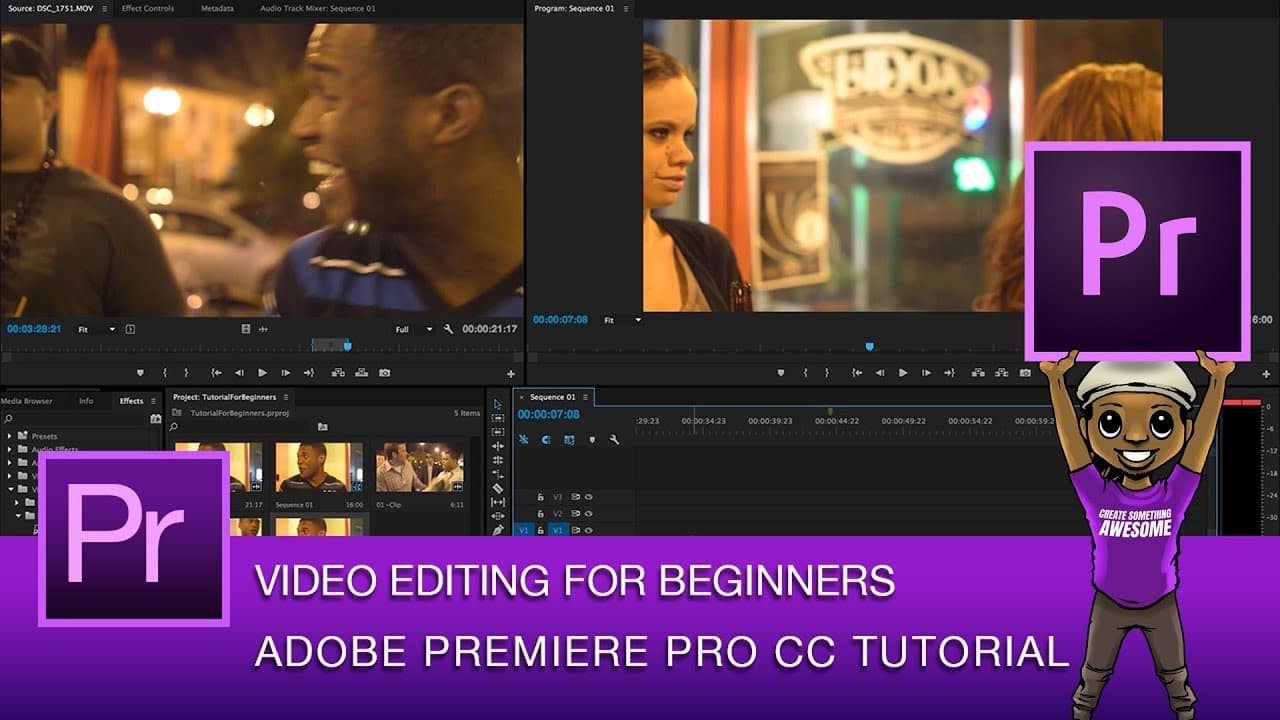
This video is a beginner's tutorial for Adobe Premiere Pro CC, covering basic editing techniques, project setup, importing media, creating sequences, and applying transitions.
Transcript
- [Roberto] Hey everyone, it's Roberto and in today's video, I'm gonna be doing an absolute beginner's tutorial for Adobe Premier Pro CC. So I'm using the 24 teen version of Adobe Premier Pro CC but most of the this will translate to any version of Adobe Premier Pro that you might be using simply because we're gonna be doing the most basic things y... Read More
Key Insights
- 🎮 Adobe Premiere Pro CC is a versatile video editing software suitable for beginners and professionals.
- 💦 Importing media can be done through various methods, but dragging and dropping files into the project panel is the most convenient.
- 🗯️ Creating sequences on the timeline can be done by right-clicking and selecting "new sequence from clip" or dragging media directly onto the timeline.
- 💇 Trimming footage and making cuts on the timeline is essential for precise editing.
Install to Summarize YouTube Videos and Get Transcripts
Explore YouTube Video Summarizer or Get YouTube Transcript Extractor
Questions & Answers
Q: How can I import media into my Adobe Premiere Pro project?
There are several ways to import media, such as right-clicking in the project panel and selecting "import" or going to File > Import. However, the preferred method is to directly drag and drop files from the Finder or Explorer into the project panel.
Q: How can I create a new sequence on the timeline?
You can create a new sequence by right-clicking on the timeline and selecting "new sequence from clip." Alternatively, you can drag and drop media directly onto the timeline, and it will automatically create a new sequence based on the media's settings.
Q: How do I trim footage and make cuts on the timeline?
To trim footage, use the selection tool (shortcut V) and position the cursor at the desired trim point. Then, use the razor tool to make the cut. You can also use markers (shortcut M) to label areas for cuts and transitions.
Q: How can I export my finished project in Adobe Premiere Pro?
To export the project, go to File > Export > Media. You can choose different export options, such as matching source settings or using preset settings for various devices or platforms. You can export directly in Premiere Pro or send it to Adobe Media Encoder.
Summary & Key Takeaways
-
The video provides an overview of the Adobe Premiere Pro CC interface, including the control panel, timeline, project bin, and effects panel.
-
It explains how to import media into the project, either through the project panel or by dragging and dropping files from the Finder or Explorer.
-
The tutorial demonstrates different ways to create sequences on the timeline, such as using "new sequence from clip" or dragging media directly onto the timeline.
Read in Other Languages (beta)
Share This Summary 📚
Summarize YouTube Videos and Get Video Transcripts with 1-Click
Try YouTube Summary with ChatGPT & Claude or YouTube Transcript Generator
Explore More Summaries from Roberto Blake 📚






Summarize YouTube Videos and Get Video Transcripts with 1-Click
Try YouTube Summary with ChatGPT & Claude or YouTube Transcript Generator