Resizing Images - Computerphile
TL;DR
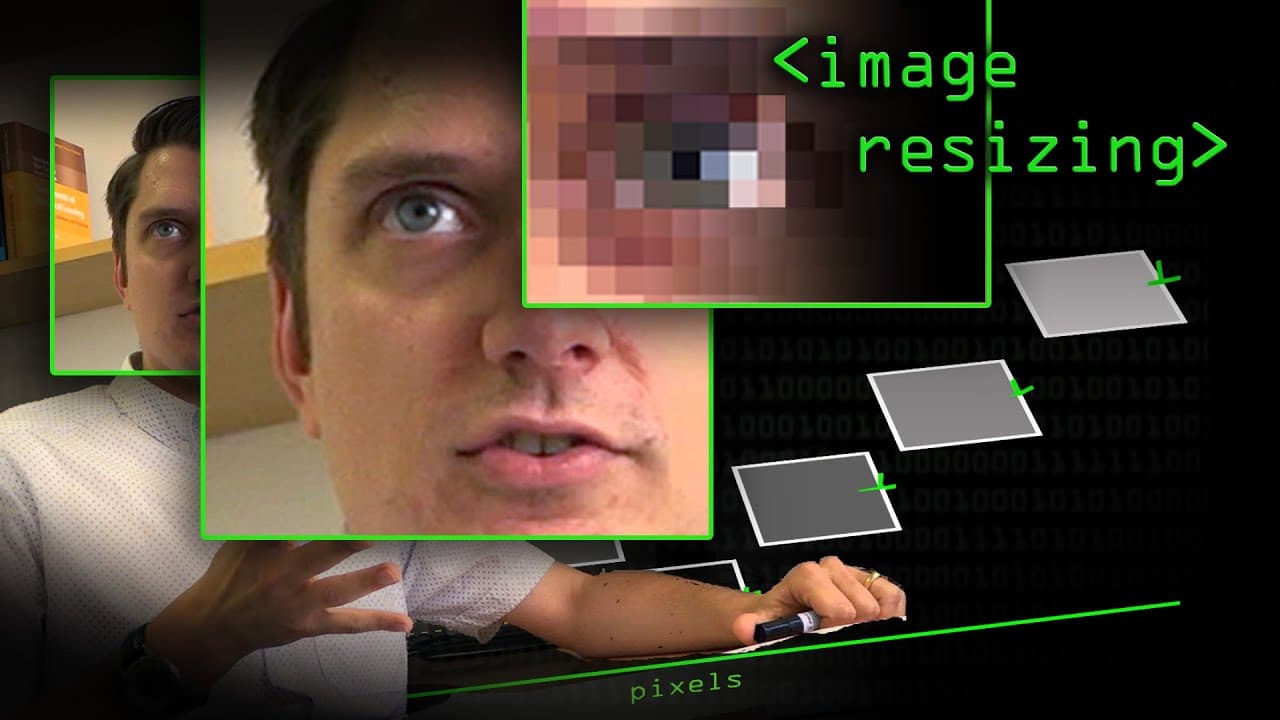
This video explains the different methods of image rescaling and interpolation, including nearest neighbor, bilinear, and bicubic, and the importance of selecting the appropriate method based on the desired outcome.
Transcript
one of the things you can do an image [posting] package is resizing images or Rotating images and so on and when you do this in any program paint on there photoshop the gimp and so on you Have an option to choose How you want it to scale the pixels so do you want it to be [nearest] neighbor or by linear or by cubic? So today, we're going to cover i... Read More
Key Insights
- 🎨 Image rescaling is crucial in various applications, such as graphic design, computer vision, and digital photography.
- 🥺 Nearest neighbor interpolation is the simplest method but can lead to pixelation.
- ❓ Bilinear interpolation improves image quality by considering nearby pixels and creating smoother transitions.
- 💠 Bicubic interpolation enhances image quality further by using more neighboring pixels and accurately simulating certain curves or geometric shapes.
- ❓ The choice of interpolation method depends on the specific requirements of the image and the desired outcome.
- ⚖️ Different interpolation methods can significantly affect image resizing results, especially when scaling images up or down.
- 🎚️ The selection of an appropriate interpolation method is essential for achieving the desired level of detail and smoothness in the final image.
Install to Summarize YouTube Videos and Get Transcripts
Explore YouTube Video Summarizer or Get YouTube Transcript Extractor
Questions & Answers
Q: What is the purpose of image rescaling?
Image rescaling is used to adjust the size of an image, either to make it larger or smaller. This is often done to fit an image into a specific space or to reduce file size.
Q: How does nearest neighbor interpolation work?
Nearest neighbor interpolation duplicates pixels when scaling an image. Each pixel in the original image is copied to create the new image, resulting in a pixelated appearance. This method is useful for preserving pixel art detail but can appear blurry when zoomed in.
Q: What is the difference between bilinear and bicubic interpolation?
Bilinear interpolation calculates the weighted average of neighboring pixels to interpolate values, resulting in smoother transitions. Bicubic interpolation takes into account more surrounding pixels, which enables it to create even smoother transitions, especially in curve areas.
Q: How do interpolation techniques affect image quality?
The choice of interpolation method can significantly impact image quality. Nearest neighbor interpolation can preserve sharp edges but can create pixelation. Bilinear and bicubic interpolation produce smoother results but can introduce blur or loss of detail in some cases.
Summary & Key Takeaways
-
The video discusses the process of scaling images, focusing on rescaling as a simple example.
-
Nearest neighbor interpolation preserves pixel information by duplicating pixels, resulting in a pixelated image.
-
Bilinear and bicubic interpolation techniques interpolate values between pixels to create smoother transitions.
Read in Other Languages (beta)
Share This Summary 📚
Summarize YouTube Videos and Get Video Transcripts with 1-Click
Try YouTube Summary with ChatGPT & Claude or YouTube Transcript Generator
Explore More Summaries from Computerphile 📚




Summarize YouTube Videos and Get Video Transcripts with 1-Click
Try YouTube Summary with ChatGPT & Claude or YouTube Transcript Generator