Building Your Best Photoshop Computer 2015
TL;DR
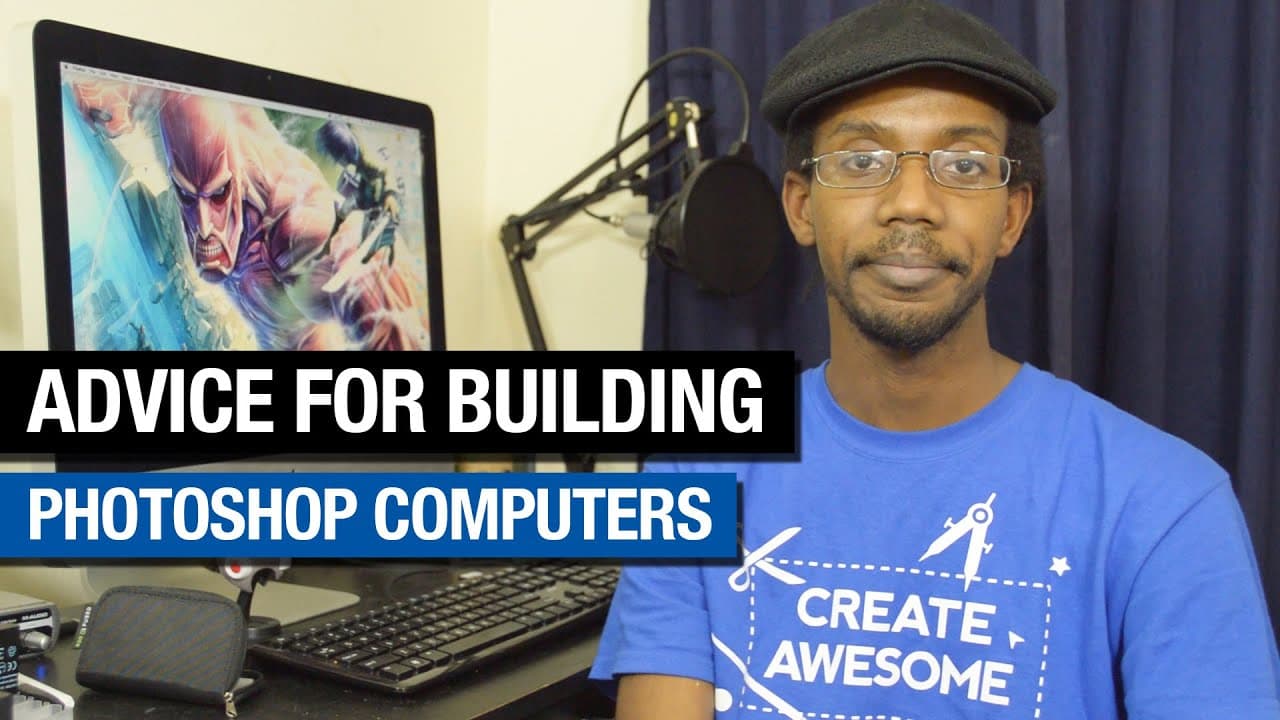
Learn how to build your own Photoshop computer, with recommendations for specs and brands, to optimize performance and meet your specific needs.
Transcript
hey everybody this is graphic designer Roberto Blake from robertoblake.com and in today's video I'm going to be talking about how you can build your best Photoshop computer now this is going to be more for people who are doing uh Windows based machines but you can definitely do this with a Hackintosh or as I like to call it a Franken Mac and um tha... Read More
Key Insights
- 👻 Building your own Photoshop computer allows for customization and cost control, ensuring optimal performance and future upgrades.
- 🤩 RAM, processor, and storage are key components to consider when building a Photoshop machine.
- 🎮 Onboard graphics are often sufficient for Photoshop, while dedicated graphics cards are more important for video editing and motion graphics.
- 🇪🇭 Reliable brands for different components include Kingston, G.Skill, Corsair, Samsung, and Western Digital.
Install to Summarize YouTube Videos and Get Transcripts
Explore YouTube Video Summarizer or Get YouTube Transcript Extractor
Questions & Answers
Q: What are the advantages of building your own Photoshop computer instead of buying one?
Building your own computer allows you to customize the components to meet your specific needs, ensuring you don't overpay or compromise on performance. It also provides upgradeability and the ability to future-proof your machine.
Q: Do you need a dedicated graphics card for Photoshop?
In most cases, the onboard graphics on the motherboard will be sufficient for Photoshop. Only if you're doing advanced photo manipulation or video editing should you consider getting a dedicated graphics card.
Q: What brands do you recommend for RAM and SSDs?
For RAM, Kingston, G.Skill, and Corsair are reliable brands. Samsung and Kingston are recommended for SSDs, but Corsair and Western Digital are also good options.
Q: What specs should I look for in a high-end Photoshop machine?
For a high-end build, go for at least 32GB of RAM, an i7 processor, and a motherboard that supports future upgrades, such as going up to 64GB of RAM. Consider a 4 to 6 hard drive configuration, including separate SSDs for the operating system/application and data/scratch disk.
Summary & Key Takeaways
-
Graphic designer Roberto Blake discusses the benefits of building your own Photoshop computer and the advantages it offers over buying a pre-built one.
-
He provides recommendations for different components, such as RAM, processors, hard drives, and graphics cards, based on different budget ranges.
-
Blake also suggests popular and reliable brands for each component to ensure optimal performance for Photoshop and other Adobe applications.
Read in Other Languages (beta)
Share This Summary 📚
Summarize YouTube Videos and Get Video Transcripts with 1-Click
Try YouTube Summary with ChatGPT & Claude or YouTube Transcript Generator
Explore More Summaries from Roberto Blake 📚






Summarize YouTube Videos and Get Video Transcripts with 1-Click
Try YouTube Summary with ChatGPT & Claude or YouTube Transcript Generator