How to Use Adobe Firefly's Generative Fill in Photoshop
TL;DR
Adobe Firefly's generative fill in Photoshop enables quick and realistic changes to backgrounds and the addition or removal of objects. This user-friendly feature allows beginners to enhance their images without needing advanced skills, making it a valuable tool for both novices and experts in the creative community.
Transcript
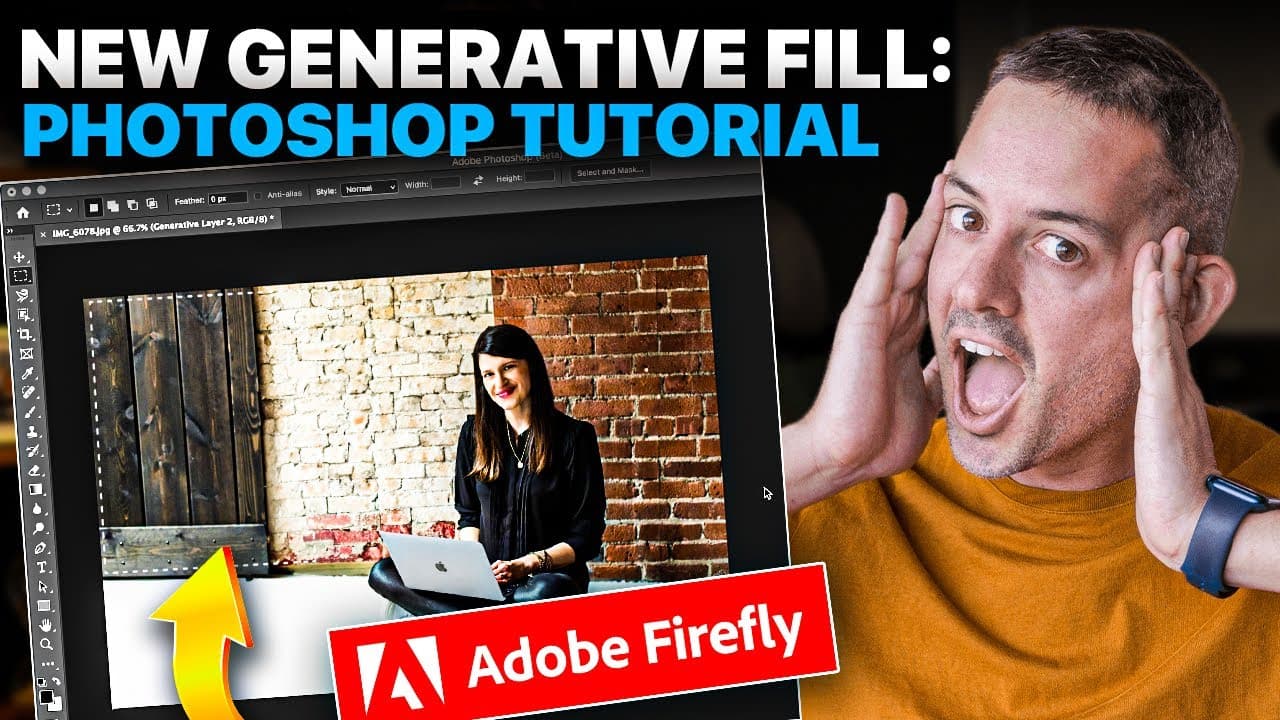
new generative AI in Photoshop thanks to Adobe Firefly allowed me to easily and realistically change the background of my client's photo so she didn't need a reshoot or extend the background on this photo that I took during my travels so that I could post it as a vertical Instagram reel thumbnail all with generative fill before this would... Read More
Key Insights
- 👾 Generative fill in Photoshop beta, powered by Adobe Firefly, is a game-changer for designers, providing quick and realistic background changes and image extensions.
- 👤 The feature is accessible to both beginners and experienced Photoshop users, requiring no advanced expertise.
- 🤑 Generative fill saves time and money by eliminating the need for reshoots or extensive edits.
- ❓ The results produced by generative fill are highly realistic and can convincingly match the original image.
- ❓ Adobe Firefly offers various other features beyond generative fill, such as text to image generation, text effects, and generative recolor.
- 💻 Adobe's content authenticity initiative prioritizes trust and transparency for creators online, aligning with Firefly's commitment to putting creators first.
- 🤗 The generative fill feature opens up new possibilities for creative projects, enabling users to fuel their creativity without being Photoshop experts.
Install to Summarize YouTube Videos and Get Transcripts
Explore YouTube Video Summarizer or Get YouTube Transcript Extractor
Questions & Answers
Q: How does generative fill work in Photoshop beta?
Generative fill in Photoshop beta uses Adobe Firefly to intelligently extend images, change backgrounds, and add or remove objects. By simply selecting an area and using generative fill, users can achieve impressive results.
Q: Is generative fill easy to use for beginners?
Yes, generative fill doesn't require advanced Photoshop skills. Even beginners can use the feature by following simple steps, such as using the magnetic lasso tool to isolate areas and then applying generative fill to experiment with different backgrounds or object removal/addition.
Q: Can generative fill save time and money compared to other methods?
Absolutely. Previously, changing backgrounds or extending images could take hours or require hiring a professional. With generative fill, these tasks can be done quickly and easily within Photoshop, eliminating the need for reshoots or expensive edits.
Q: Does generative fill produce realistic results?
Yes, generative fill in Photoshop beta generates realistic results that are difficult to distinguish as AI-generated. The examples shown in the video demonstrate the accuracy and quality of the generated backgrounds and image extensions.
Summary & Key Takeaways
-
The new generative fill feature in Photoshop beta, powered by Adobe Firefly, enables users to quickly change backgrounds and add or remove objects from images.
-
The feature is user-friendly and doesn't require advanced Photoshop knowledge, making it accessible to beginners.
-
Two examples are provided: using generative fill to change a background and to extend an image for an Instagram reel thumbnail.
Read in Other Languages (beta)
Share This Summary 📚
Summarize YouTube Videos and Get Video Transcripts with 1-Click
Try YouTube Summary with ChatGPT & Claude or YouTube Transcript Generator
Explore More Summaries from Phil Pallen 📚






Summarize YouTube Videos and Get Video Transcripts with 1-Click
Try YouTube Summary with ChatGPT & Claude or YouTube Transcript Generator