How to Code a Suggestions Component in React
TL;DR
Learn to create a reactive suggestions component using React for dynamic search functionalities.
Transcript
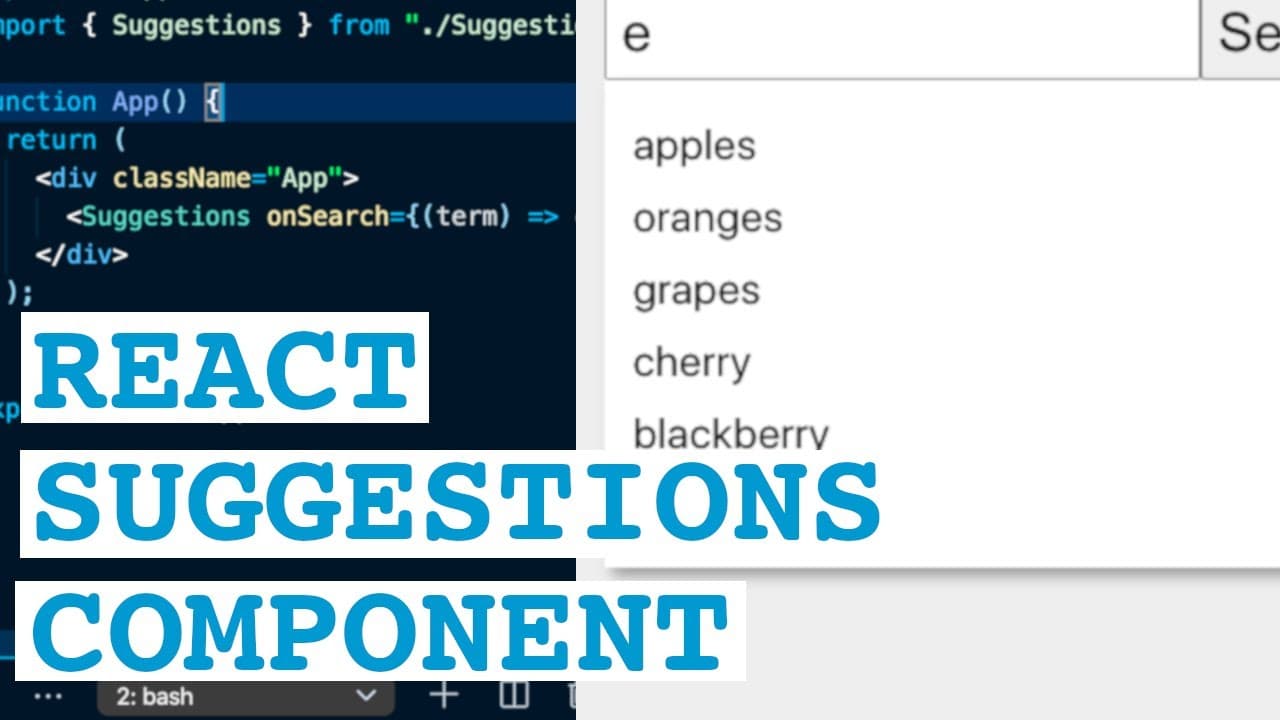
hey everybody welcome back to another web dev junkie video my name is cody seibert and in this video i'm going to show you how to build a suggestions component using react js so if you're not familiar with what a suggestions component is it's basically an input box that when you start typing into it it'll give you some suggestions that match the in... Read More
Key Insights
- 👤 Creating interactive components in React improves user experience through responsive designs that offer immediate feedback based on input.
- 👻 Utilizing hooks like useState and useEffect allows developers to manage component state and side effects effectively, simplifying code and optimizing performance.
- 👤 Clear styling and visual feedback encourage user engagement, making it essential to consider UX principles during development.
- 👪 Prop drilling is essential in React, providing a means to manage data flow from parent to child components, which is crucial for functionalities such as search completion.
- 👨💻 Using hard-coded data simplifies the initial implementation and testing process, but integrating dynamic API requests will enhance the component's real-world applicability.
- ❓ Conditional rendering can be pivotal in creating a clean UI experience by displaying elements only when relevant, thus avoiding clutter.
- 👻 React encourages modular coding practices, allowing components like the suggestions feature to be reused and adapted for various purposes across applications.
Install to Summarize YouTube Videos and Get Transcripts
Explore YouTube Video Summarizer or Get YouTube Transcript Extractor
Questions & Answers
Q: What is a suggestions component, and how is it used in this context?
A suggestions component is an interactive UI element that responds to user input in a text box by displaying matching suggestions. In this tutorial, it suggests fruits based on partial input, updating dynamically to improve user experience.
Q: How does the useState hook function in this tutorial?
The useState hook allows for the creation of state variables within functional components. It tracks input changes and suggestion lists in this tutorial, enabling the component to re-render each time the user updates the input field.
Q: What role does useEffect play in the suggestions component?
The useEffect hook monitors changes to the search input state and triggers an update to fetch new suggestions accordingly. It acts as a observer, enabling side effects like fetching data to be executed whenever input is altered.
Q: How can users handle clicks on the suggestion items?
The tutorial incorporates click handlers on suggestion items to update the text input with the selected suggestion. This functionality improves usability by allowing users to select suggestions easily, enhancing overall interaction with the component.
Q: What is the significance of styling in this component?
Styling is crucial for user interface elements to ensure they are visually appealing and user-friendly. The tutorial addresses how to create a more interactive look for suggestion items and improves the overall user experience with hover effects and layout adjustments.
Q: How does the component clear suggestions after a selection?
After a user selects a suggestion, the component resets the suggestions state to an empty array. This prevents the suggestions list from being displayed when it’s no longer relevant, refining user interaction.
Q: Can this component be adapted for different types of data?
Yes, while the tutorial uses fruits as an example, the suggestions component can be easily adapted for other datasets. By modifying the API or suggestions logic, developers can tailor it to various applications, enhancing its versatility.
Q: What are some potential improvements to the implementation discussed?
Potential improvements include adding debounce functionality to limit API calls, implementing more complex filtering methods, and enhancing accessibility features. Documenting the code and enhancing error handling during data fetching are also best practices for production readiness.
Summary & Key Takeaways
-
This tutorial focuses on creating a suggestions component with React that provides real-time suggestions based on user input, using an example list of fruits.
-
The tutorial covers important React concepts such as functional components, hooks (useState and useEffect), and prop drilling to update the main search input and trigger actions.
-
Viewers will learn how to implement basic styling, manage state effectively, and update the UI dynamically as the user types, alongside handling input and displaying suggestions.
Read in Other Languages (beta)
Share This Summary 📚
Summarize YouTube Videos and Get Video Transcripts with 1-Click
Try YouTube Summary with ChatGPT & Claude or YouTube Transcript Generator
Explore More Summaries from Web Dev Cody 📚





Summarize YouTube Videos and Get Video Transcripts with 1-Click
Try YouTube Summary with ChatGPT & Claude or YouTube Transcript Generator