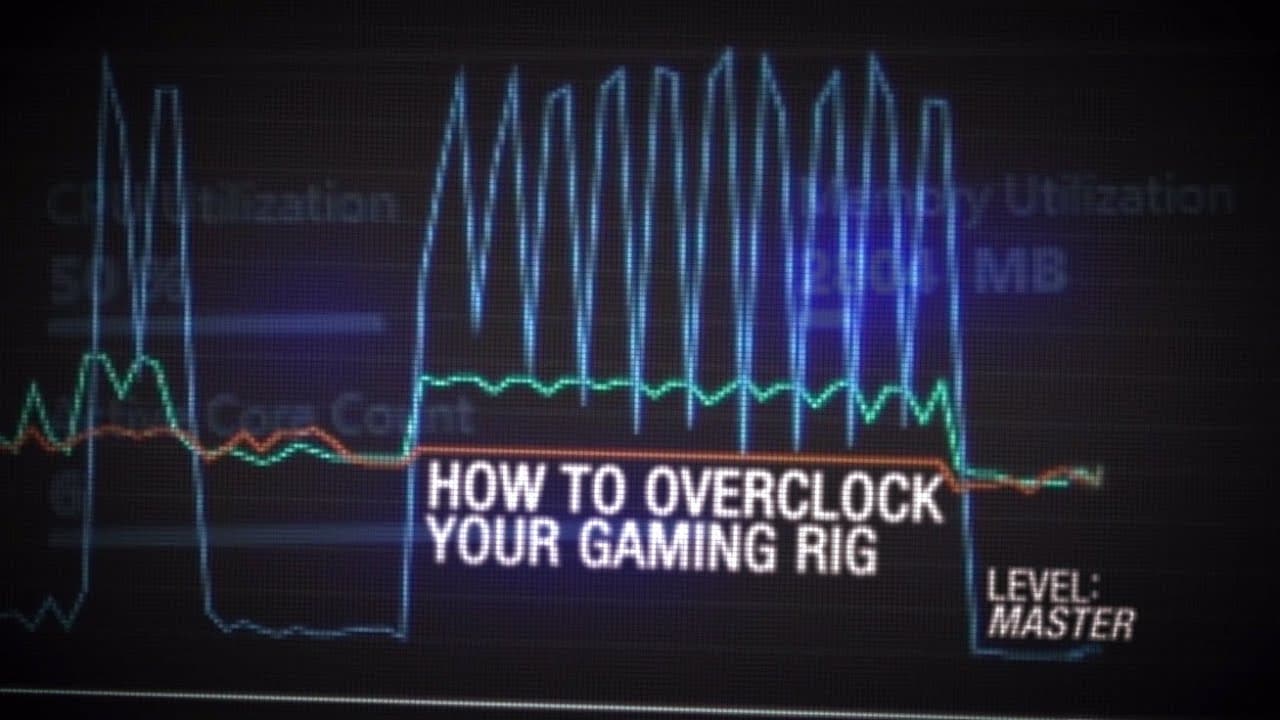
GeForce Garage: Cross Desk Series, Video 7 – How To Overclock Your Gaming Rig
TL;DR
Learn how to safely and easily overclock your system to maximize performance and gaming experience.
Transcript
I'm Andrew with Nvidia and you're watching GeForce garage our red harbinger cross desk is finally built and ready to get fired up of course it looks great it runs killer and has some of the best components on the market but we can get more out of this machine so what we're gonna do is we're gonna bring in my good friend Travis jank from next-gen co... Read More
Key Insights
- ☄️ Overclocking provides extra performance but also comes with risks and voids warranties.
- ❓ The Red Harbinger Cross Desk is a suitable system for overclocking due to its components and features.
- 😎 Cooling systems, like the EK water cooling setup, are necessary to handle the increased heat generated by overclocking.
- ❓ Software programs like 3dmark, XTU, and GPU Tweak are essential for stability testing and benchmarking.
- 🎴 Overclocking the CPU and graphics cards separately can improve overall system performance.
- ❓ Monitoring system temperatures is crucial to prevent thermal throttling and potential damage.
- ✋ Fine-tuning overclocking settings can yield higher performance results.
Install to Summarize YouTube Videos and Get Transcripts
Explore YouTube Video Summarizer or Get YouTube Transcript Extractor
Questions & Answers
Q: What is overclocking and why would someone do it?
Overclocking is pushing components beyond their rated specifications to increase performance. People overclock to get better gaming performance and overall system speed.
Q: What are the risks of overclocking?
Overclocking can lead to system instability, crashes, total system failure, or damage to the processor and video card. It also voids warranties.
Q: What components in the Red Harbinger Cross Desk make it suitable for overclocking?
The system has an Intel Core i7 4960X processor, Corsair Dominator Platinum RAM, ASUS Republic of Gamers Rampage 4 Black Edition motherboard, and GeForce GTX Titan Black graphics cards.
Q: What software programs are used for stability testing and benchmarking in overclocking?
The video mentions 3dmark for GPU benchmarking and stability testing, Intel's XTU for CPU testing, and the ASUS GPU Tweak for modifying the video card's performance parameters.
Summary & Key Takeaways
-
Overclocking is pushing the components beyond their rated specifications to get extra performance, but it also comes with risk and voids warranties.
-
The Red Harbinger Cross Desk is an ideal system for overclocking due to its high-quality components and convenient features.
-
The video highlights the different hardware components, cooling system, and software programs needed for successful overclocking.
Read in Other Languages (beta)
Share This Summary 📚
Summarize YouTube Videos and Get Video Transcripts with 1-Click
Try YouTube Summary with ChatGPT & Claude or YouTube Transcript Generator
Explore More Summaries from NVIDIA 📚


Summarize YouTube Videos and Get Video Transcripts with 1-Click
Try YouTube Summary with ChatGPT & Claude or YouTube Transcript Generator