My Favorite UI Library Always Pulls Through
TL;DR
The project planner AI app now includes enhanced task management and an integrated component library.
Transcript
so we have been working on this project planner AI application and I wanted to kind of share with you some of the new features that we added to this just to kind of inspire you but also kind of talk about the component library system that we're using that makes this much much easier to add features with all right so let me just kind of walk you thr... Read More
Key Insights
- 💦 The project planner AI application now incorporates a dedicated work items tab, facilitating better organization of tasks.
- 📽️ AI integration enhances the project planning process by generating recommended work items suitable for the user's specific project.
- 👤 Users can change task statuses and priorities directly within the interface, making project management intuitive.
- 🚰 Shad CN empowers developers to create visually appealing tables and dashboards with minimal coding, enhancing productivity.
- 📽️ The project's adaptability is supported by a GitHub repository containing examples that developers can easily utilize and modify.
- 🥺 Customization options in the project planner allow teams to personalize their workflow, which can lead to greater efficiency.
- 🧑💻 Collaborations with other developers amplify learning and innovation within the project, showcasing the importance of community in tech development.
Install to Summarize YouTube Videos and Get Transcripts
Explore YouTube Video Summarizer or Get YouTube Transcript Extractor
Questions & Answers
Q: What is the primary purpose of the new features in the project planner AI application?
The primary purpose of the new features is to transform the project planner into a more robust project management tool, utilizing AI to recommend work items based on project requirements. These upgrades enable users to efficiently organize, prioritize, and monitor tasks throughout their project lifecycle.
Q: How does the work items tab enhance user experience?
The work items tab allows users to view generated tasks easily, categorize them based on priorities and status, and manage the project effectively. With predefined tasks, users can immediately engage with high-priority items, ensuring that crucial tasks are addressed without delay, ultimately enhancing productivity.
Q: What advantages does Shad CN offer in building the application?
Shad CN simplifies the development process by providing ready-to-use components that can be quickly integrated into projects. It allows developers to focus on customization instead of starting from scratch, presenting a variety of built-in functionalities that can expedite the creation of user-friendly interfaces within the application.
Q: Can you explain how users can customize their project management dashboard?
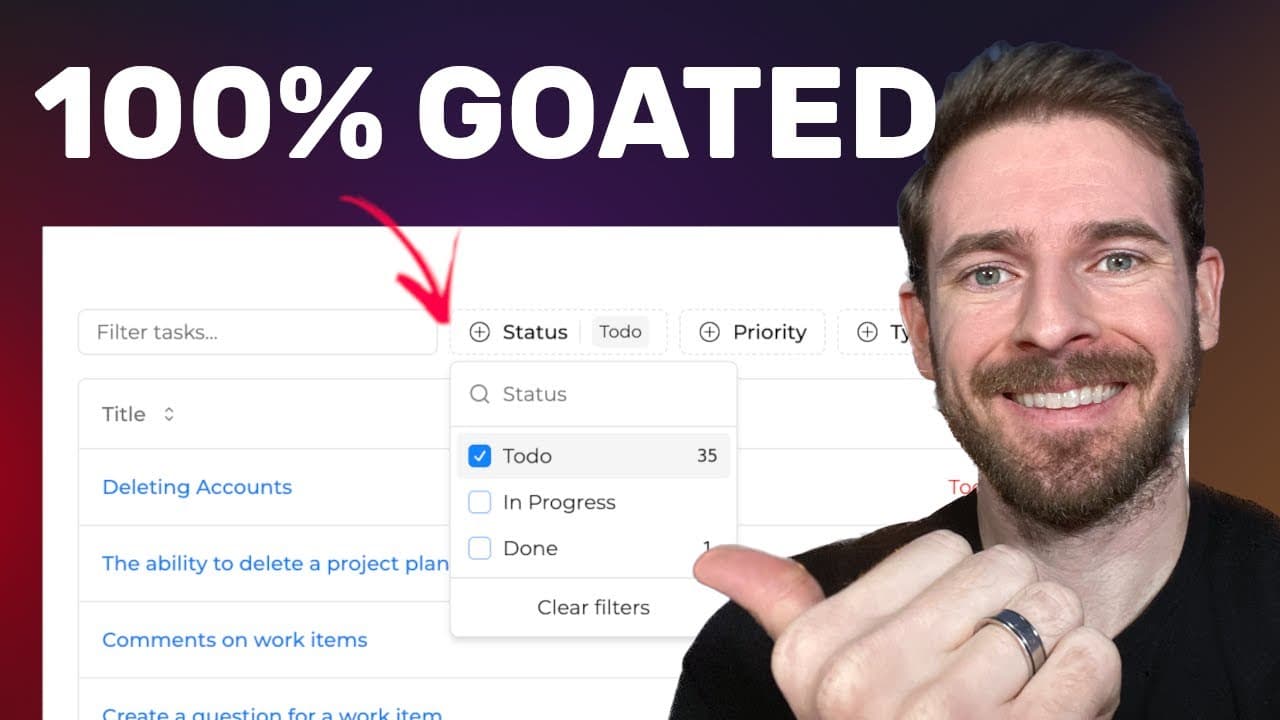
Users can customize their dashboard by accessing various filters to refine task visibility and by adjusting the columns displayed in their data table. They have the flexibility to include or exclude information such as status, priority, or type. Additionally, they can manage task actions, allowing for a tailored experience based on personal or team needs.
Summary & Key Takeaways
-
The project planner AI has undergone significant upgrades, introducing a work items tab that serves as a project management tool enhanced with AI features.
-
Users can easily modify and track tasks, changing their status (to-do, in progress, done) and priority level, facilitating a smoother workflow.
-
The integration of Shad CN allows for rapid implementation of a dynamic data table, enabling filtering and visibility adjustments without extensive coding.
Read in Other Languages (beta)
Share This Summary 📚
Summarize YouTube Videos and Get Video Transcripts with 1-Click
Try YouTube Summary with ChatGPT & Claude or YouTube Transcript Generator
Explore More Summaries from Web Dev Cody 📚





Summarize YouTube Videos and Get Video Transcripts with 1-Click
Try YouTube Summary with ChatGPT & Claude or YouTube Transcript Generator