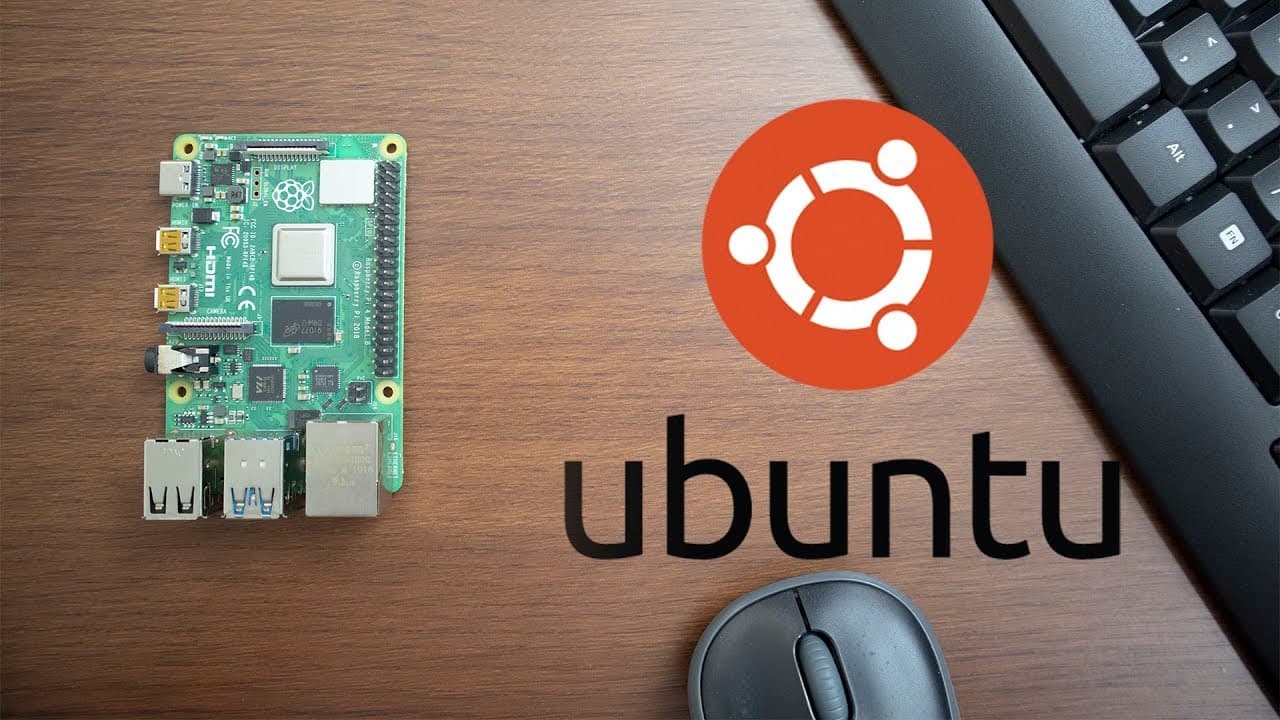
Running 64bit Ubuntu 19.10 on Raspberry Pi 4 with Desktop
TL;DR
A guide on installing Ubuntu 19.10 server with a desktop GUI on Raspberry Pi 4.
Transcript
hey guys what is going on it's down here from Nova spirit Tech and I'm super excited to show you guys Ubuntu 1910 server image and we're also gonna be installing a full desktop GUI on this guy so let's get started so before we begin I do want to mention that I started a brand new channel called pandemic playground with my friend where it's based ar... Read More
Key Insights
- 🫦 Ubuntu 19.10 for Raspberry Pi 4 includes a complete 64-bit architecture, enabling better application performance and compatibility.
- 🐏 The current RAM bug can be temporarily solved by adjusting system configurations until an official kernel update is released.
- 👤 Understanding the distinction between window managers and desktop environments is crucial for tailoring the Raspberry Pi experience to fit user needs and performance demands.
- 👣 The video highlights the value of testing various window managers based on their RAM footprint and configurability in a resource-constrained environment.
- 👻 Lightweight setups using Linux allow for extensive customization options that contrast with more rigid operating systems like Windows.
- ♻️ The presenter underscores the importance of efficiency in RAM usage, demonstrating how different environments can significantly affect performance on limited hardware.
- 🗯️ Engaging with specific software like Firefox on the Raspberry Pi is shown to be feasible with the right configurations, showcasing potential for web activities.
Install to Summarize YouTube Videos and Get Transcripts
Explore YouTube Video Summarizer or Get YouTube Transcript Extractor
Questions & Answers
Q: What are the main features of Ubuntu 19.10 that excite the presenter?
The presenter is particularly excited about Ubuntu 19.10's support for a full 64-bit user land on the Raspberry Pi 4, which means users can run 64-bit applications effectively, addressing previous limitations experienced with other operating systems. This advancement opens up more opportunities for using complex applications that require 64-bit processing capabilities, significantly enhancing performance.
Q: How does the presenter recommend resolving the RAM bug associated with the Raspberry Pi 4?
To address the RAM bug affecting the 4GB Raspberry Pi 4, the presenter suggests modifying the config.txt file to reduce the accessible RAM from 4GB to 3GB. This adjustment allows for USB functionality until a software update later resolves the bug, demonstrating the need for temporary fixes while waiting for official support in the kernel.
Q: What is the difference between window managers (WM) and desktop environments (DE)?
Window managers handle the layout and appearance of application windows, providing minimalistic interfaces with essential functions like window navigation and taskbars. In contrast, desktop environments come with a full suite of applications and features for a complete user experience, but can often be bloated with unnecessary software. The choice depends on whether users prefer efficiency and customization with a WM or the convenience of a DE.
Q: Which window manager does the presenter ultimately choose, and why?
The presenter chooses the Enlightenment window manager in conjunction with the Slim login manager due to its lightweight nature and appealing aesthetics. While Enlightenment provides a good balance of features and customizability, the rationale for picking Slim was its minimal resource requirements compared to heavier alternatives, emphasizing the presenter’s priority on performance and resource management on the Raspberry Pi.
Summary & Key Takeaways
-
The video provides a step-by-step tutorial for installing the Ubuntu 19.10 server image on the Raspberry Pi 4, including a walkthrough on setting up a full desktop environment.
-
The presenter discusses key challenges such as a RAM limitation bug in the 4GB Raspberry Pi version and methods to work around these issues while leveraging a 64-bit OS for improved application support.
-
Various window managers and desktop environments are compared regarding their RAM usage and features, with recommendations provided for users seeking a lightweight, customizable experience.
Read in Other Languages (beta)
Share This Summary 📚
Summarize YouTube Videos and Get Video Transcripts with 1-Click
Try YouTube Summary with ChatGPT & Claude or YouTube Transcript Generator
Explore More Summaries from Novaspirit Tech 📚






Summarize YouTube Videos and Get Video Transcripts with 1-Click
Try YouTube Summary with ChatGPT & Claude or YouTube Transcript Generator