Want to become a BETTER GRAPHIC DESIGNER? | Inspiring Youtube CHANNELS YOU SHOULD FOLLOW
TL;DR
Discover seven YouTube channels to follow and improve your design skills, learn about running a design business, and get inspiration for creativity.
Transcript
seven youtube channels you should follow to become a better designer let's go what is up everyone my name is ronnie welcome back to our channel this is the place for you to learn how to become a better canva designer and start a career as a freelancer start a business just live your life on your own terms today i have a very special video for you w... Read More
Key Insights
- 👨💼 "The Future" by Chris Doe offers valuable business insights for designers, focusing on pricing, negotiation, and selling designs.
- 👀 Darren Meredith's channel provides Canva tutorials and tips for users looking to improve their skills.
- 🍰 Hadas' "I Can Canva" offers short and practical Canva tutorials for quick design techniques.
- 🤗 Will Paterson's channel focuses on logo design, hand lettering, and creative processes.
- 🎨 Onowa's tutorials bring a unique perspective on Canva designs and effects.
- 💦 Sandy Sevilla's channel caters to freelancers, providing tutorials on using Canva for virtual assistant and freelance work.
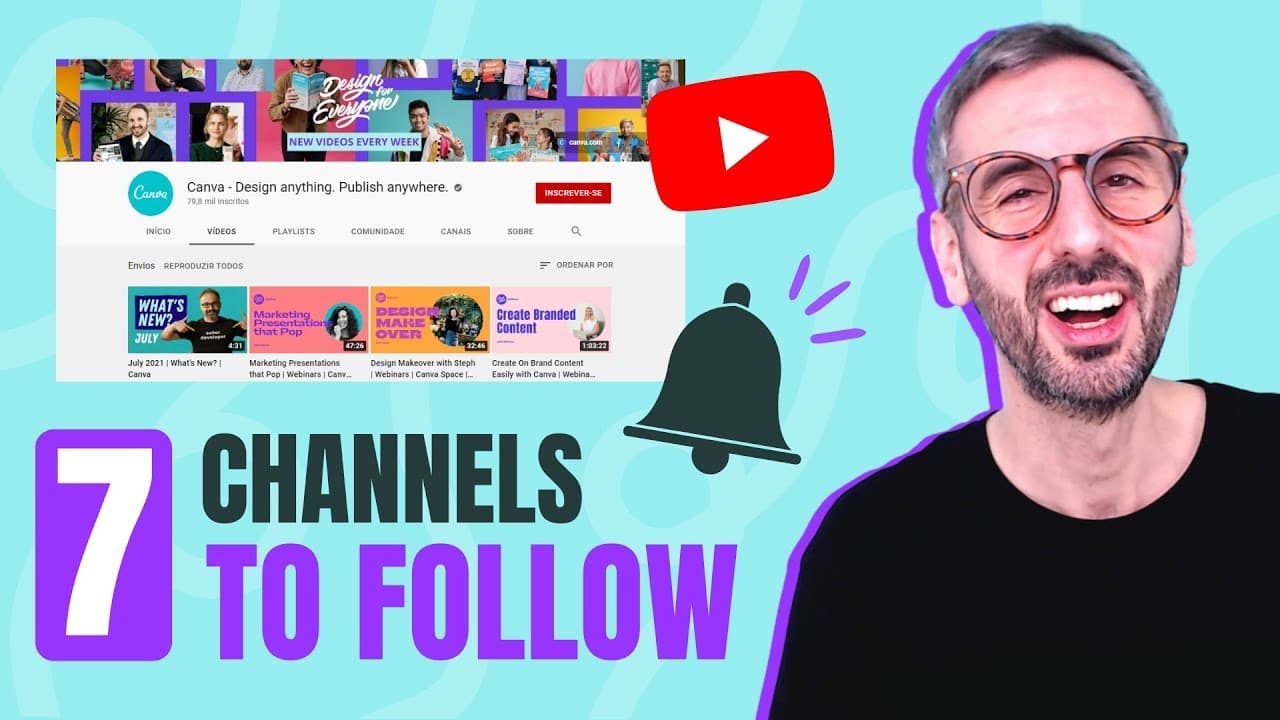
- 🧡 The official Canva channel offers a range of content, from design stories to tutorials and feature updates, providing a comprehensive resource for Canva users.
Install to Summarize YouTube Videos and Get Transcripts
Explore YouTube Video Summarizer or Get YouTube Transcript Extractor
Questions & Answers
Q: How can Chris Doe's channel, "The Future," help designers become better business owners?
Chris Doe's channel provides valuable insights on running a design business, pricing work, negotiating with clients, and selling designs. These tutorials offer practical advice and guidance to help designers succeed in their careers.
Q: What type of content does Darren Meredith focus on in his tutorials?
Darren Meredith creates tutorials centered around Canva, offering tips, tricks, and longer tutorials for Canva users. He provides guidance on using Canva efficiently and creatively to improve design skills.
Q: What sets Hadas' channel, "I Can Canva," apart from others?
Hadas' channel offers short and concise Canva tutorials, known as "Canva Snacks," which are three-minute tutorials focusing on specific design techniques. Her professional approach and expertise make her tutorials a valuable resource for Canva users.
Q: What kind of content can be found on the official Canva channel?
The official Canva channel features a variety of content, including design stories from Canva users, tutorials from Canva certified creatives, updates on new features, and fun challenges between designers. It provides a comprehensive resource for Canva users at all skill levels.
Summary & Key Takeaways
-
The Future by Chris Doe: A well-established design and creative agency with tutorials on running a design business and pricing design work.
-
Darren Meredith: A Canvas Certified Creative who creates content focused on Canva tutorials and tips.
-
Hadas - I Can Canva: Short and sweet Canva tutorials taught by a professional Canva user.
-
Will Paterson: A UK designer specializing in logo design and hand lettering, providing insights into his creative process.
-
Onowa: A talented Canva creator from Nigeria with tutorials on different Canva designs and effects.
-
Sandy Sevilla: A CCC and Canva business owner sharing tutorials on using Canva for freelancing and virtual assistant work.
-
Official Canva Channel: The official Canva channel offering design stories, tutorials, and updates on new features.
Read in Other Languages (beta)
Share This Summary 📚
Summarize YouTube Videos and Get Video Transcripts with 1-Click
Try YouTube Summary with ChatGPT & Claude or YouTube Transcript Generator
Explore More Summaries from Design with Canva 📚






Summarize YouTube Videos and Get Video Transcripts with 1-Click
Try YouTube Summary with ChatGPT & Claude or YouTube Transcript Generator